> ## Documentation Index
> Fetch the complete documentation index at: https://docs.myfundingmachine.com/llms.txt
> Use this file to discover all available pages before exploring further.
# Affiliates Overview
> Tour the Affiliates list: date range, export, add, search, filters, the partner table, and the per-partner actions menu.
# Affiliates Overview
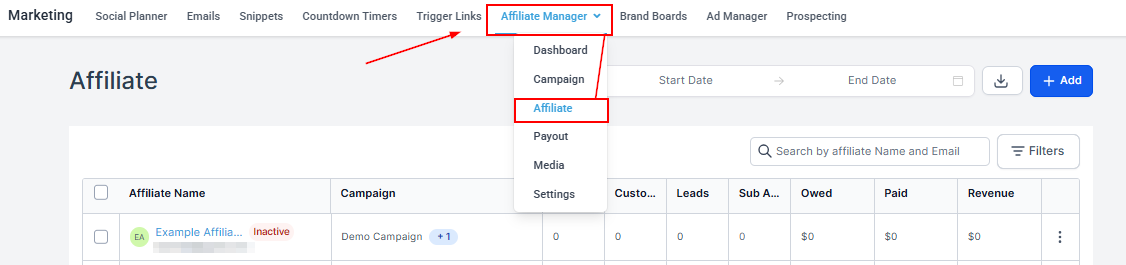
The Affiliates tab lists your partners — labeled *affiliates* in the CRM — the people who promote your campaigns through referral links and earn commission on the results. Open it from **Marketing → Affiliate Manager → Affiliates**.
 ## Date Range
Filter partners by join date to review recruitment over a specific period.
## Date Range
Filter partners by join date to review recruitment over a specific period.
 ## Export
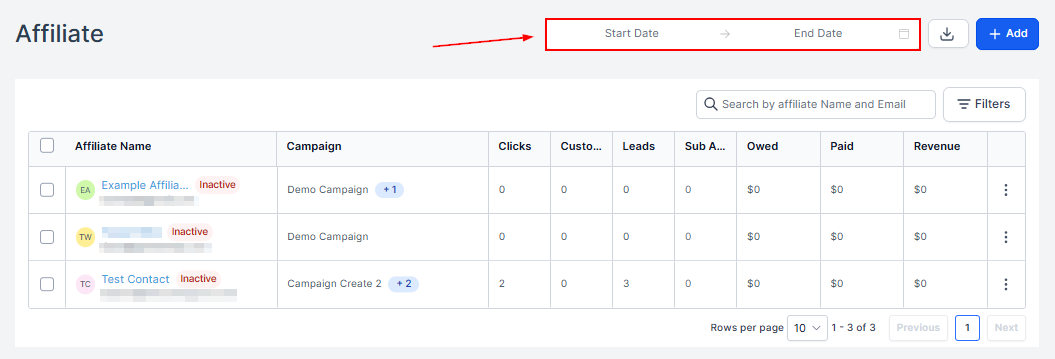
Download your partner list.
## Export
Download your partner list.
 ## Add
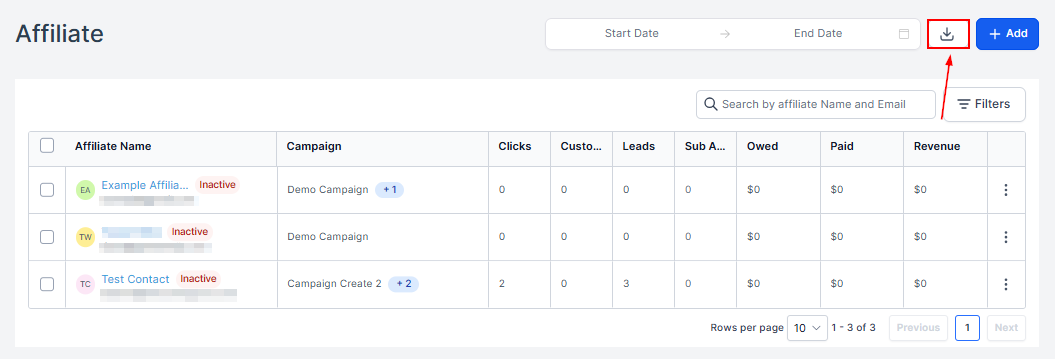
Add new partners individually, in bulk, or from contacts — see [Add a partner](/operators/affiliates/how-to-add-an-affiliate).
## Add
Add new partners individually, in bulk, or from contacts — see [Add a partner](/operators/affiliates/how-to-add-an-affiliate).
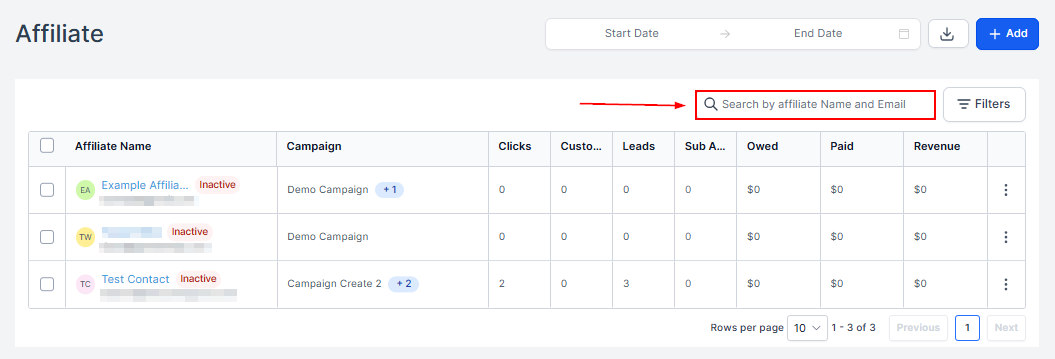
 ## Search
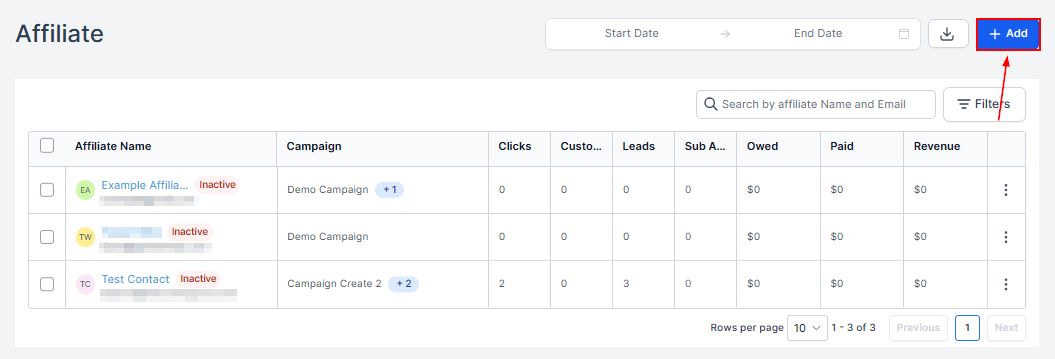
Filter the list by name.
## Search
Filter the list by name.
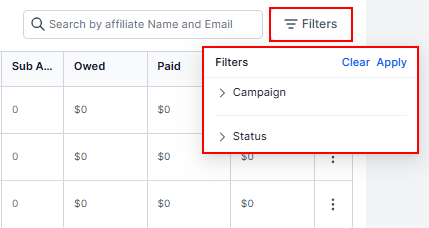
 ## Filters
Show partners by campaign or status. Click **Apply** after selecting.
## Filters
Show partners by campaign or status. Click **Apply** after selecting.
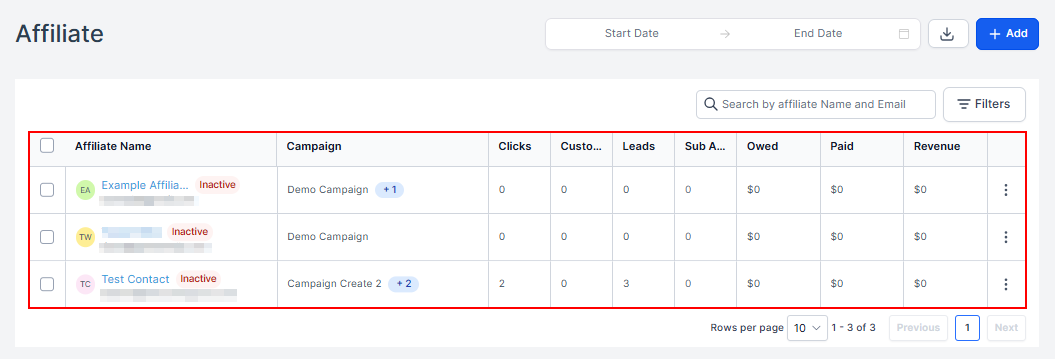
 ## Partner Table
Every partner, manually created or automated, with their name, status, enrolled campaigns, and metrics: customers, leads, sub-affiliates, and revenue generated.
## Partner Table
Every partner, manually created or automated, with their name, status, enrolled campaigns, and metrics: customers, leads, sub-affiliates, and revenue generated.
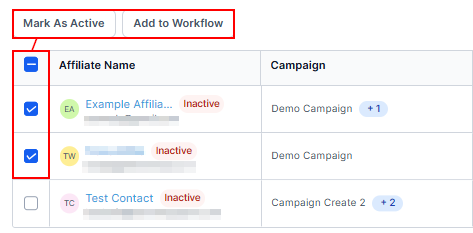
 ## Partner Actions
Select partners (or use the header checkbox for all) to mark them inactive or add them to a workflow in bulk.
## Partner Actions
Select partners (or use the header checkbox for all) to mark them inactive or add them to a workflow in bulk.
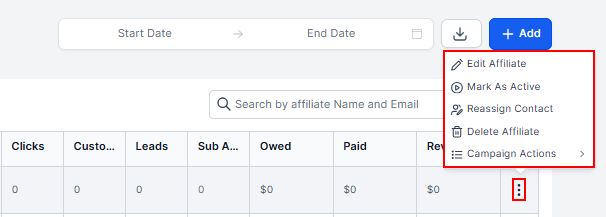
 The three dots next to a partner edit their details, toggle active/inactive, reassign linked contact IDs, and more.
 Clicking a partner's name opens their full record — see [Partner Highlights](/operators/affiliates/affiliate-highlights).