> ## Documentation Index
> Fetch the complete documentation index at: https://docs.myfundingmachine.com/llms.txt
> Use this file to discover all available pages before exploring further.
# Lead Tracking in the Affiliate Manager
> Track the leads a partner brings in using forms, surveys, or calendars as the campaign source.
# Lead Tracking in the Affiliate Manager
Use Forms, Surveys, or Calendars as a campaign source to track the leads partners bring in — useful when sales close outside the system, since leads stay linked to the right partner for manual sale assignment.
1. Create a new affiliate campaign.
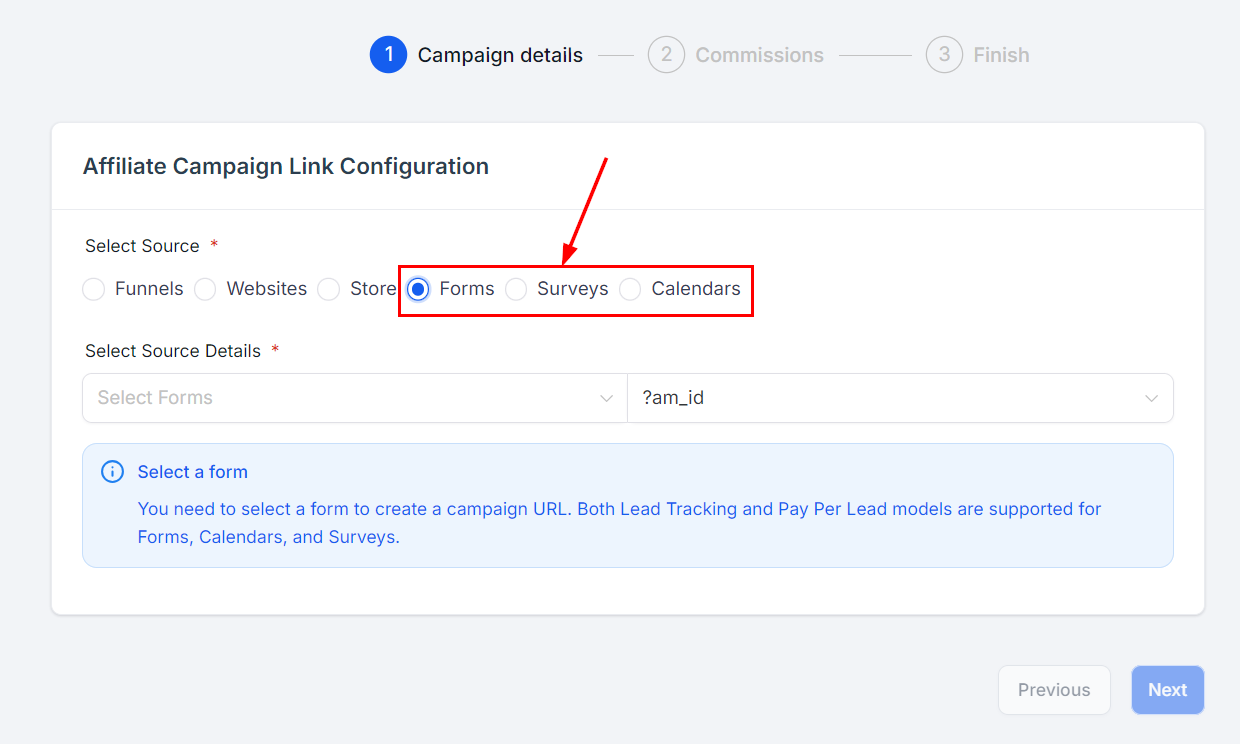
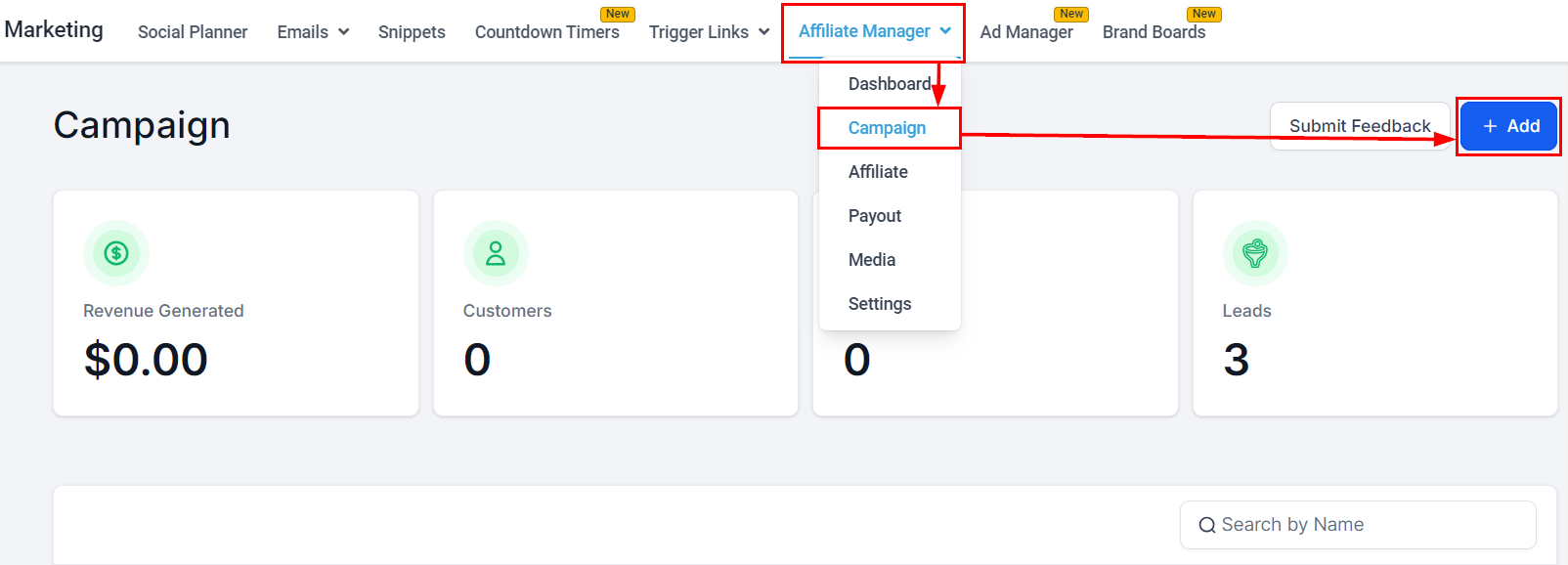 2. Select a source from the Forms, Surveys, or Calendars category.
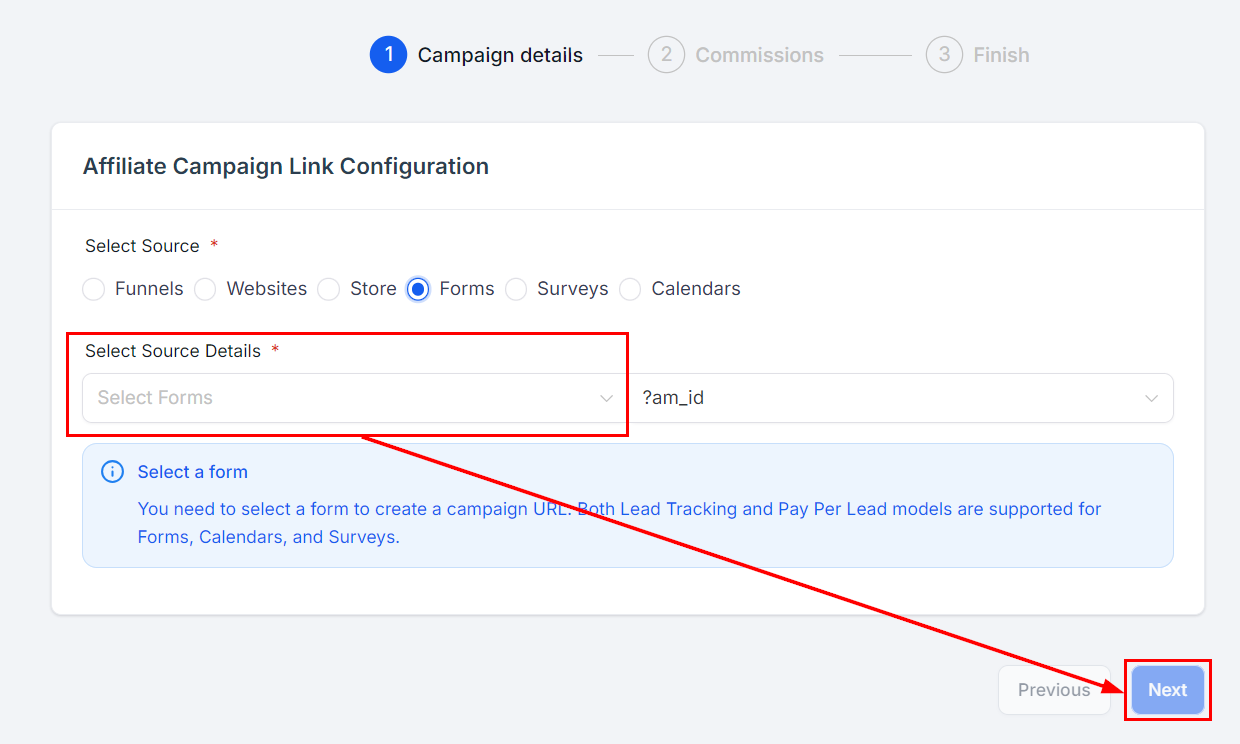
 3. Pick the specific asset in the **Select source details** dropdown and click next.
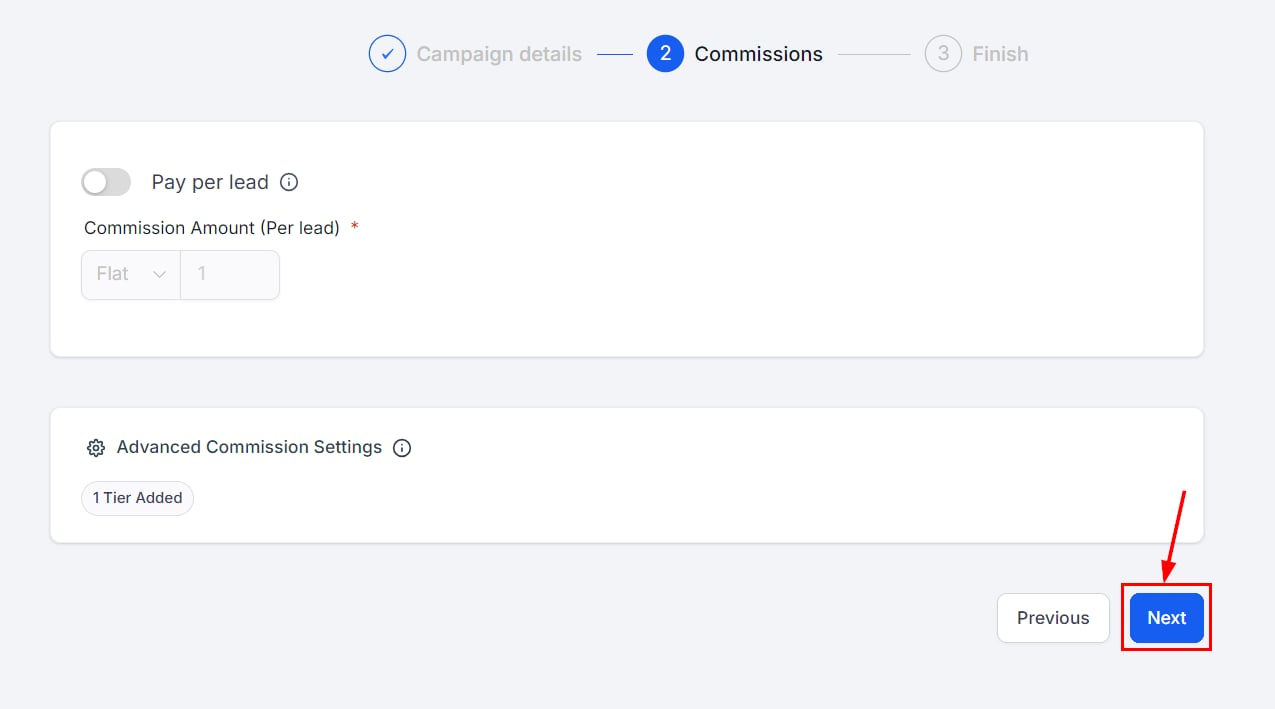
 4. In Commissions you can set amounts, tiers, and pay-per-lead structures — none of it is required for pure lead tracking. Click **Next**.
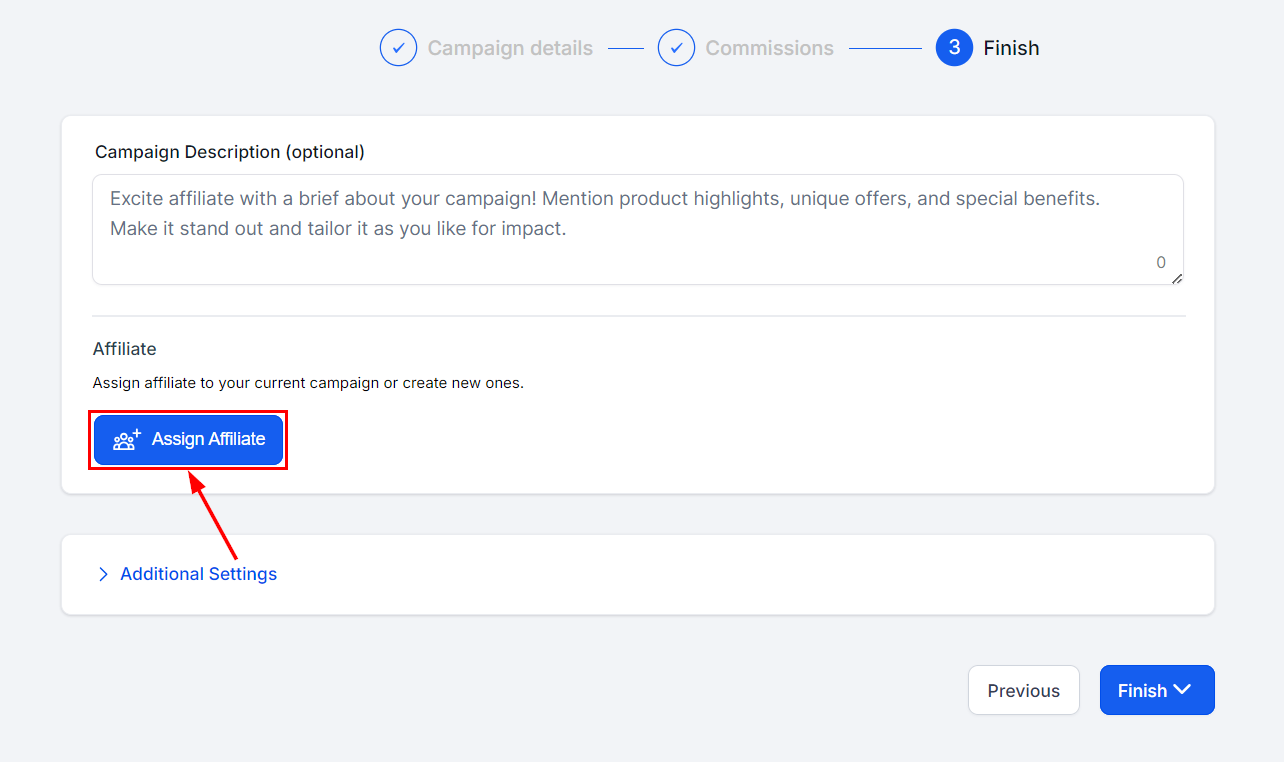
 5. Add partners (required), plus an optional description and settings, then finish the campaign.
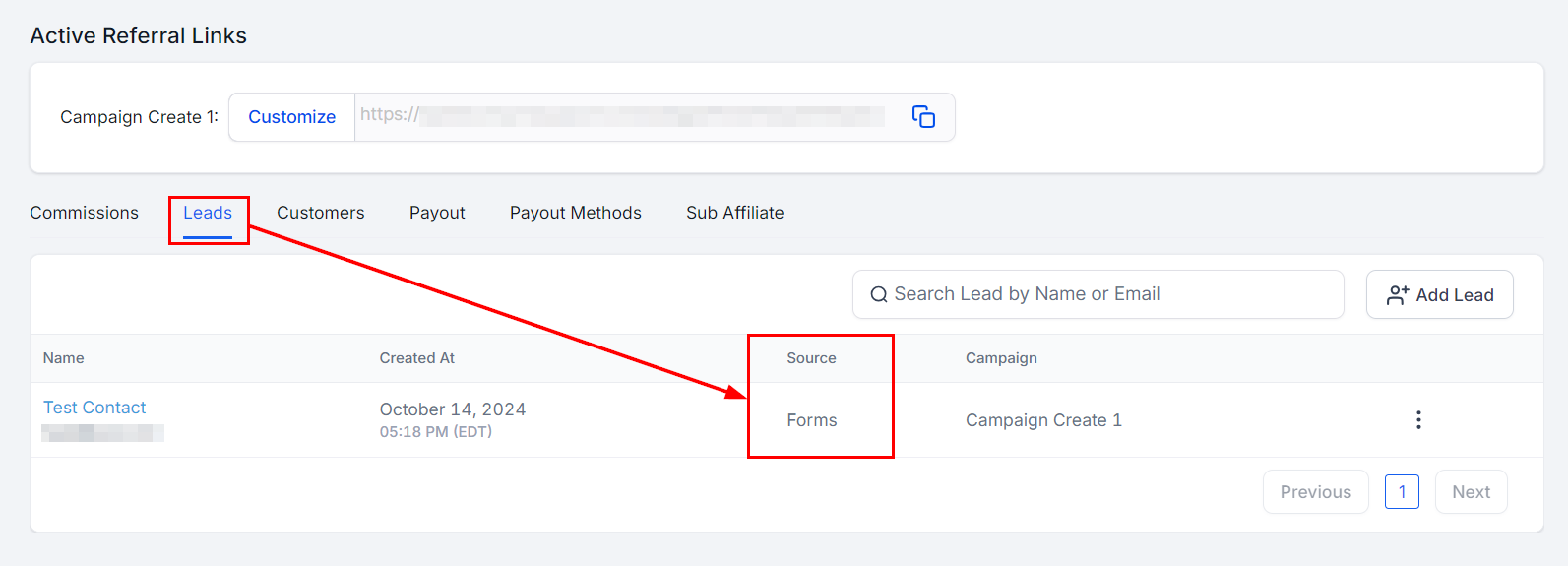
 6. To see a partner's leads, open **Affiliates**, click the partner's name, and scroll to the **Leads** section of their highlights.
 Custom Embeds are not supported for lead tracking. Forms, surveys, and calendars must be added as components inside a funnel or webpage.