

Create a New Affiliate Campaign
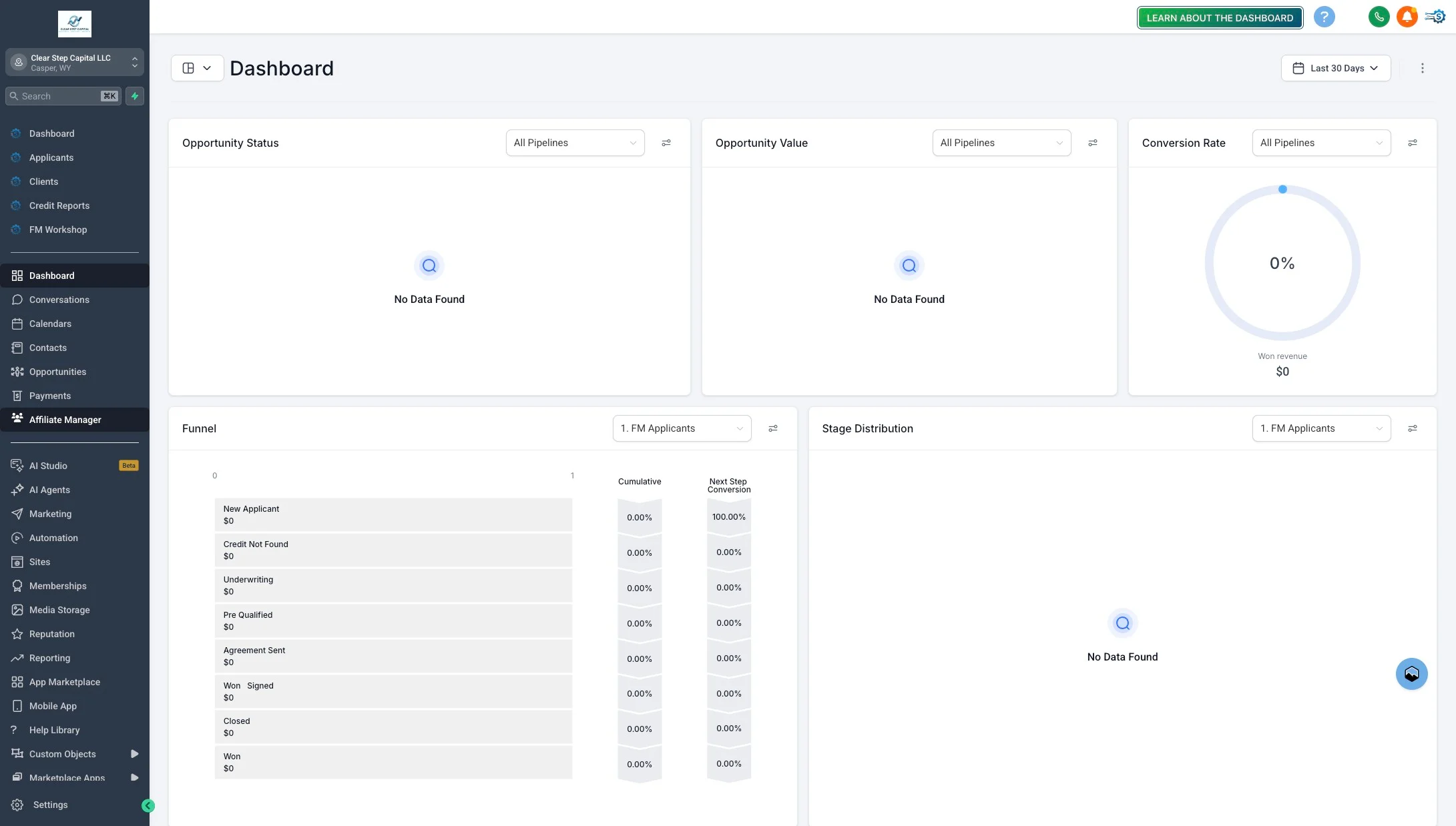
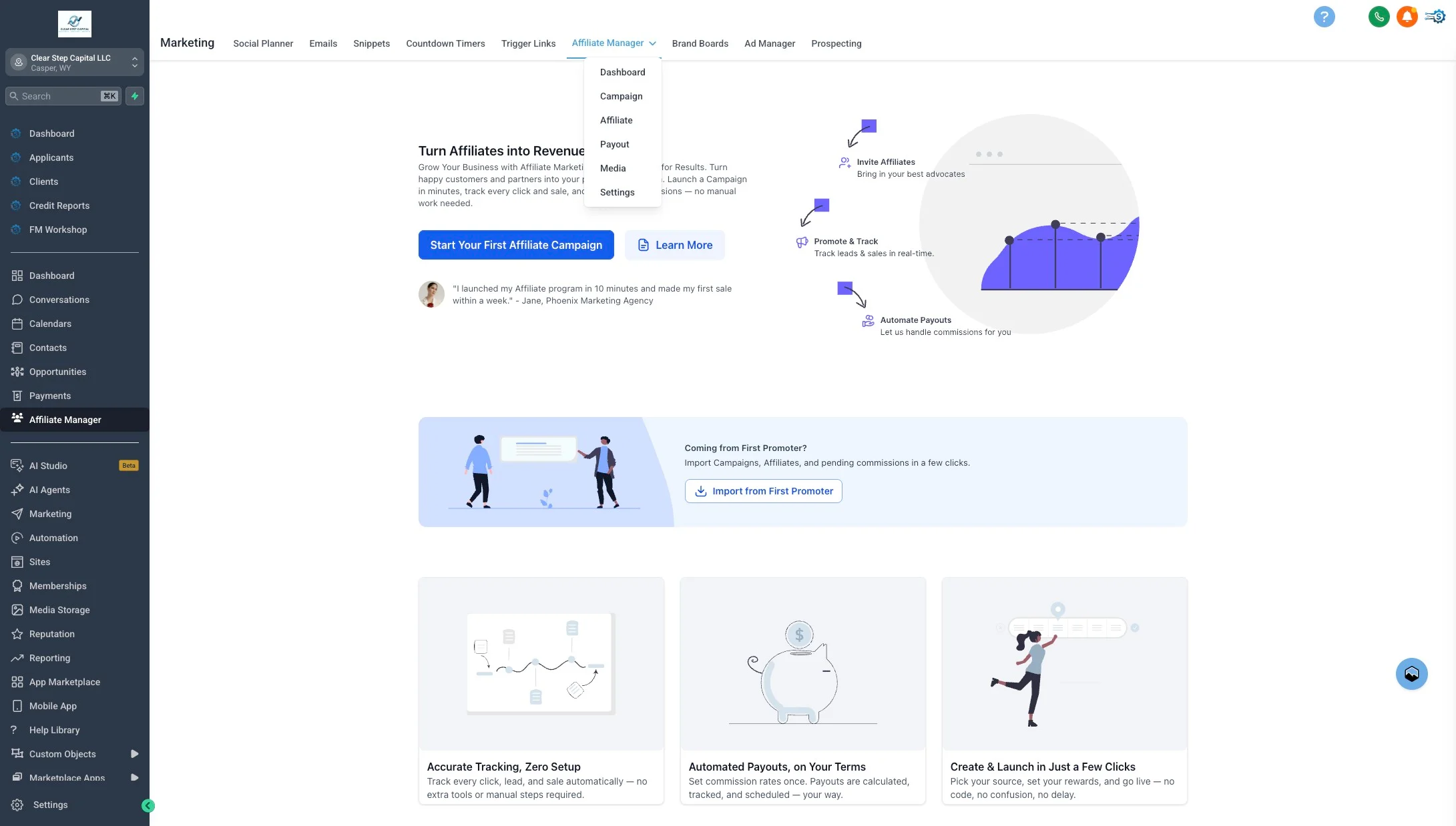
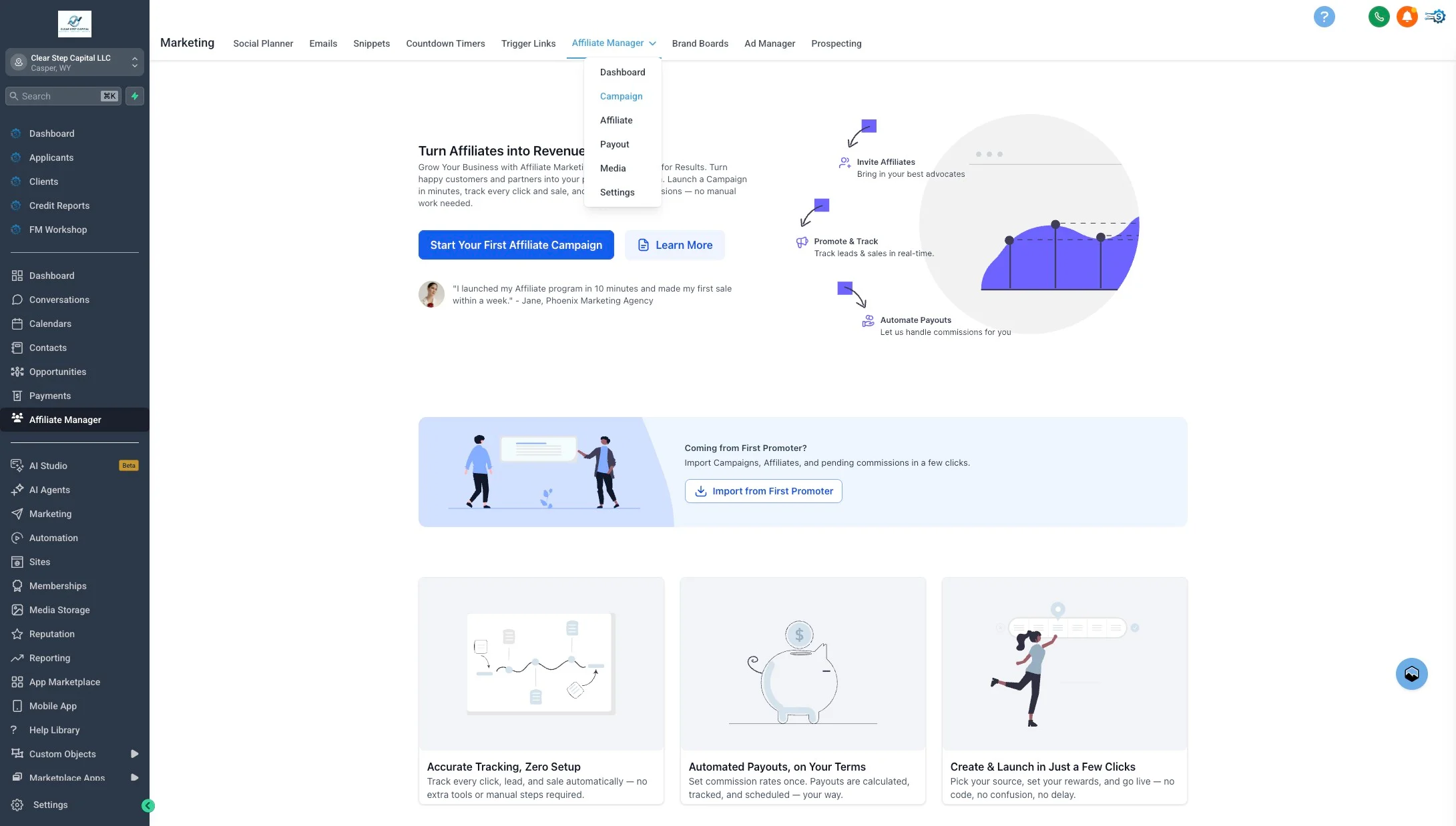
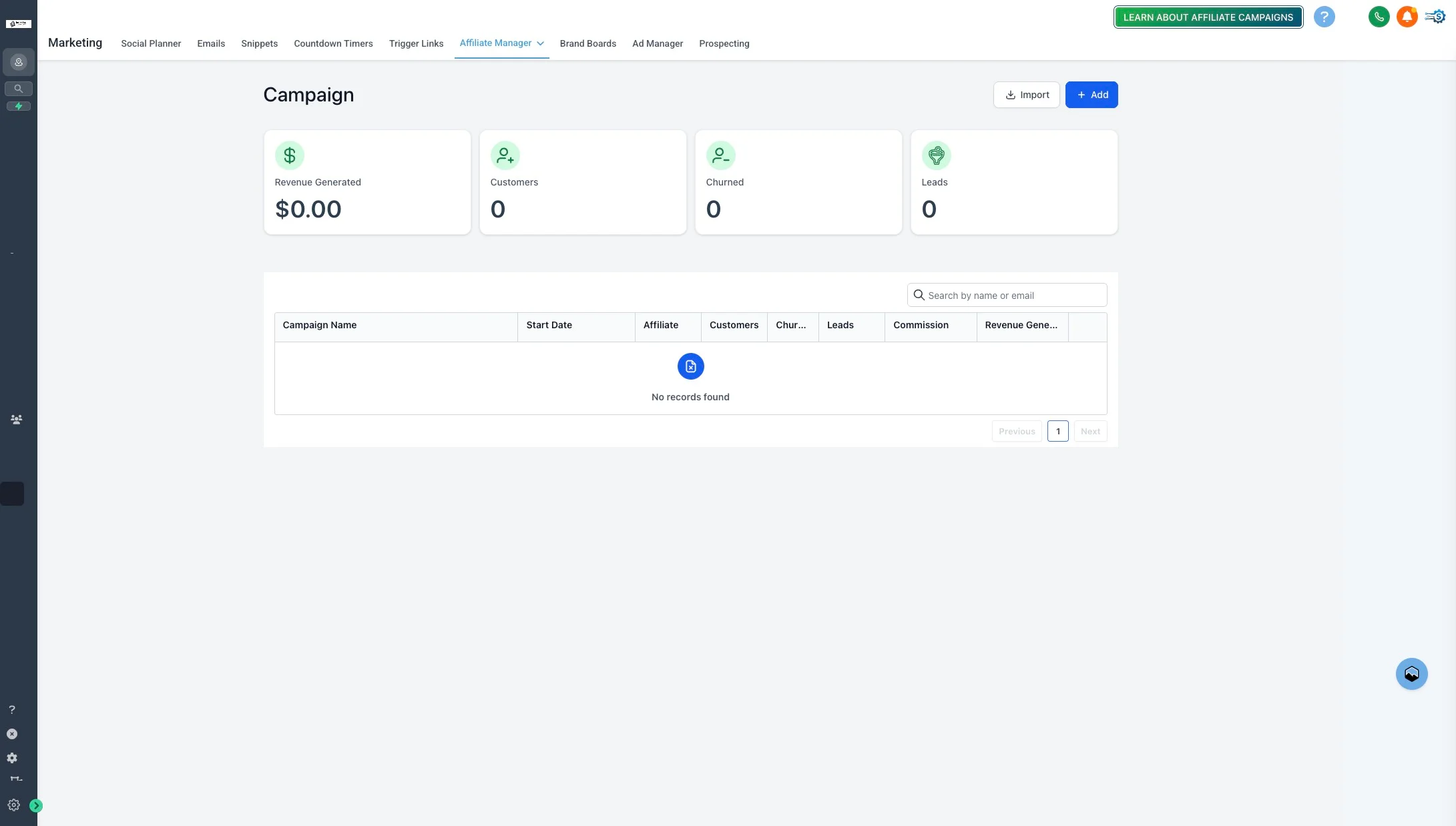
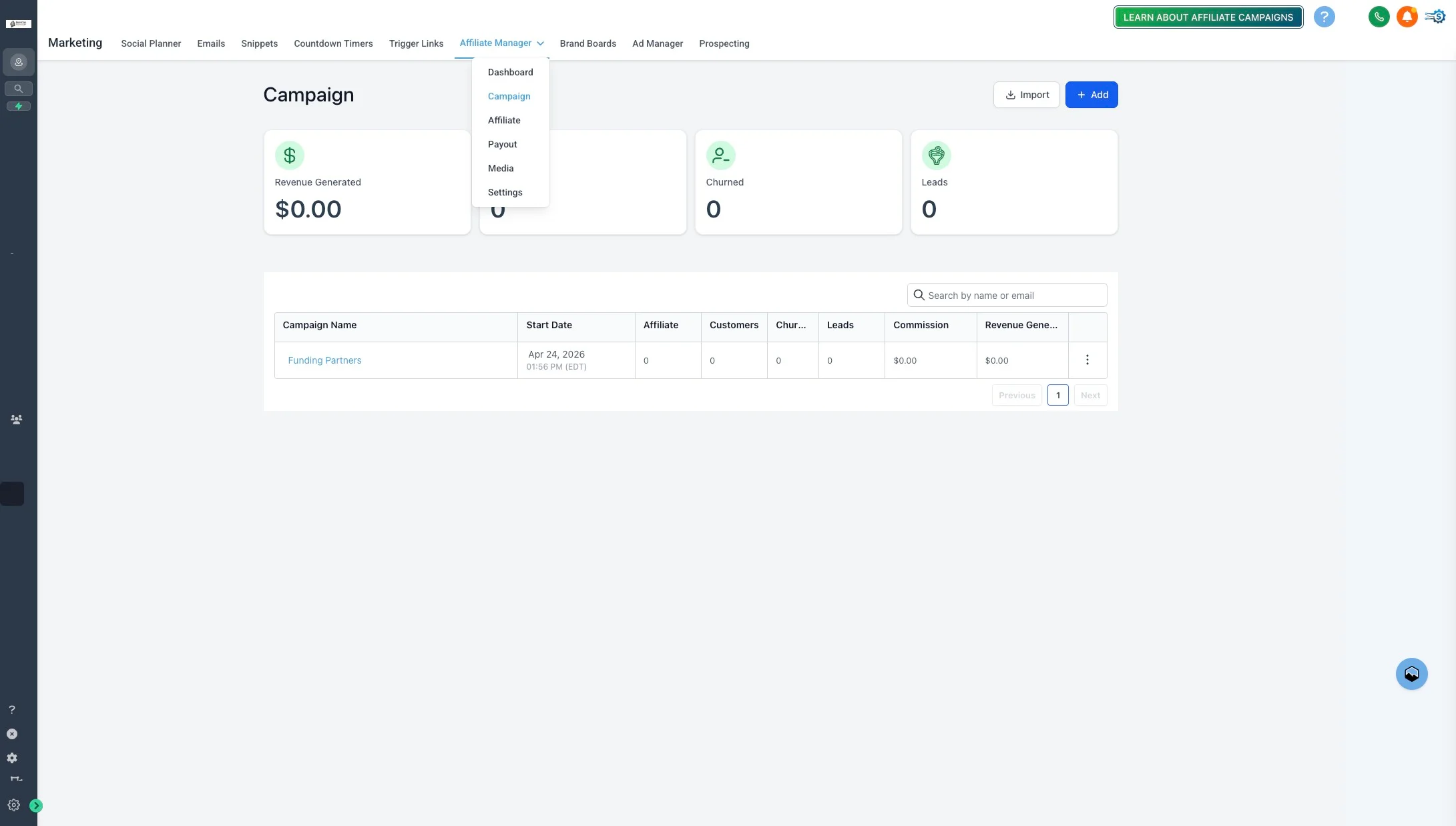
Use this guide to set up your first affiliate campaign in the Funding Machine CRM (LeadBuilt). You’ll create a campaign, attach the funnel affiliates will promote, add the product that pays commission, set the reward rate, and invite your first affiliate.This guide assumes the Apply for Funding funnel is already published. If you’re still building that funnel, finish it first — the campaign needs a funnel to attach to.
Prefer an interactive walkthrough?
Prefer an interactive walkthrough?
Step-by-Step
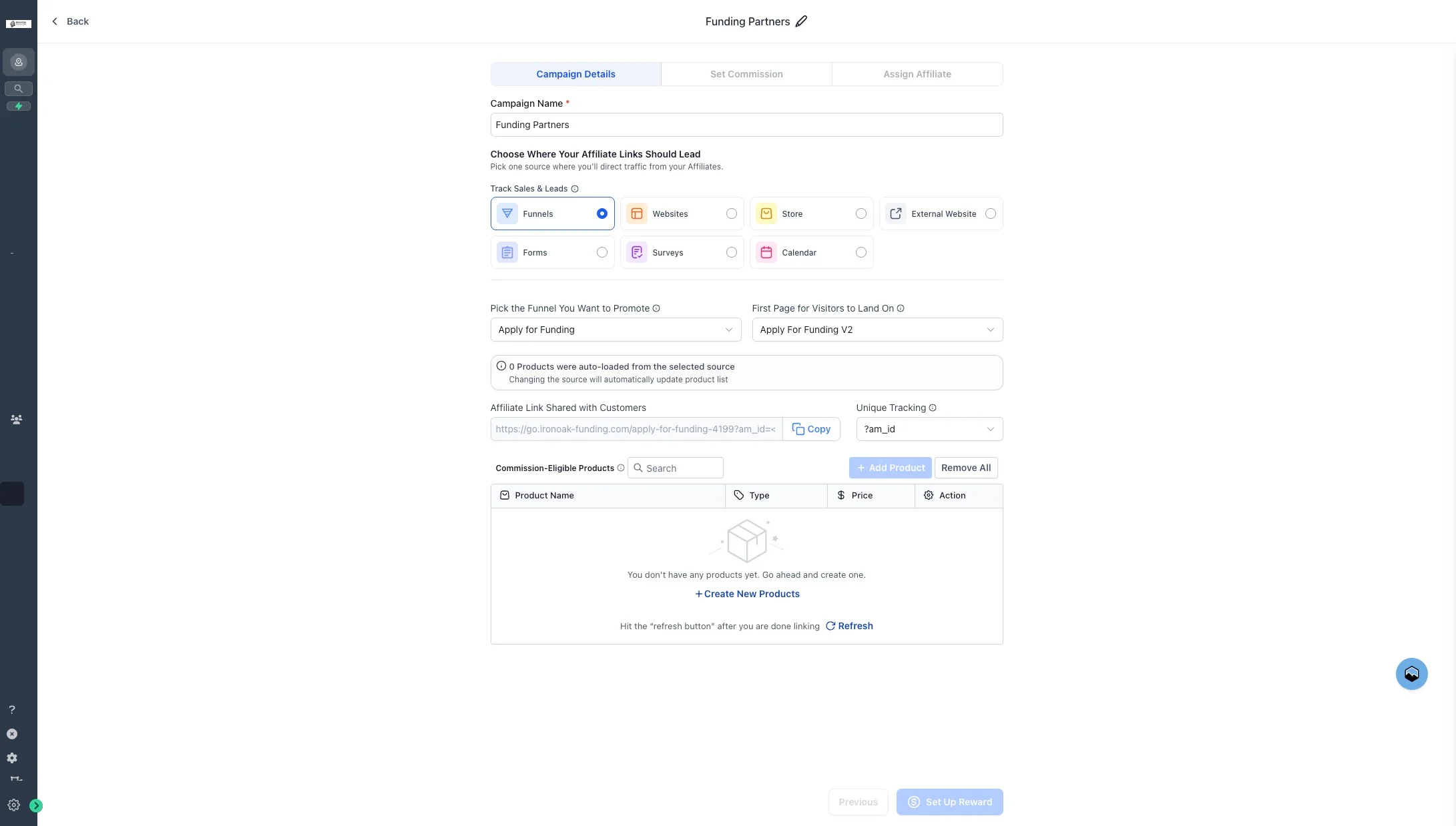
5. Click the name field
Click the campaign name field (placeholder reads 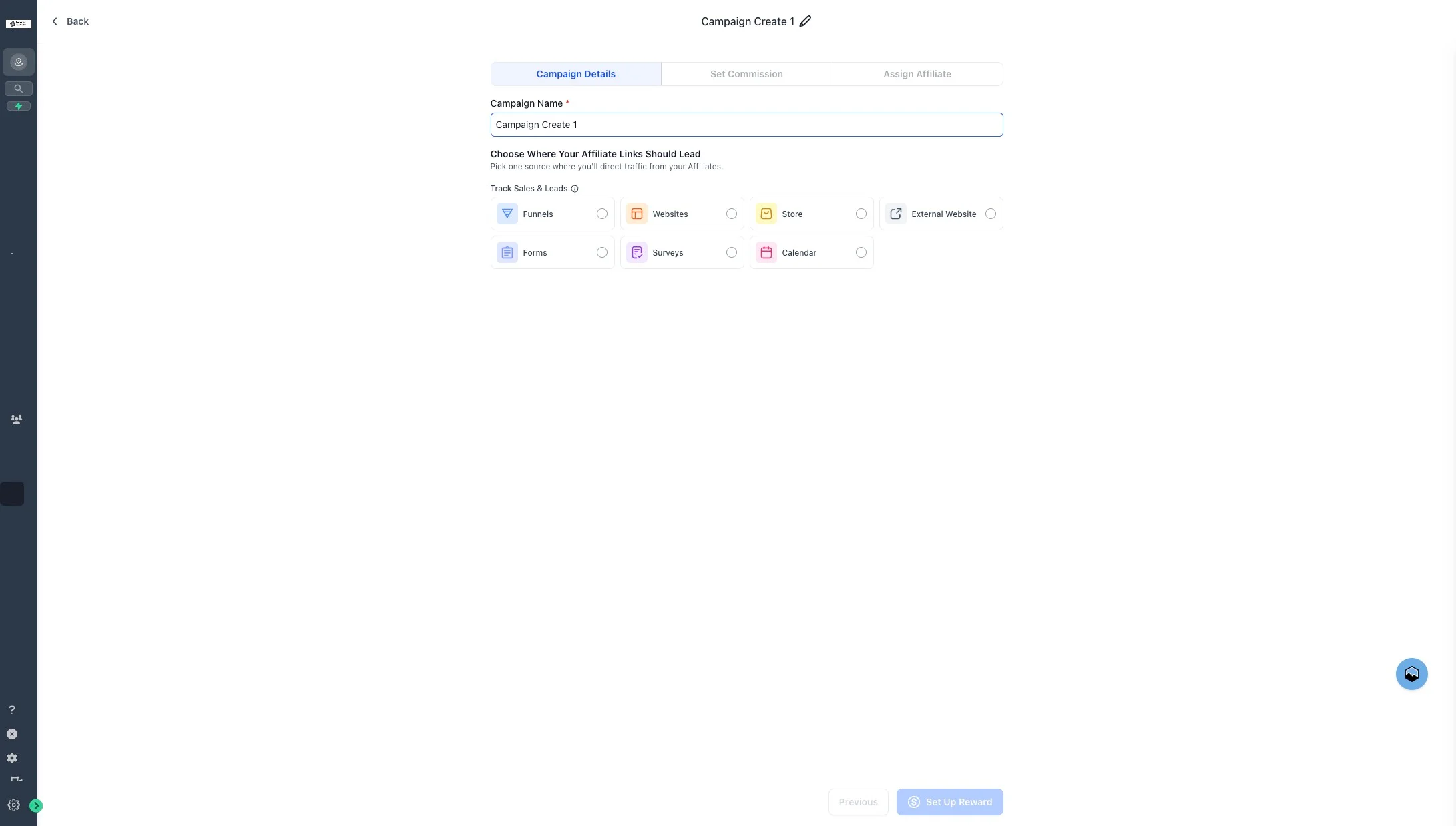
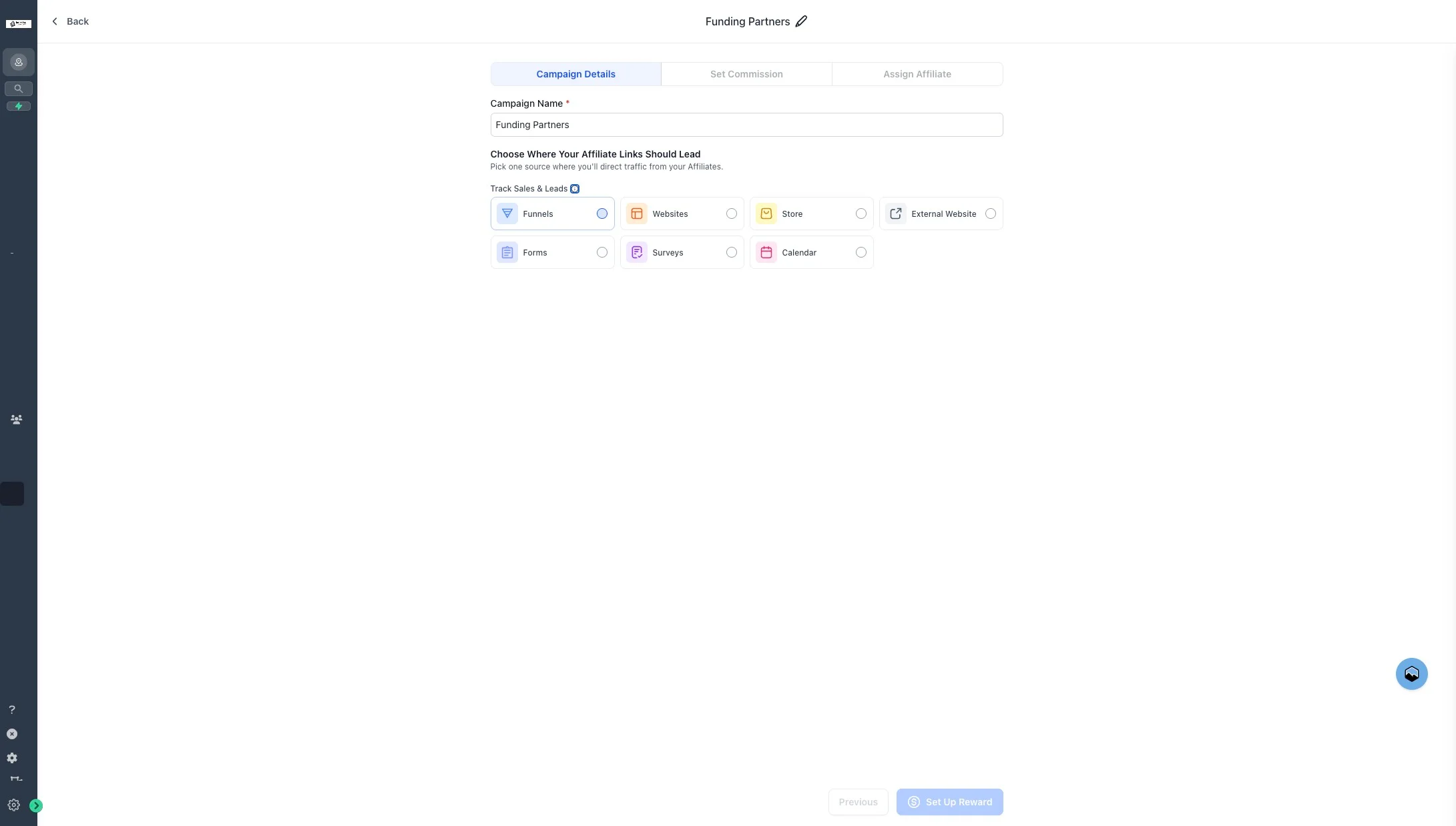
Eg: Spring Launch Promo or June Offer).6. Type "Funding Partners"
Enter Funding Partners as the campaign name. Use a consistent naming convention so campaigns are easy to recognize later.
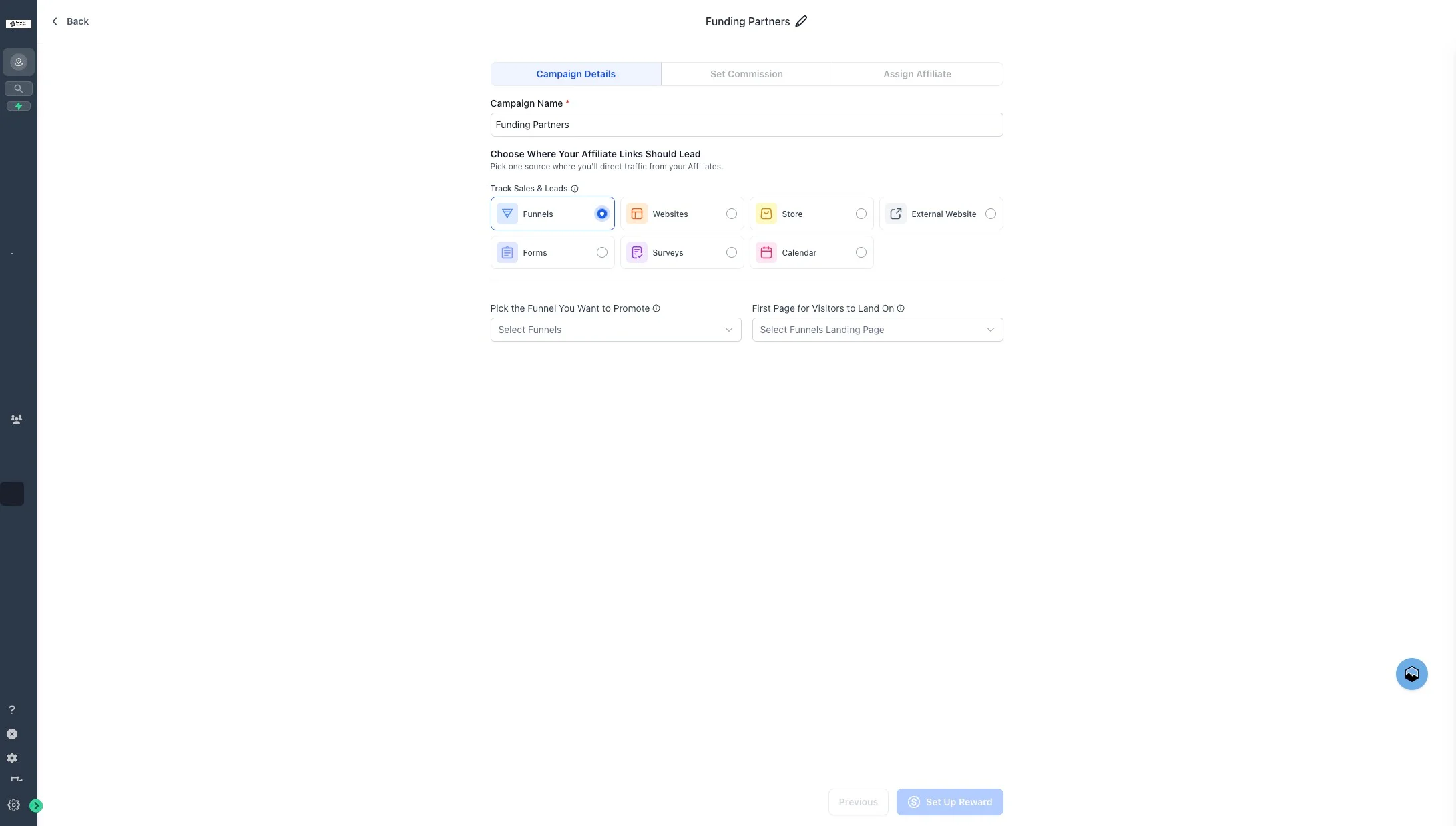
9. Click "Apply for Funding"
Select the Apply for Funding funnel — this is the destination for affiliate referral links.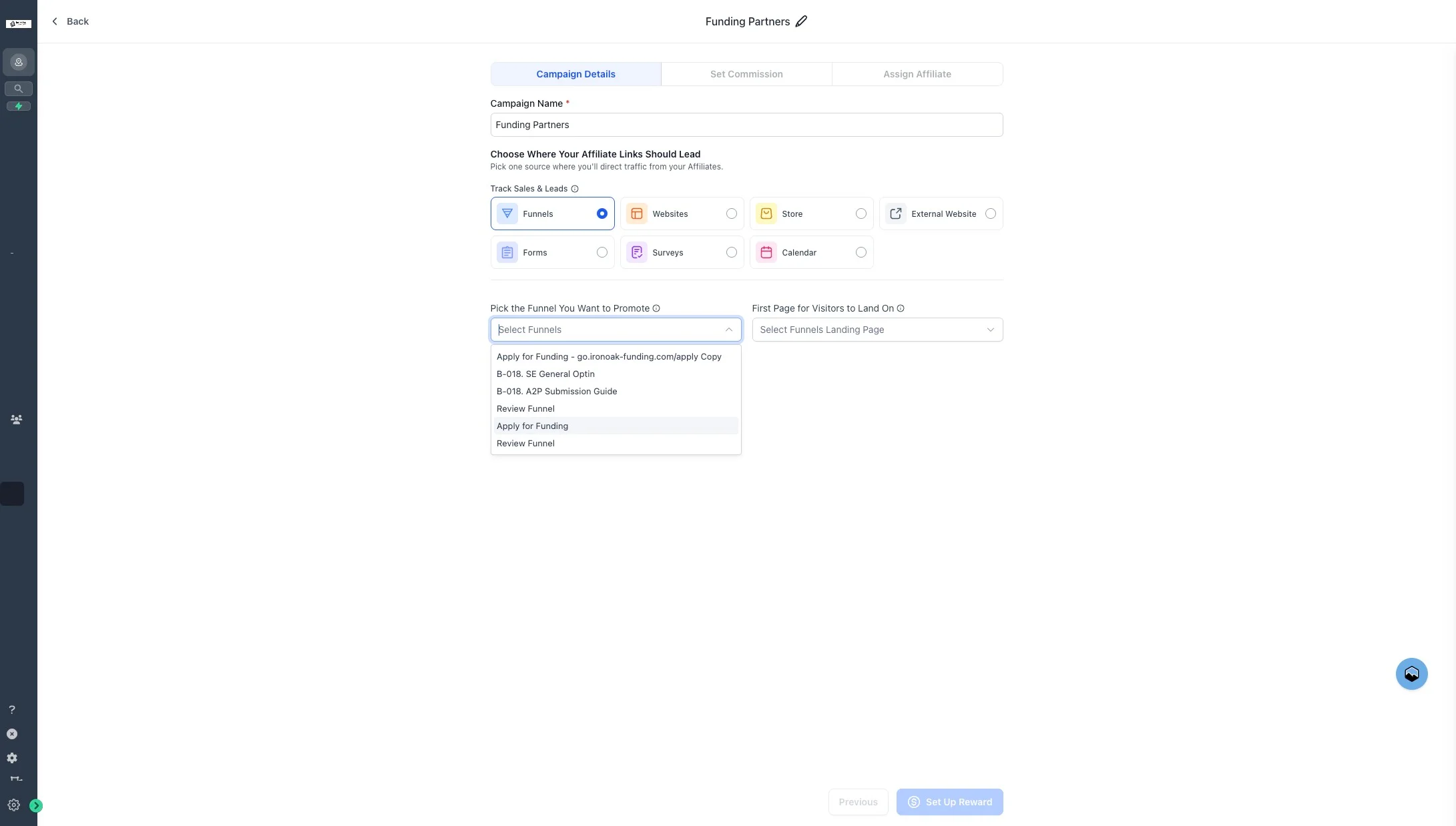
10. Click "Create New Products"
Click Create New Products to attach the product commissions will be paid against.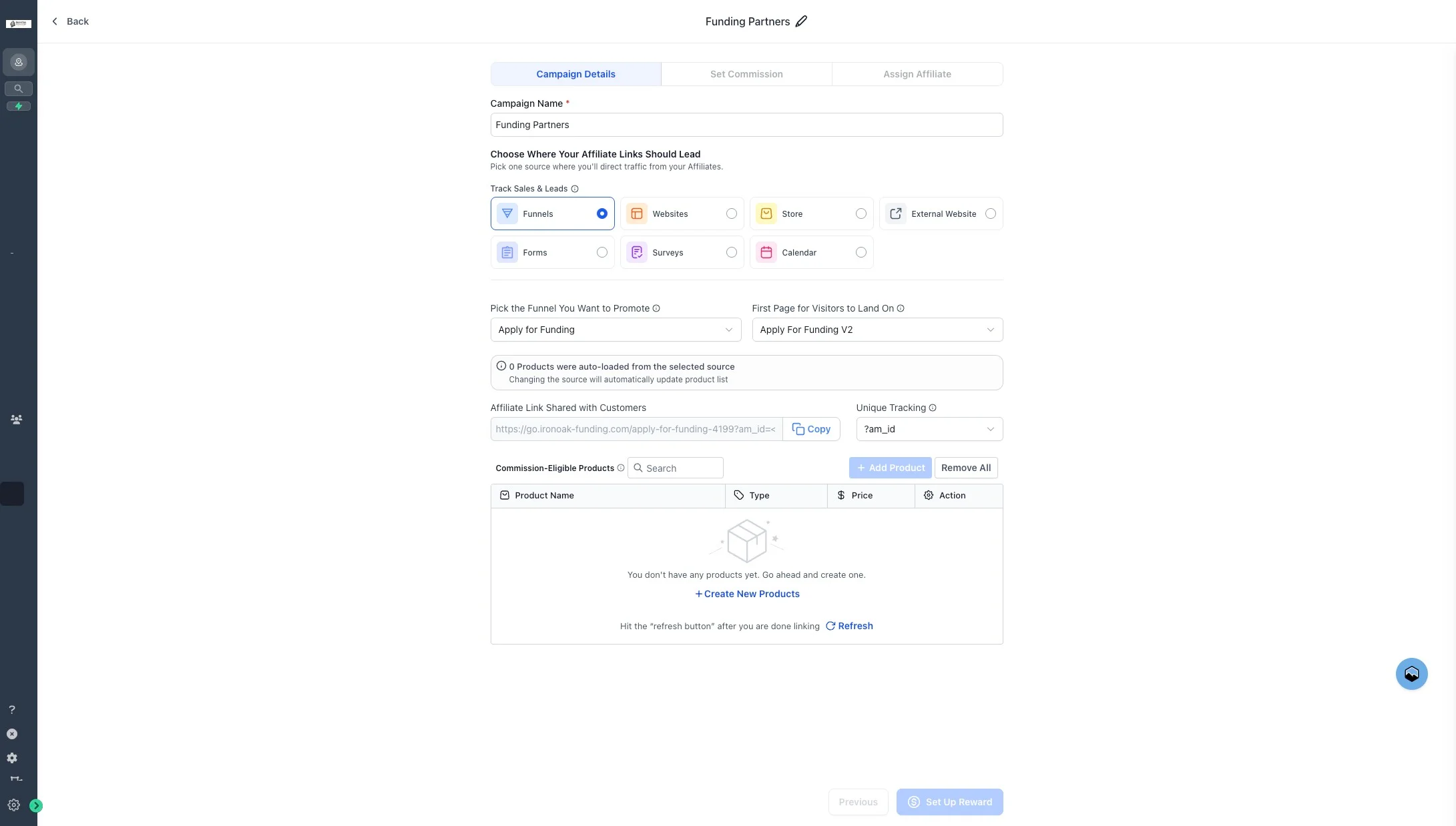
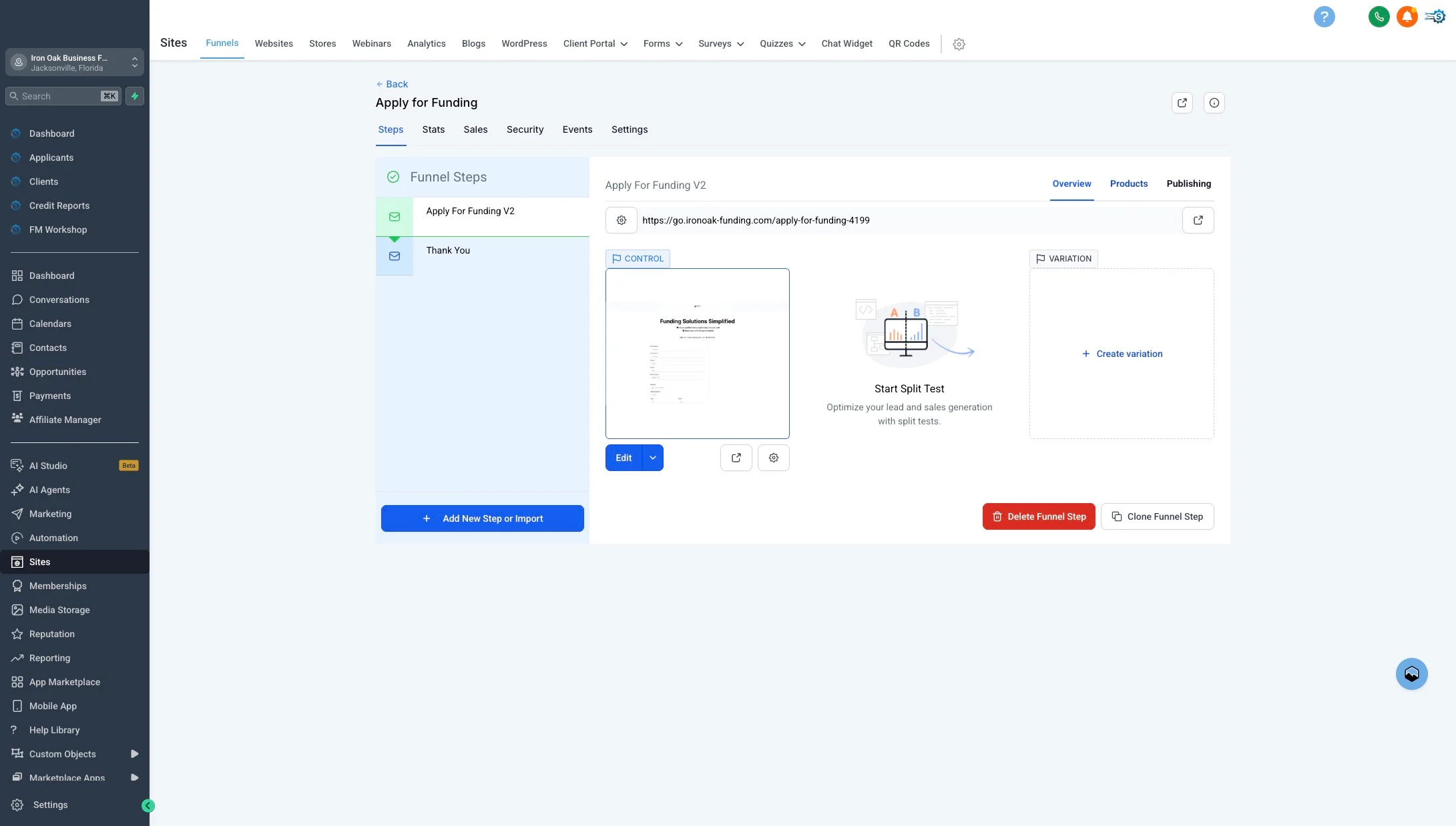
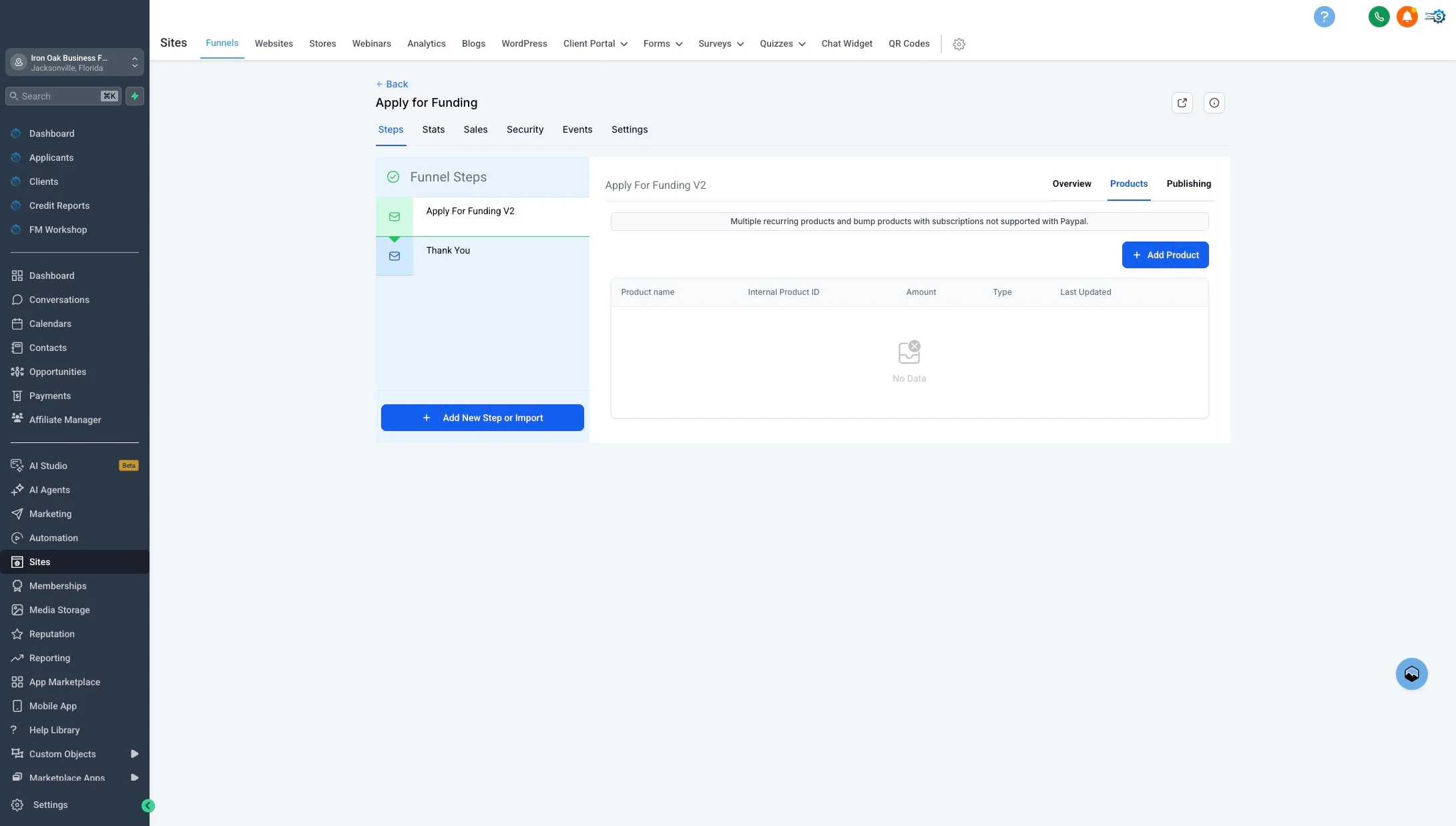
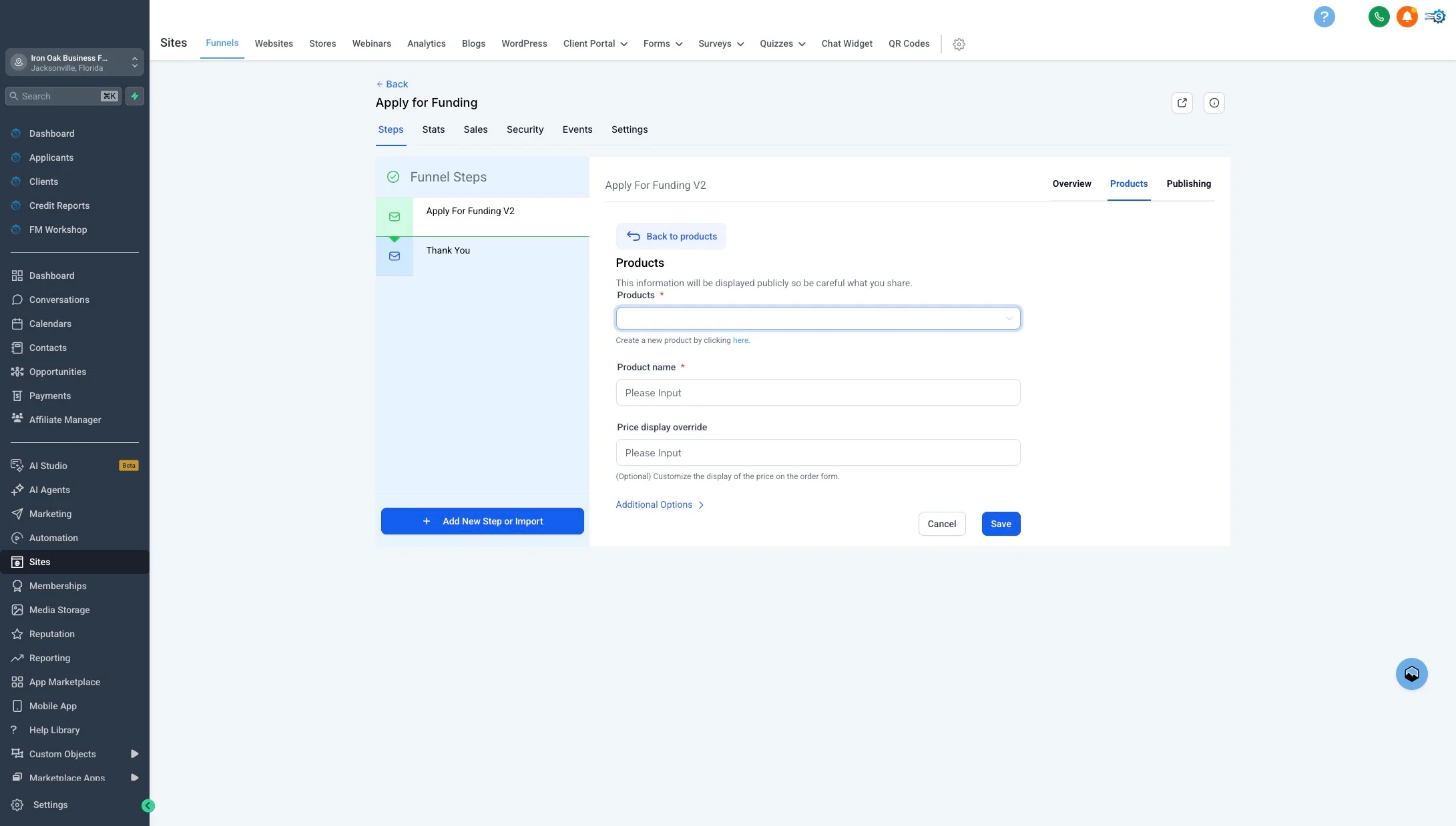
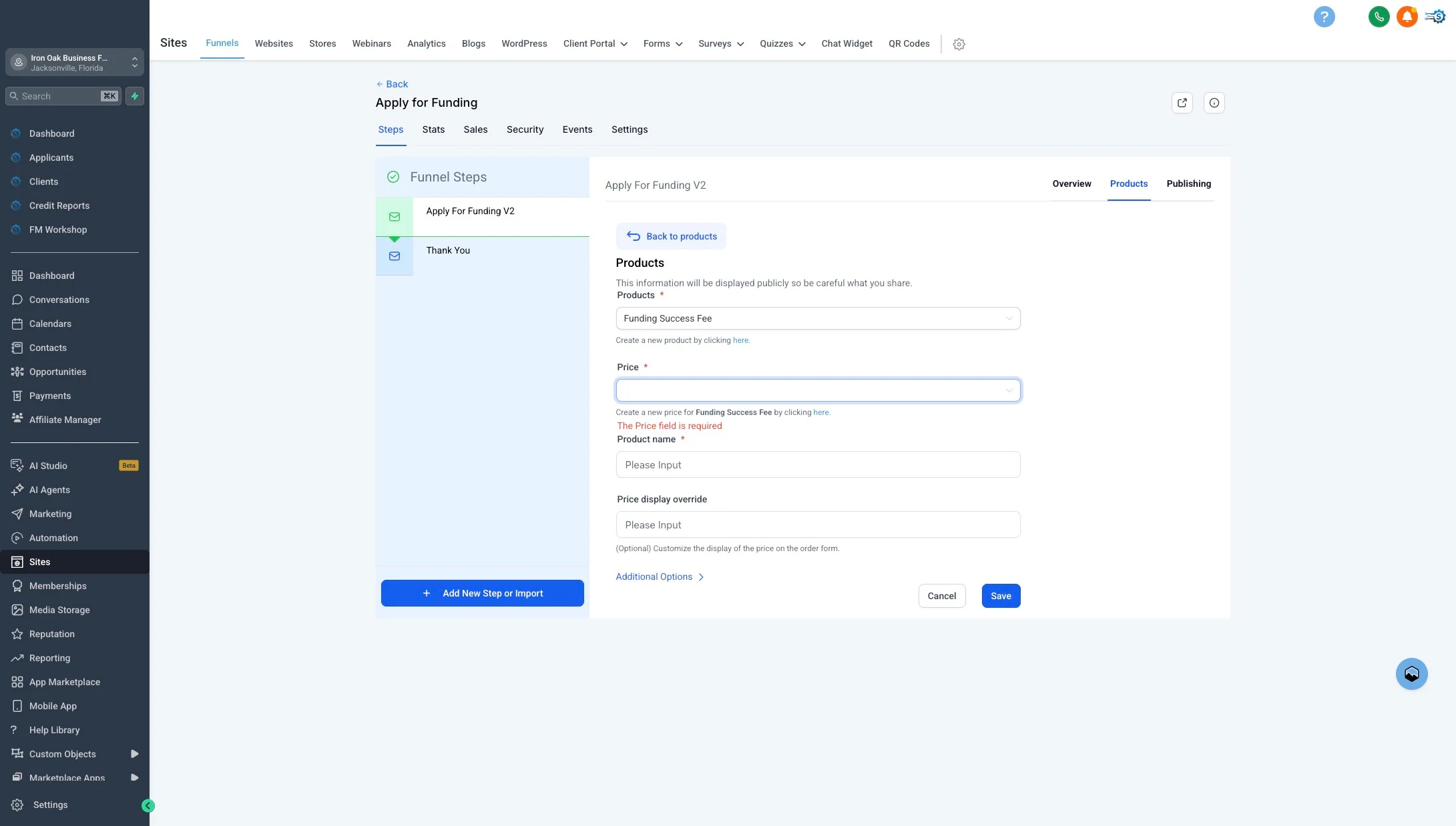
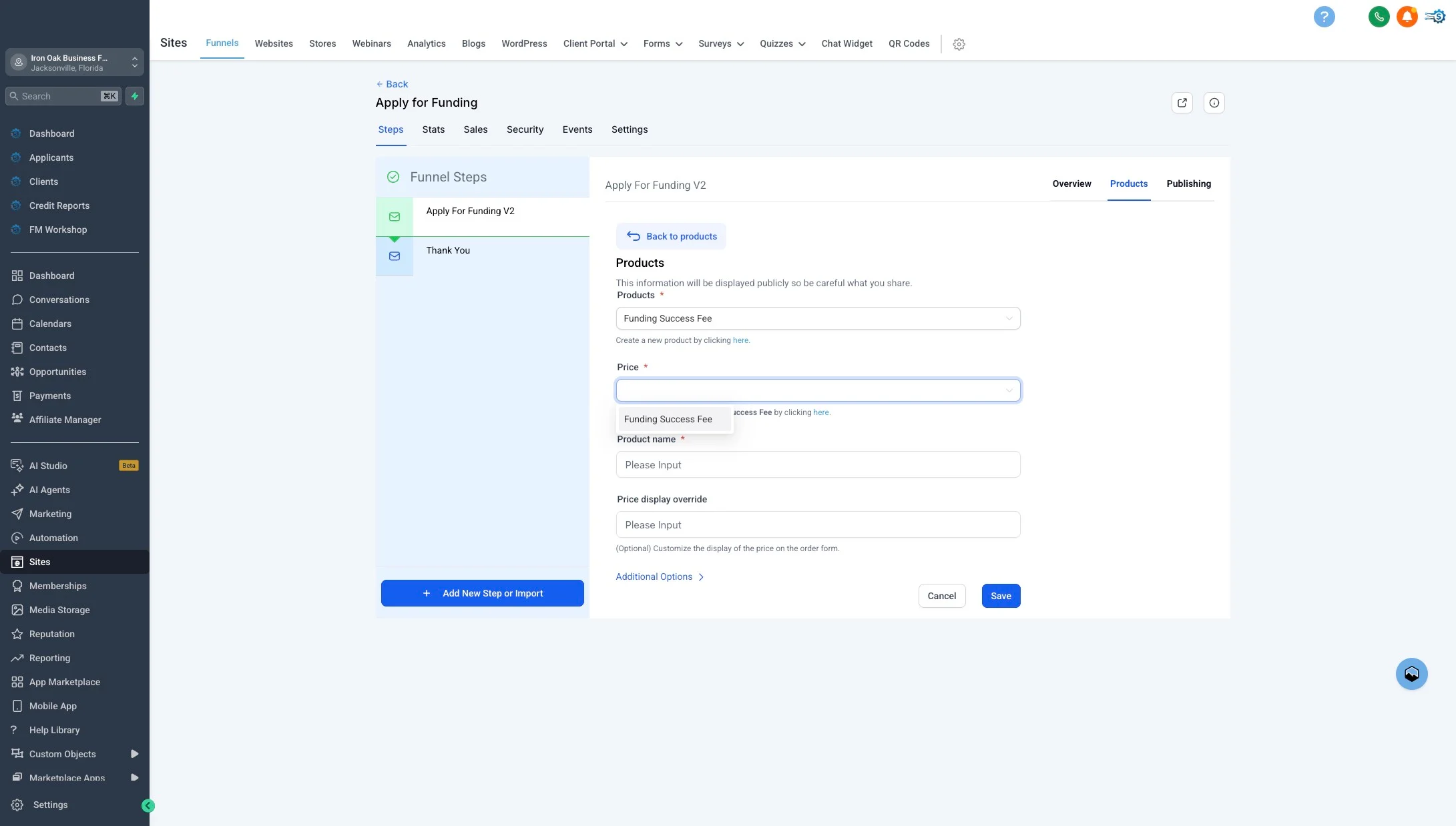
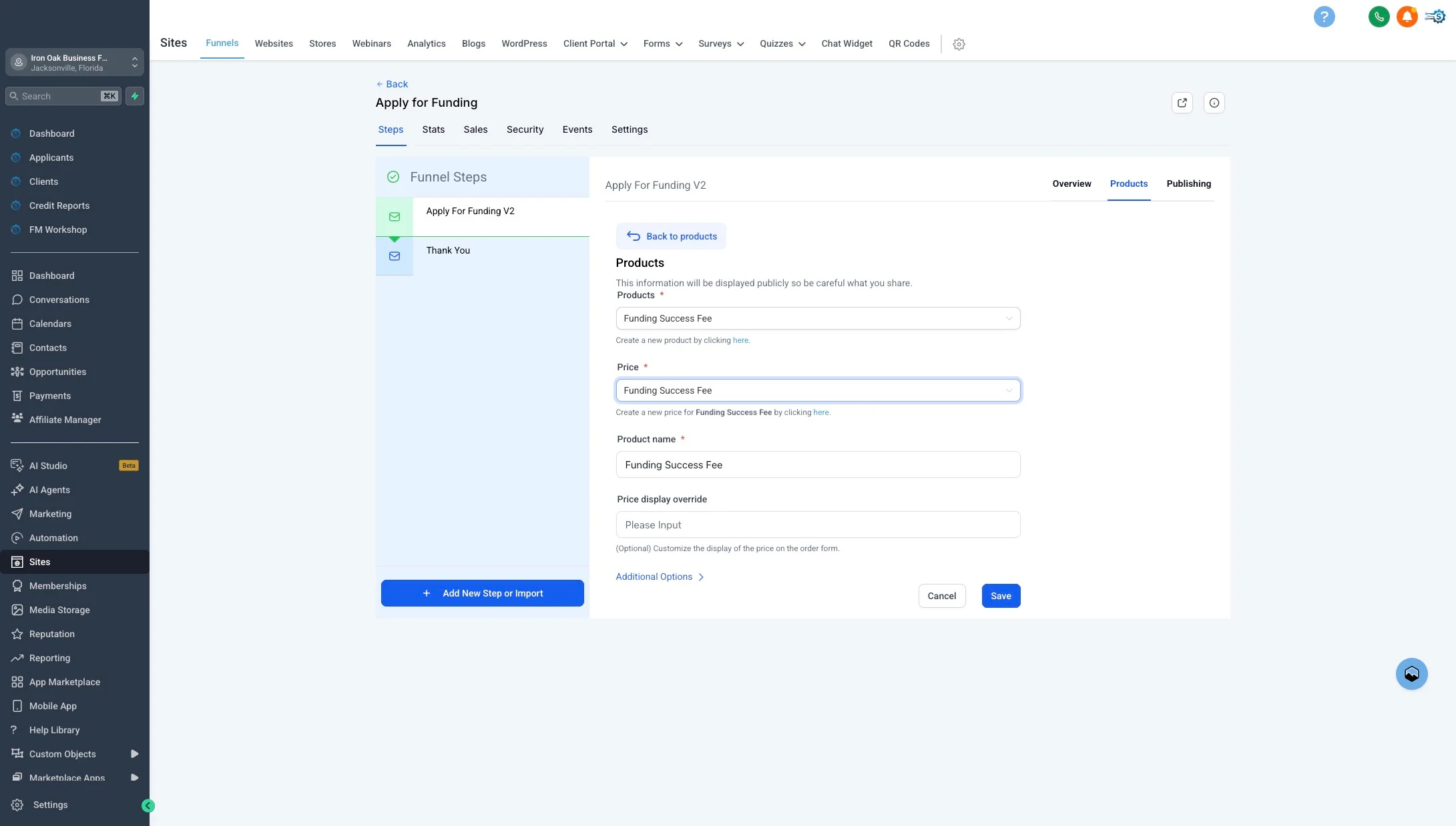
14. Click "Funding Success Fee"
Enter or select Funding Success Fee — this is the product commissions are calculated against when a deal funds.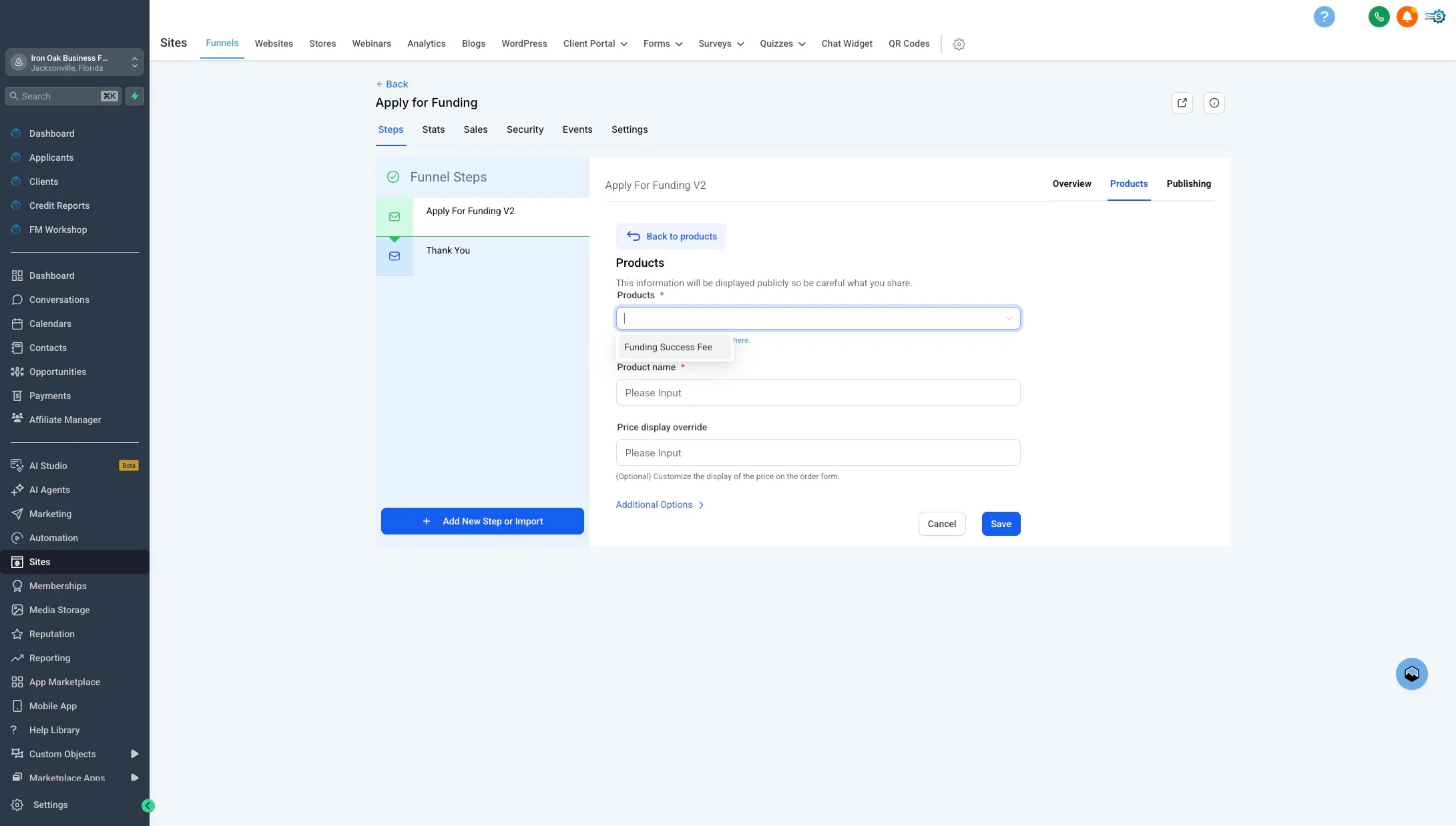
19. Click "Set Up Reward"
Click Set Up Reward next to Funding Success Fee to configure the commission rate.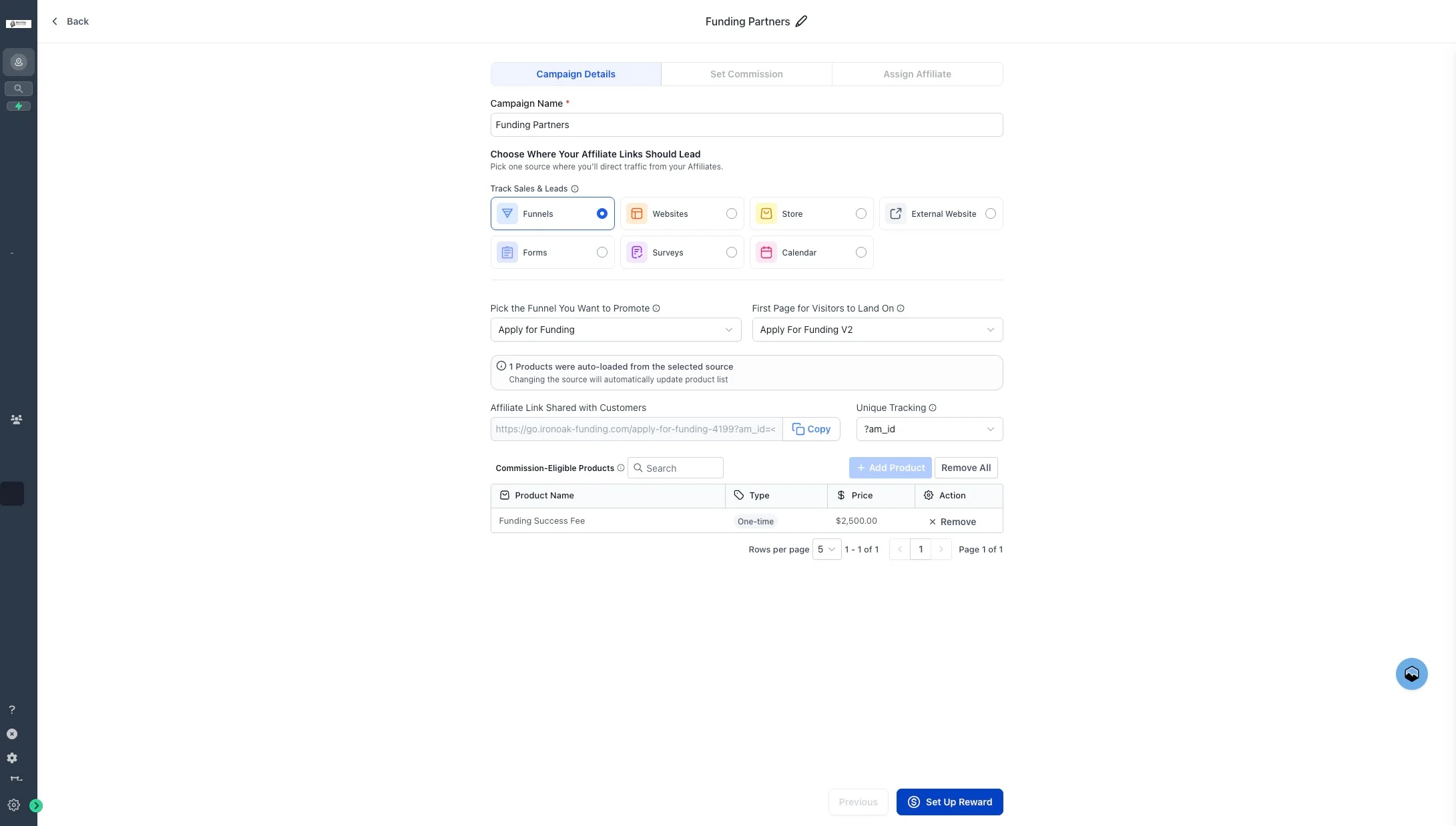
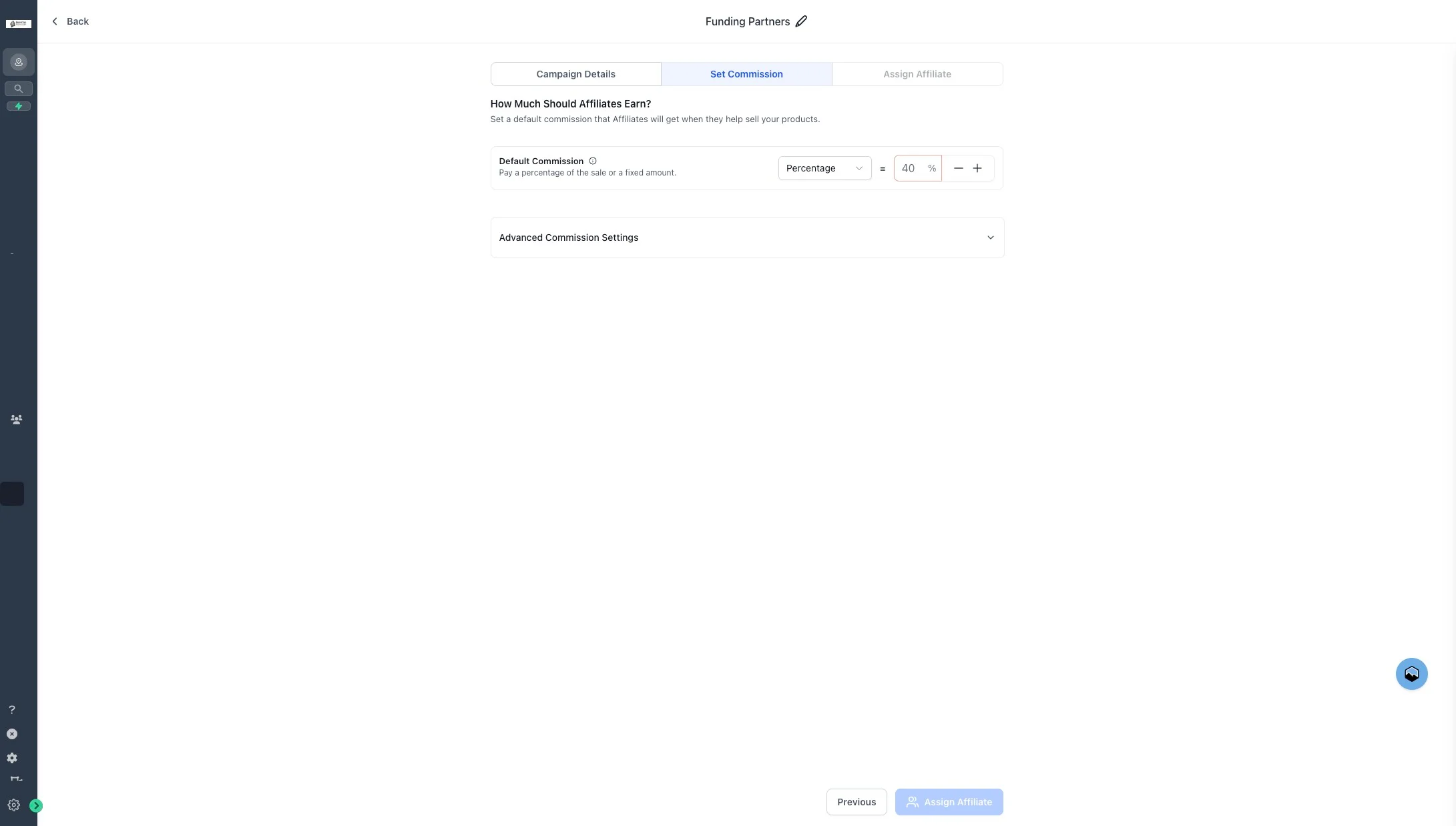
21. Type "10"
Clear the default and enter 10. Affiliates will earn 10% of each funded success fee.
Adjust the percentage to match your partner agreement. Your account manager can help you model alternatives if 10% isn’t right for your program.
22. Click "Assign Affiliate"
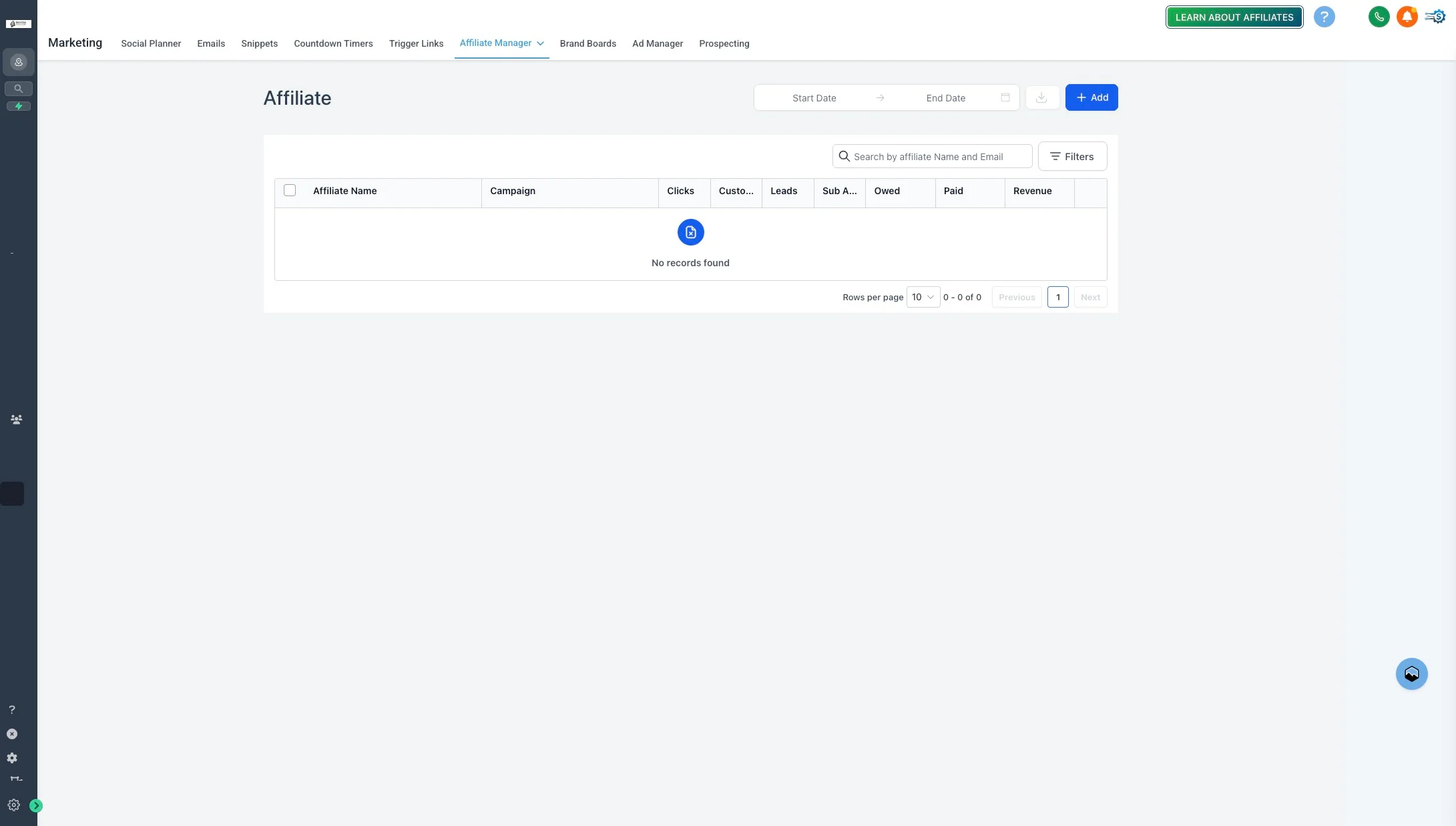
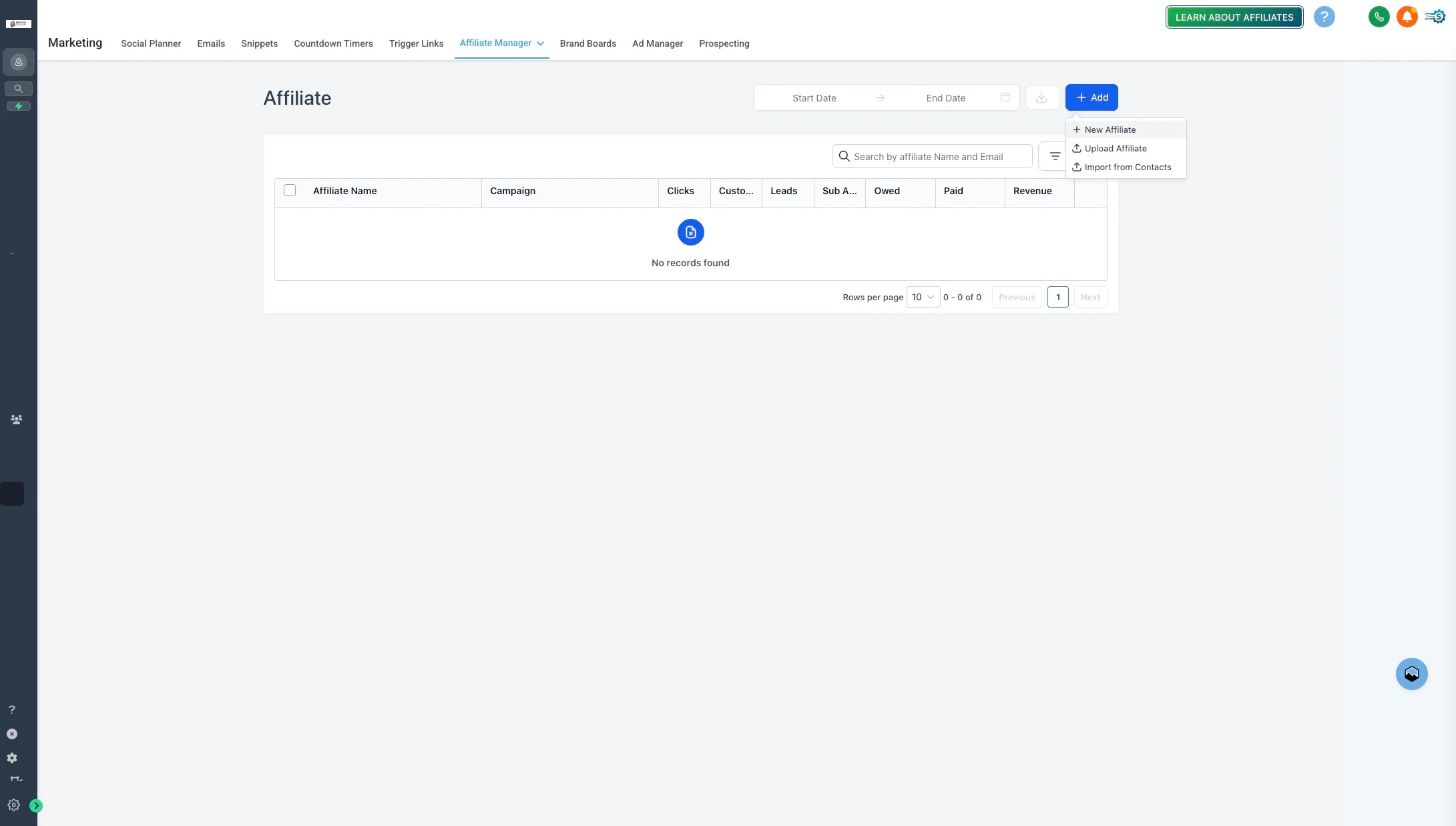
Click Assign Affiliate to configure affiliate assignment for this campaign.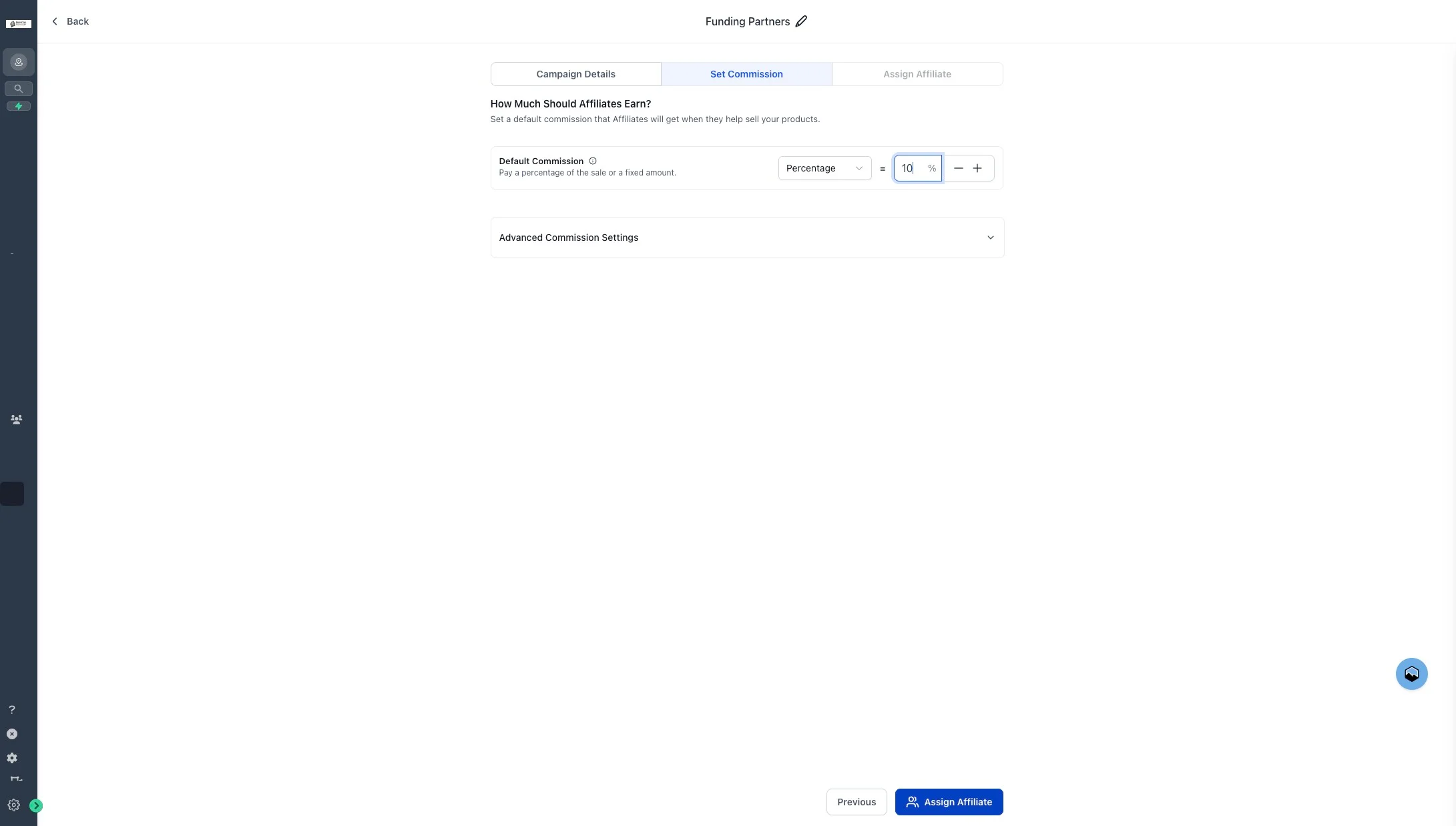
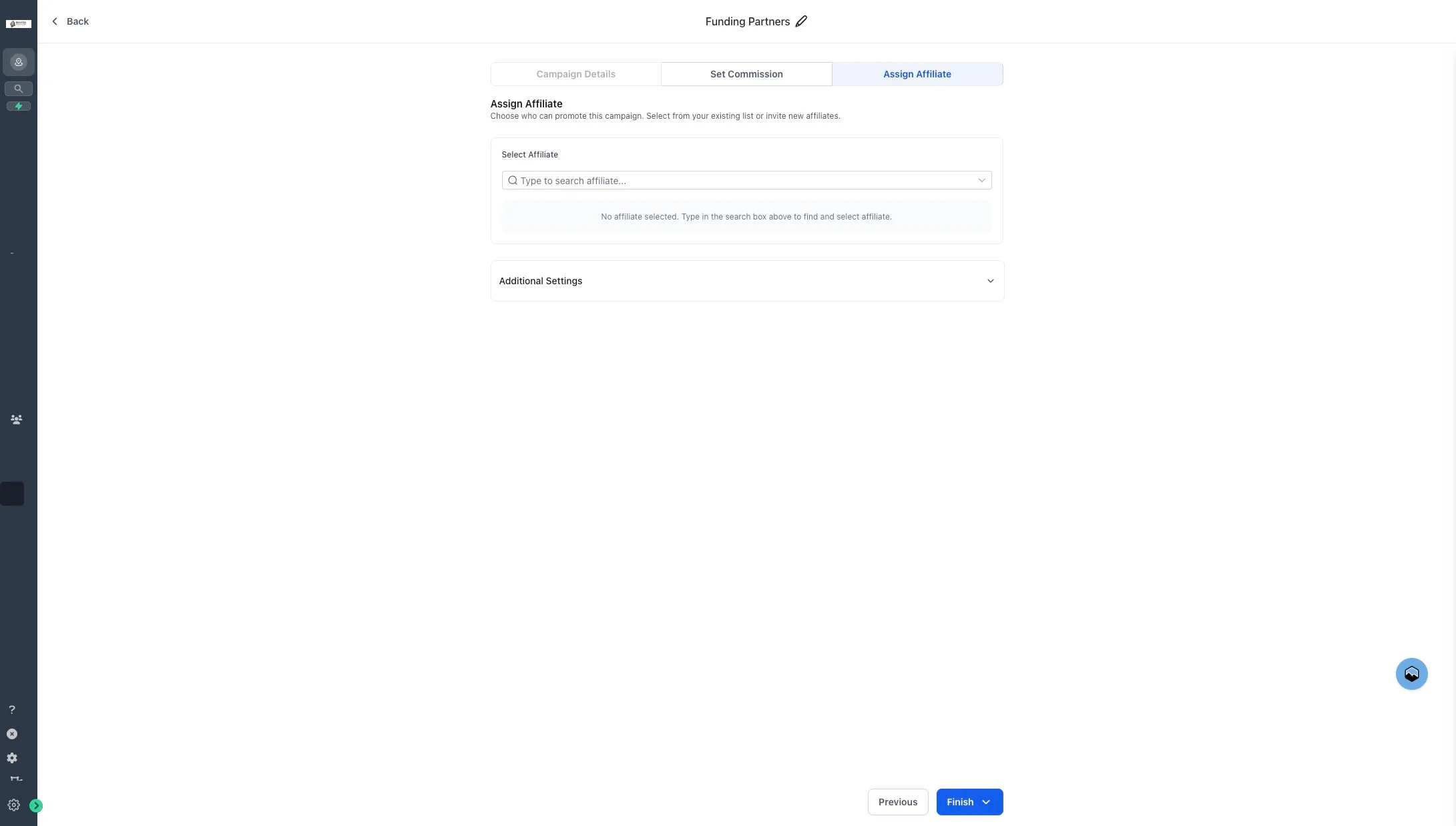
24. Click "Include Setup Fees in Commission Calculations"
Enable Include Setup Fees in Commission Calculations so any setup-fee line items contribute to commission payouts.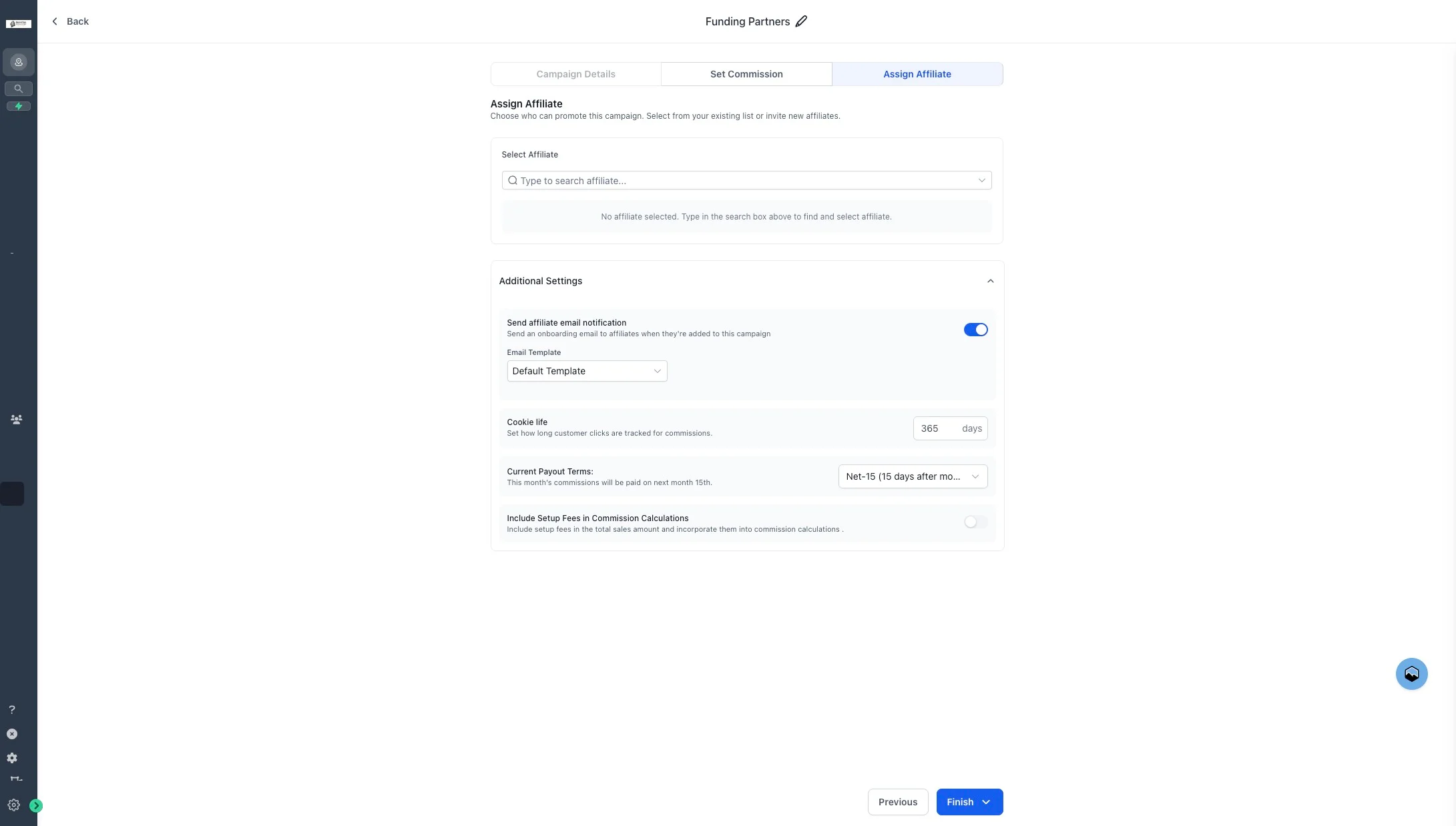
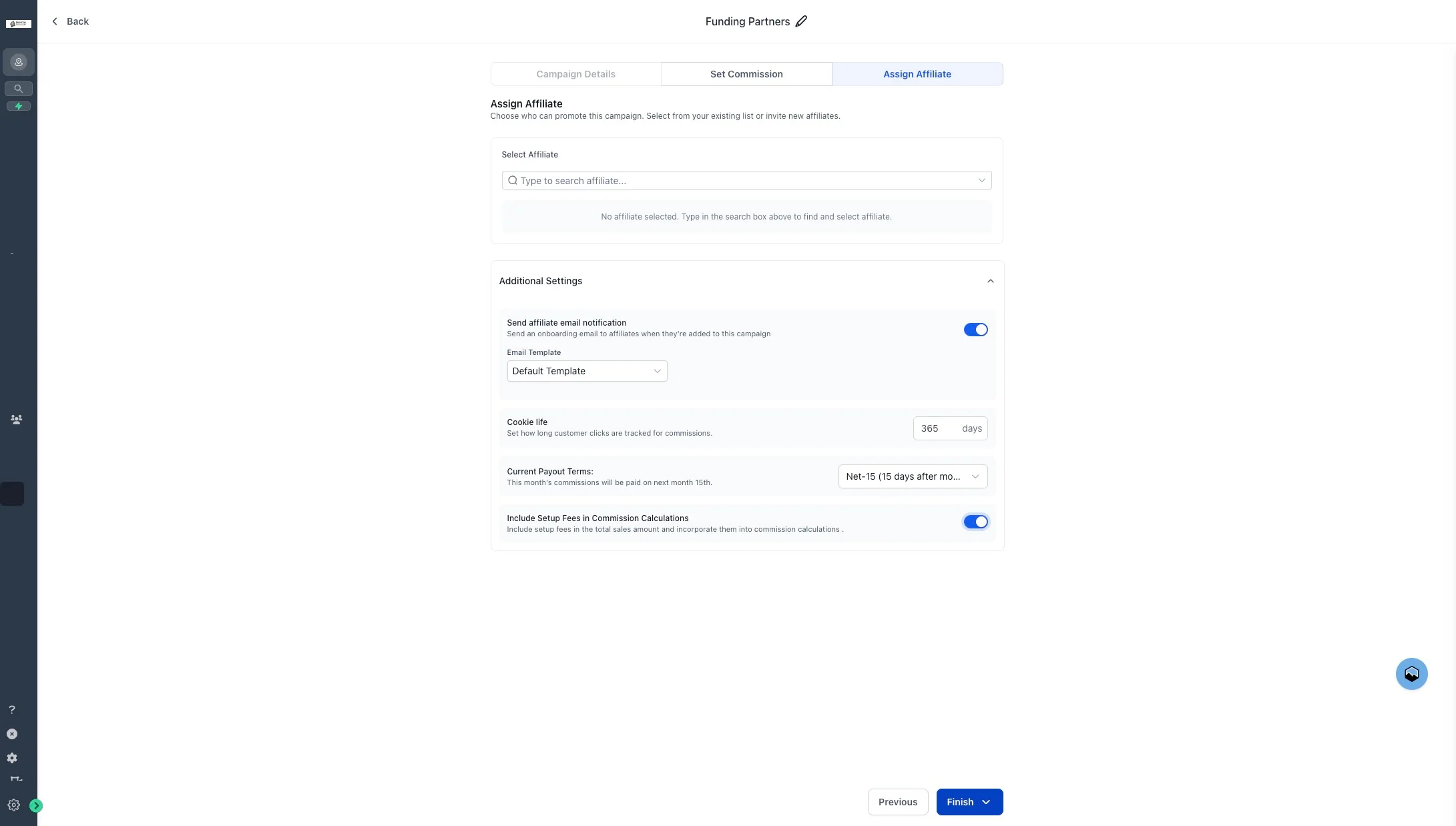
26. Click "Publish this and make it live"
Publish the campaign. Once live it can accept affiliates.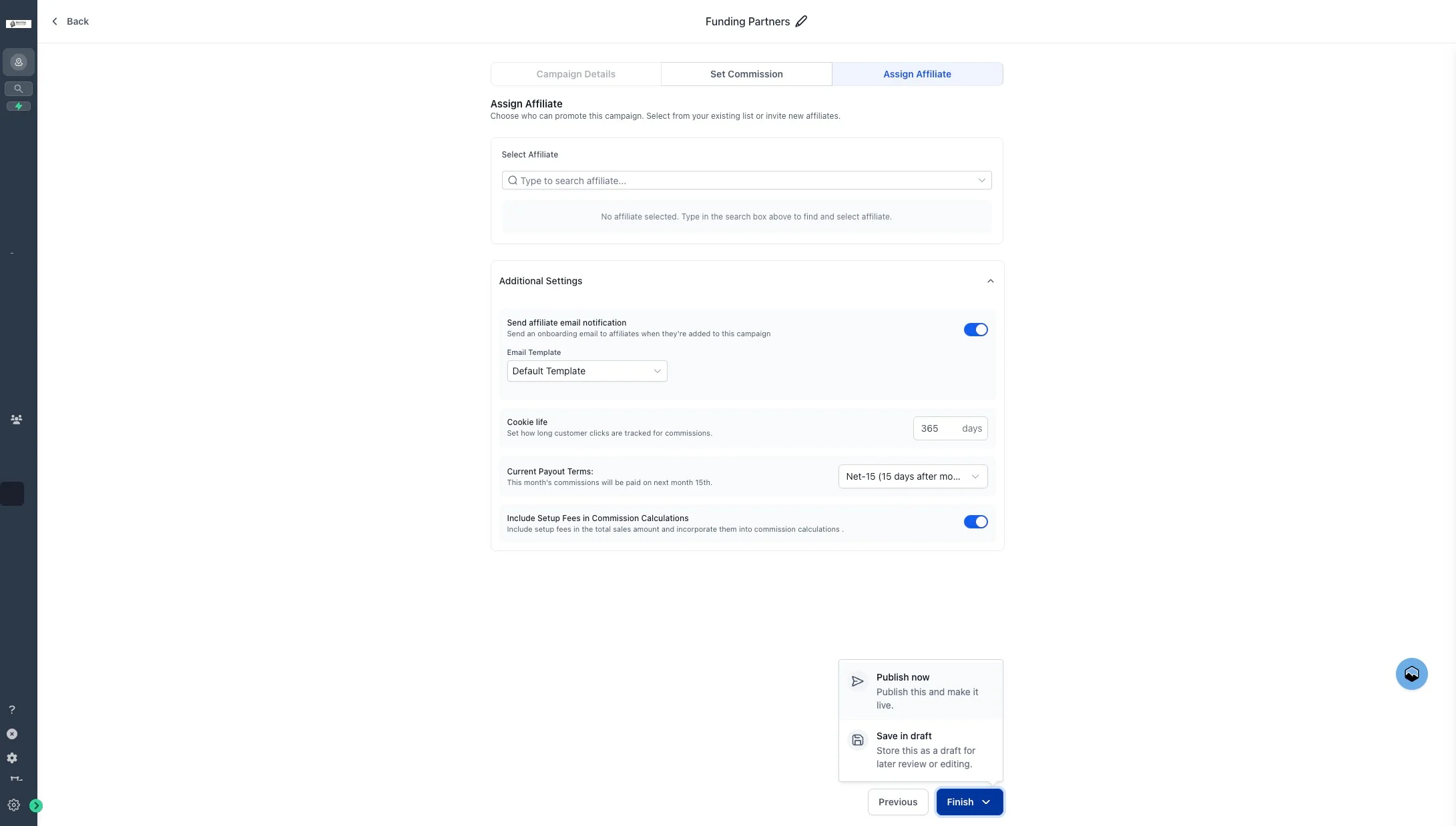
Tips
- Name campaigns descriptively. Once you run multiple campaigns (regional launches, seasonal promos), clear names save everyone time.
- Pre-screen affiliate applicants. Your 10% success-fee payout only triggers when deals actually fund — steer affiliates toward the 680+ credit profile where approvals are strongest.
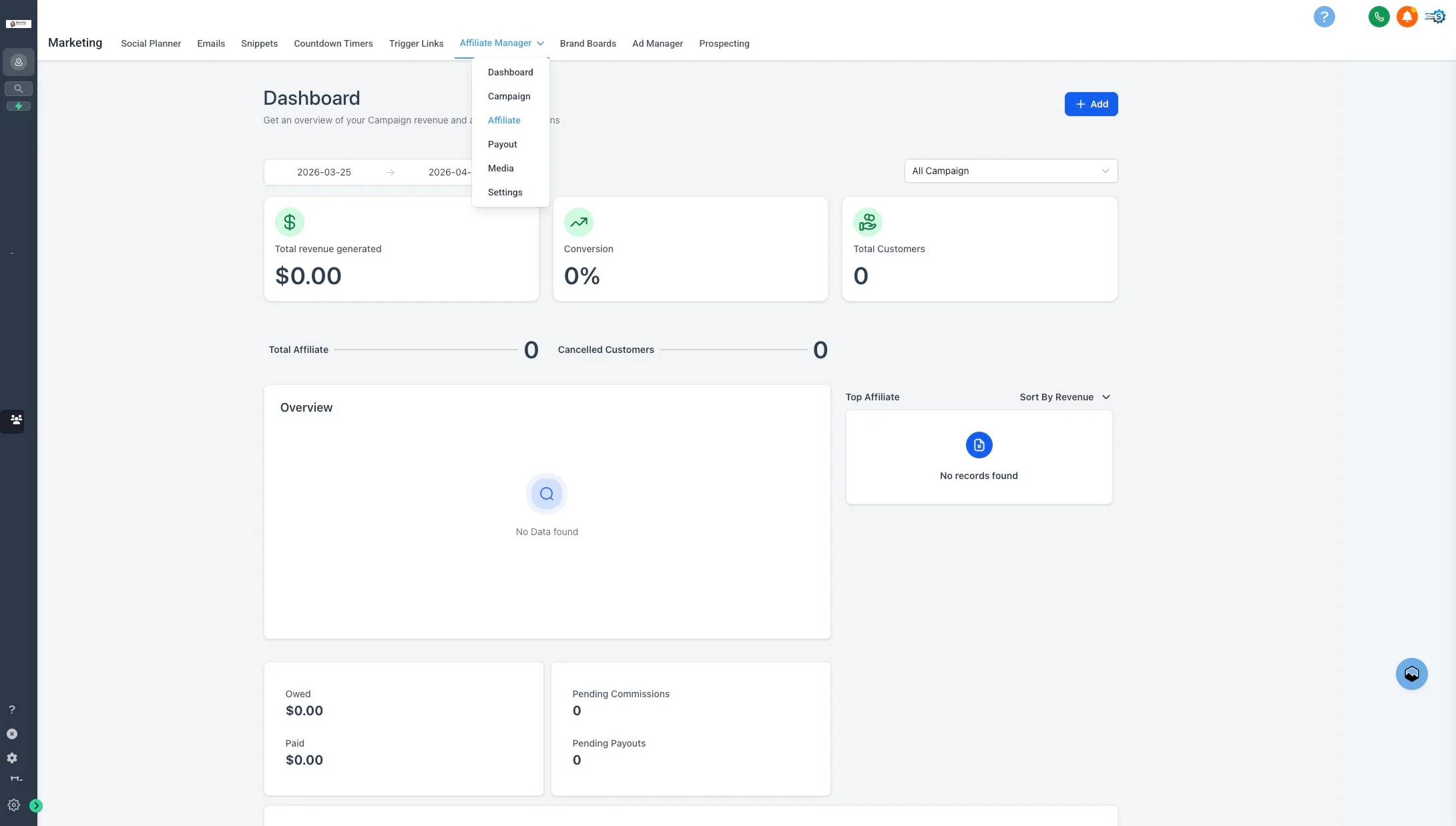
- Review weekly. The Affiliate Manager dashboard surfaces per-campaign performance so you can adjust reward rates or funnels if conversion lags.
Related
Partner Program
How success fees, rates, and partner tiers work across Funding Machine.
Submit a Client
Walk through submitting the deals affiliates will refer.
Dashboard
Monitor pipeline health and funded volume.
Invoices & Billing
Track invoicing after deals fund.