

Build Your Funding Website with AI Studio
You don’t need a designer or a developer to launch a clean, conversion-focused funding website. AI Studio is the CRM’s built-in AI website builder. You describe what you want in plain English, and it generates the site for you. This guide gives you two copy-and-paste prompts:- Prompt 1 — Main Website: your branded marketing site that drives visitors to apply.
- Prompt 2 — A2P 10DLC Funnel Page: a lean, no-forms, chat-only page you submit as your opt-in URL during A2P 10DLC SMS campaign registration.
AI Studio is currently in Beta and is enabled through Labs. If you don’t see AI Studio in your account, turn it on under Labs first.
Generating a Website Using AI Studio
Made by Brock Jeppesen with Scribe Learn how to use AI Studio to quickly generate a custom website based on your business name. This guide streamlines the onboarding process by showing you how to copy your specific requirements and input them directly into the AI tool.Prefer an interactive walkthrough?
Prefer an interactive walkthrough?
Website Builder Access
1
Navigate to the Dashboard
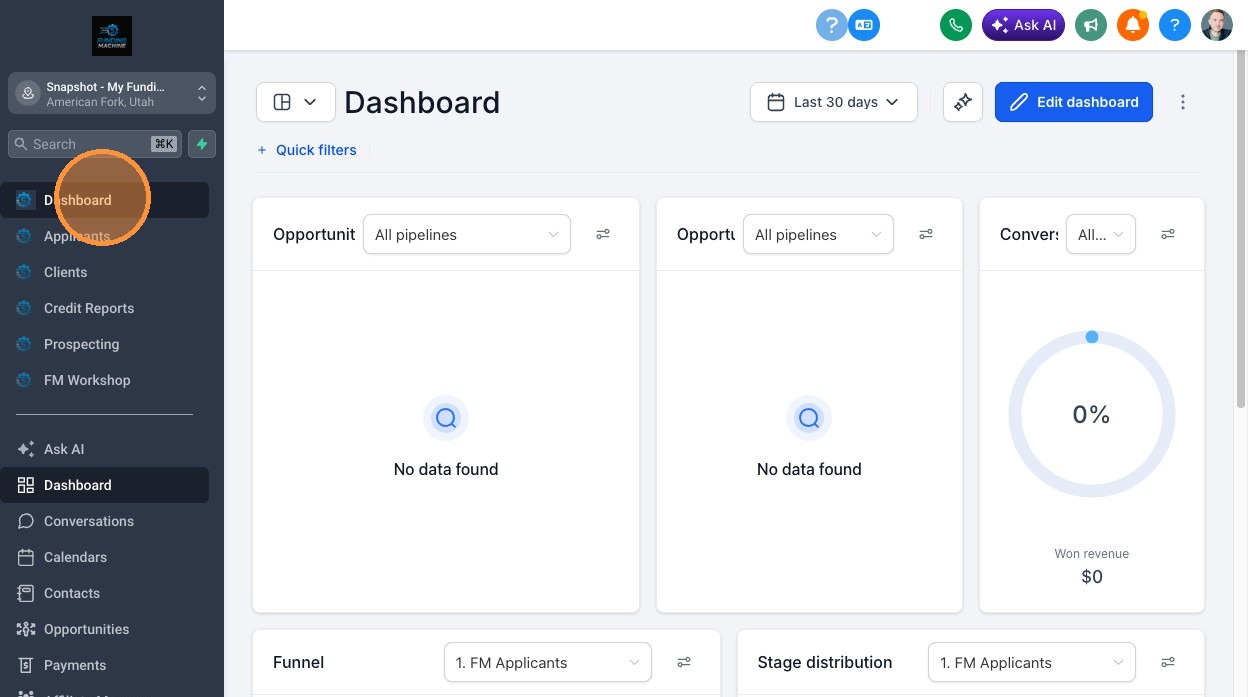
2
Open Settings
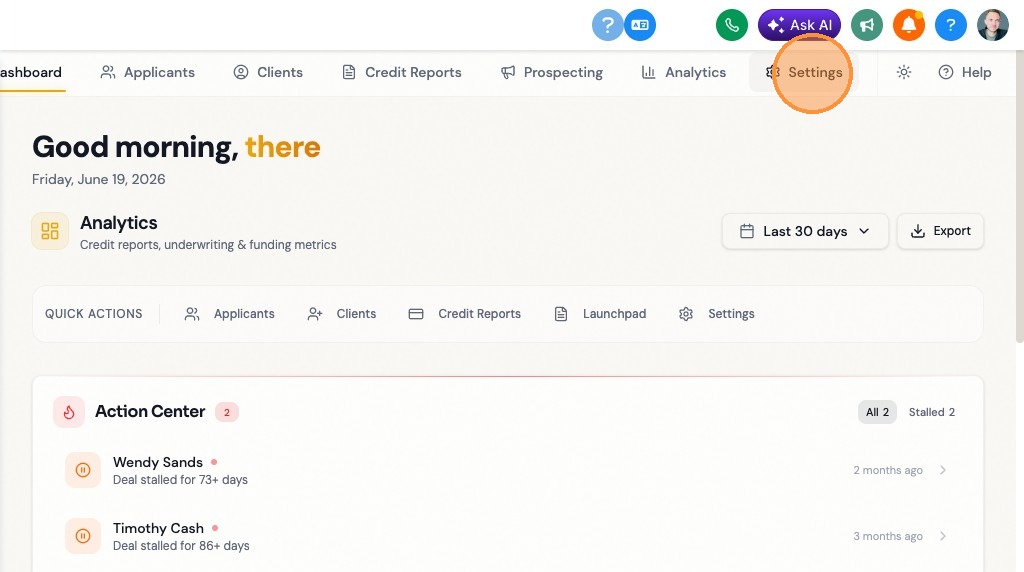
3
Click "Setup & Onboarding"
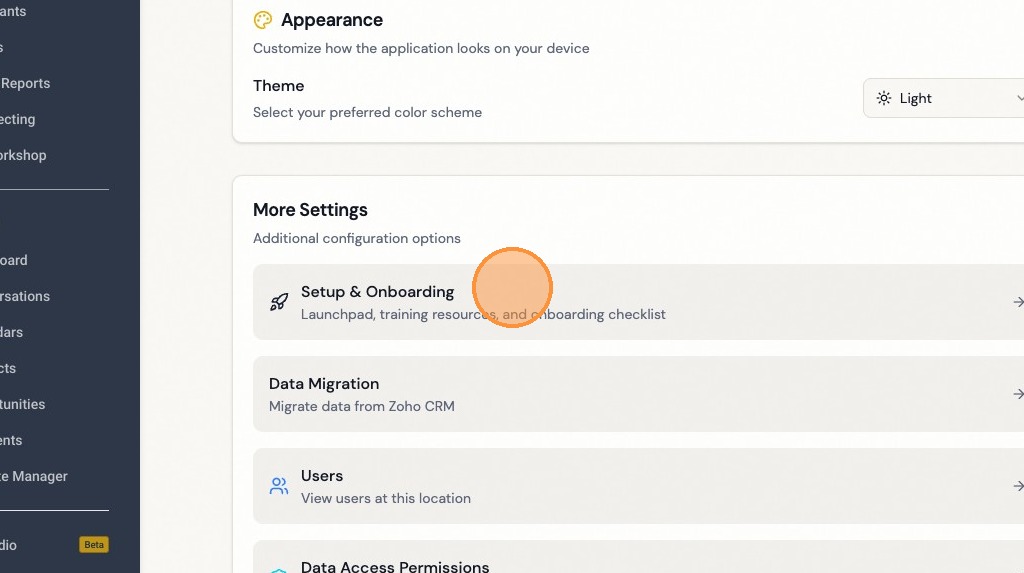
4
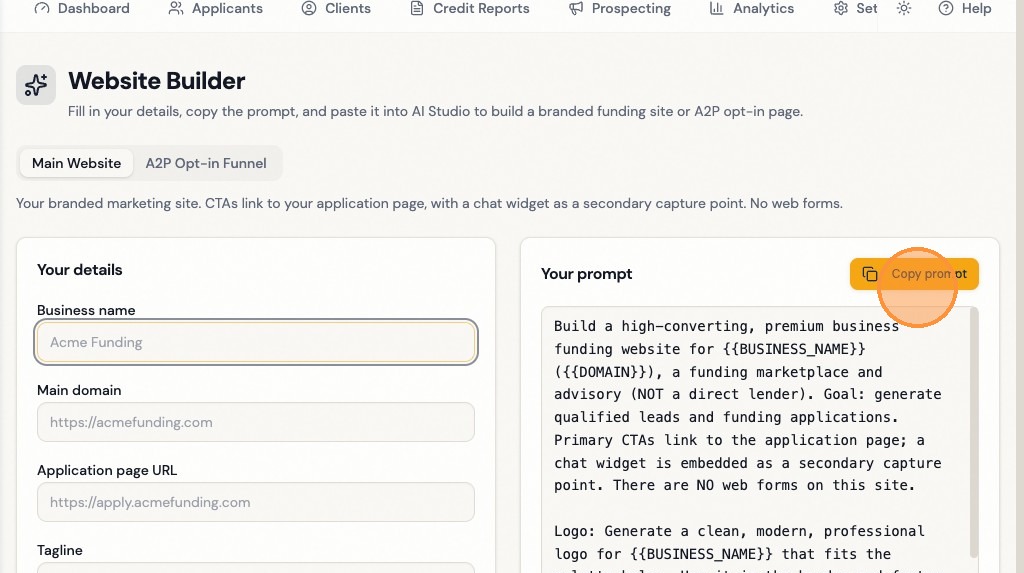
Click "Build Your Website with AI Studio"
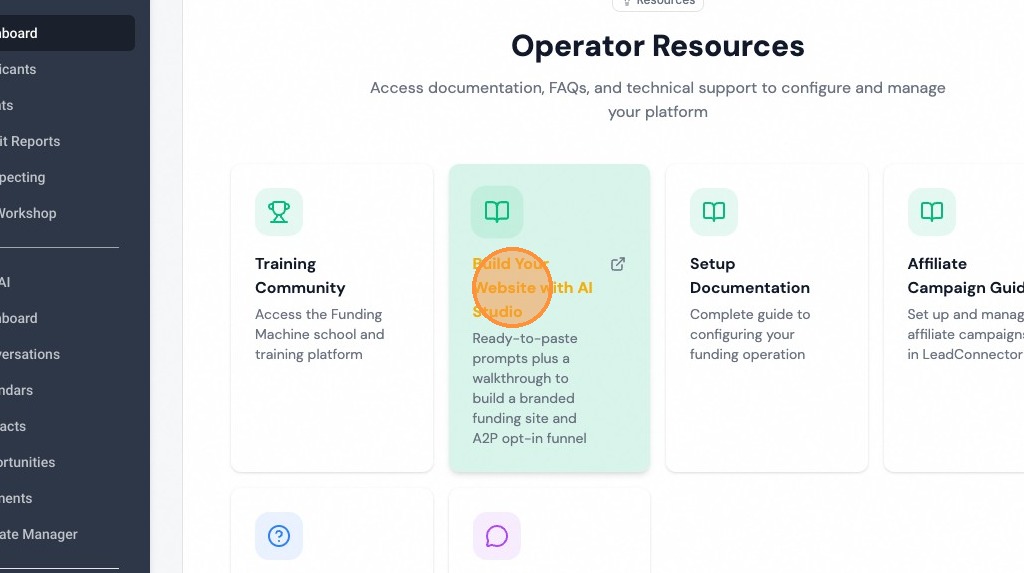
5
Click "Copy prompt"
AI Studio Generation
1
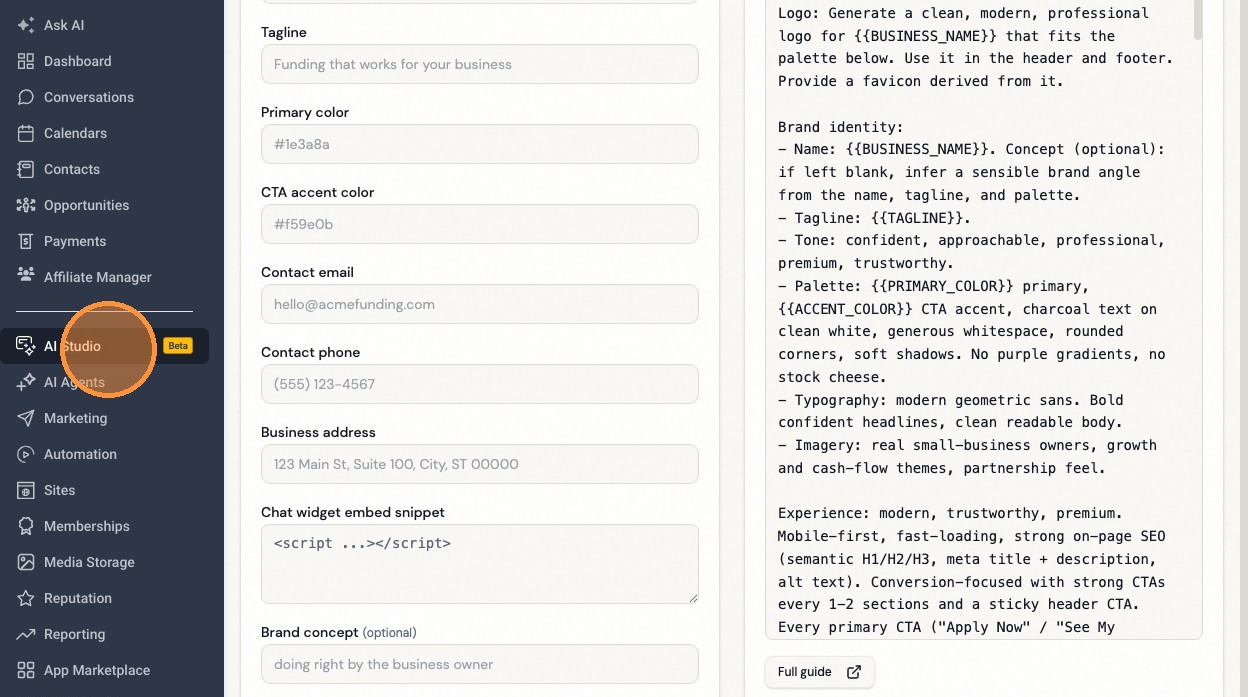
Navigate to AI Studio
2
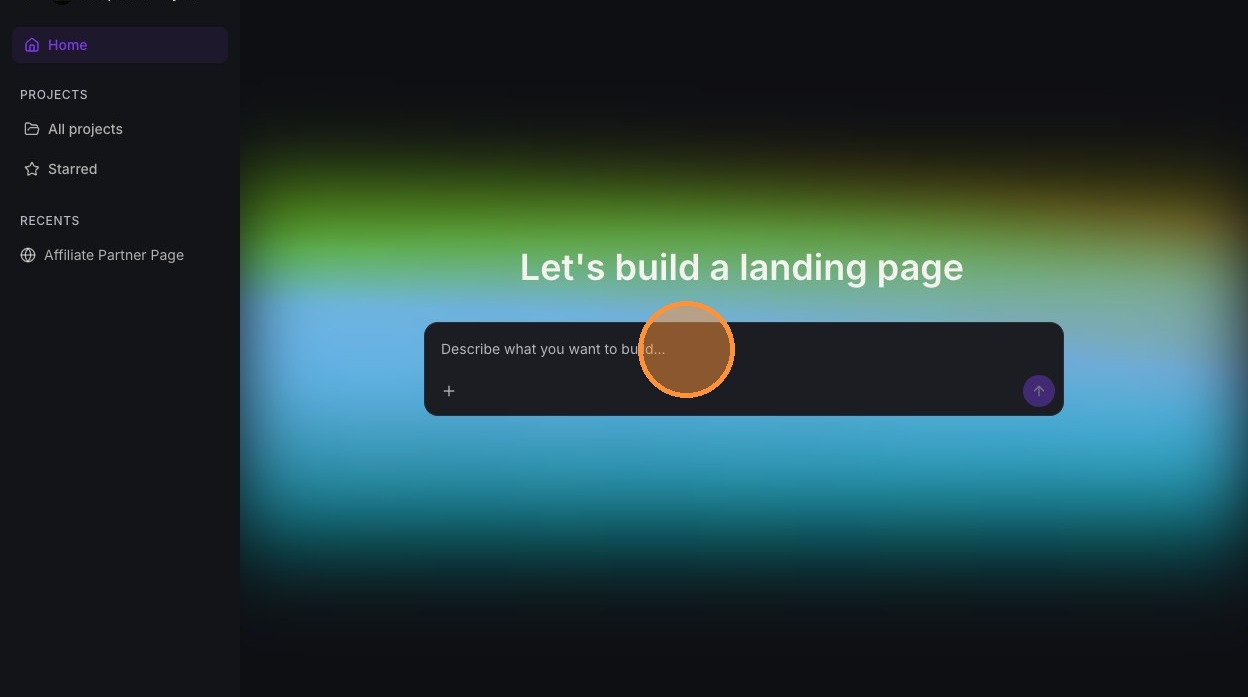
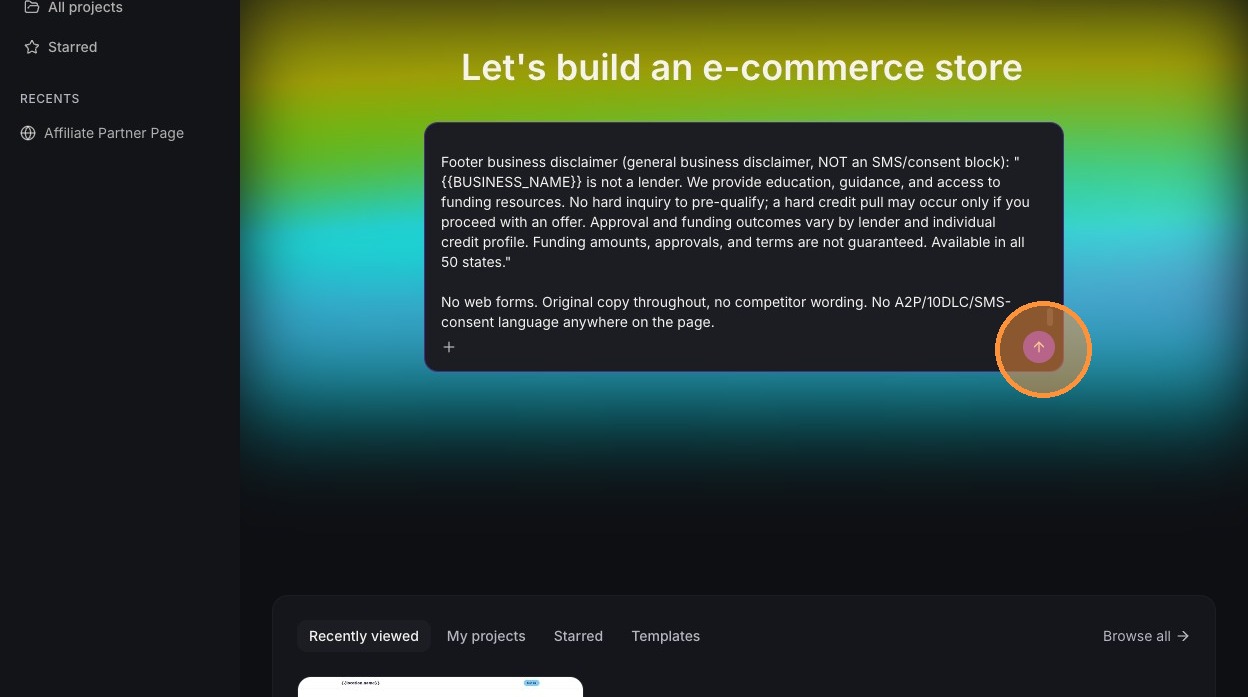
Paste the copied prompt into the "Describe what you want to build..." field
3
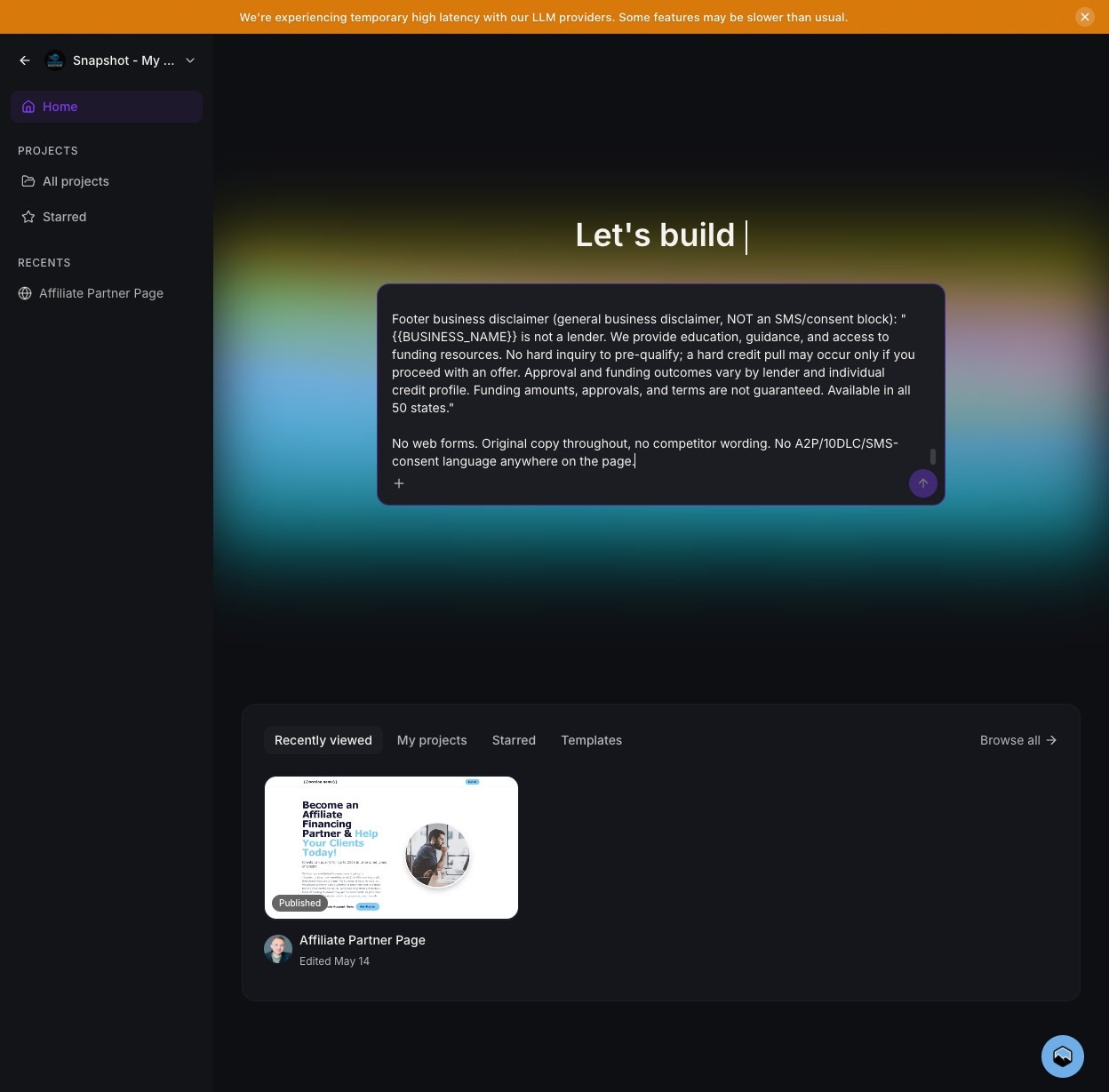
Click the arrow icon to start the build process
How to Use the Prompts
- Pick the prompt you need (main site or A2P funnel page).
- Replace every
{{PLACEHOLDER}}with your business details (the prompt also asks you for them up front). - Paste the full prompt into AI Studio’s build field and press Enter.
- Refine the result with follow-up prompts until it’s right, then publish.
Two values are fixed for every site and you do not need to change them: Privacy Policy
https://www.leadconnectorhq.com/privacy-policy and Terms https://www.leadconnectorhq.com/terms2.Prompt 1 — Main Website
Paste this into AI Studio to build your main branded marketing site. CTAs link to your application page, with a chat widget as a secondary capture point. No web forms.Prompt 2 — A2P 10DLC Funnel Page
This page exists for one job: to be submitted as your opt-in URL during A2P 10DLC SMS campaign registration. No forms, chat widget only, with the consent language carriers look for.Placeholder Reference
Related
Set Up apply.yourdomain.com
Point a branded subdomain at your Apply for Funding form.
Embed the Apply for Funding Form
Already have a website? Embed the form into your existing pages.