

Partners Troubleshooting & FAQ
Start with the symptom below. The general pattern is to verify the partner, campaign, commission, or contact at the source in your CRM, correct it there, then click Refresh from CRM.Quick reference
A partner’s referrals are missing
- Open the partner in your CRM’s Affiliate Manager and confirm the contact is listed as their lead or customer in the correct campaign. A note that a partner “sent them” does not establish this relationship.
- A CRM-confirmed assignment does not need a commission or referral-code attribution on the contact. A changed referral code does not disconnect a confirmed assignment.
- Choose Refresh from CRM and allow the background referral sync to finish. Use Load more referrals on the partner record if more than 100 contacts are linked. Sync delayed means the saved list is retained while the read retries.
- If it is still missing, contact support with your account name, one example partner, and the CRM contact tied to the referral or commission.
Other common issues
Partners shows more affiliates than your CRM. Compare the same account with filters cleared, then choose Refresh from CRM. A complete sync removes old affiliate identities from the directory and removed campaigns from membership labels. If the CRM read fails or cannot finish, the last complete roster is retained. Two distinct current CRM identities are not merged just because they share an email. See How partner sync works. A partner is missing. Confirm they exist as an affiliate (not just a contact) and are enrolled in the expected campaign; then clear filters and search, and refresh. Nothing matches your filters. Search, status, and campaign filters stack — click Clear search & filters.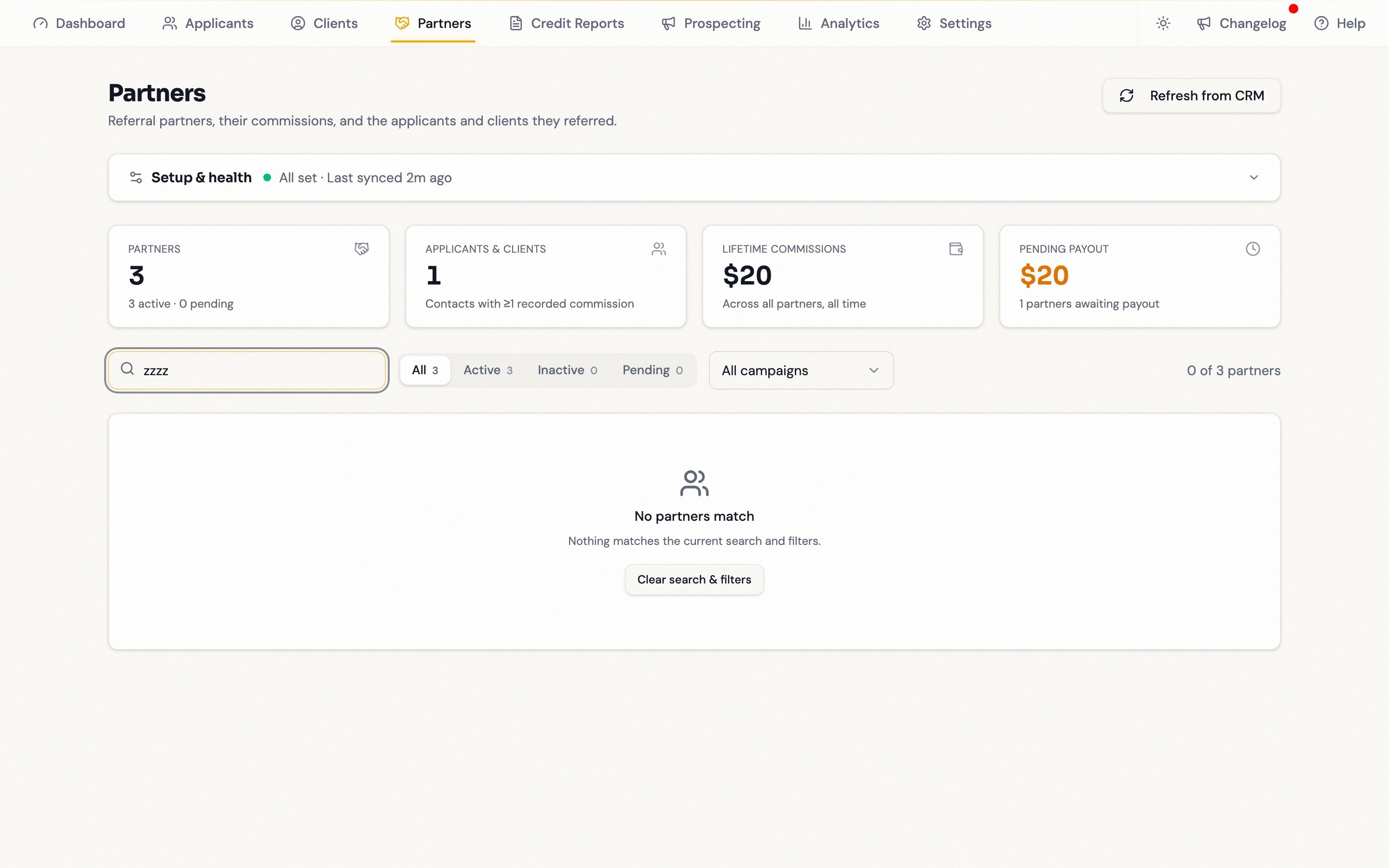
FAQ
Can my referral partners log in to Partners?
Can my referral partners log in to Partners?
No — it’s internal to your team. Partners get their referral link, sign-up link, and emailed reports; their own performance view is your CRM’s affiliate portal.
How do I add a new partner?
How do I add a new partner?
Both routes start in your CRM, which owns partner records. Send a sign-up link and let your workflow enroll them, or turn an existing contact into an affiliate with Add → Import from Contacts in Affiliate Manager. The Enroll in campaign control here cannot create partners — it adds an already-synced partner to another campaign.
How do I remove, deactivate, or pay a partner?
How do I remove, deactivate, or pay a partner?
In your CRM’s Affiliate Manager. This page shows paid and pending amounts but does not move money or change statuses.
How often does data refresh?
How often does data refresh?
Roughly hourly, plus whenever anyone clicks Refresh from CRM.
Why do some numbers end in a “+”?
Why do some numbers end in a “+”?
A
+ marks a lower bound. Load more directory pages or choose Load more referrals on the partner record. Directory and commission scans can also be bounded. See Referral tracking.Are the amounts dollars or cents?
Are the amounts dollars or cents?
Whole dollars, exactly as your CRM reports them.
Why can't I see the reporting or enrollment controls?
Why can't I see the reporting or enrollment controls?
They are admin-only: reporting defaults, the Settings tab, Send report, and the referral-link override.