

Affiliate Manager Dashboard
The dashboard is your at-a-glance view of the partner program. Open it from Marketing > Affiliate Manager.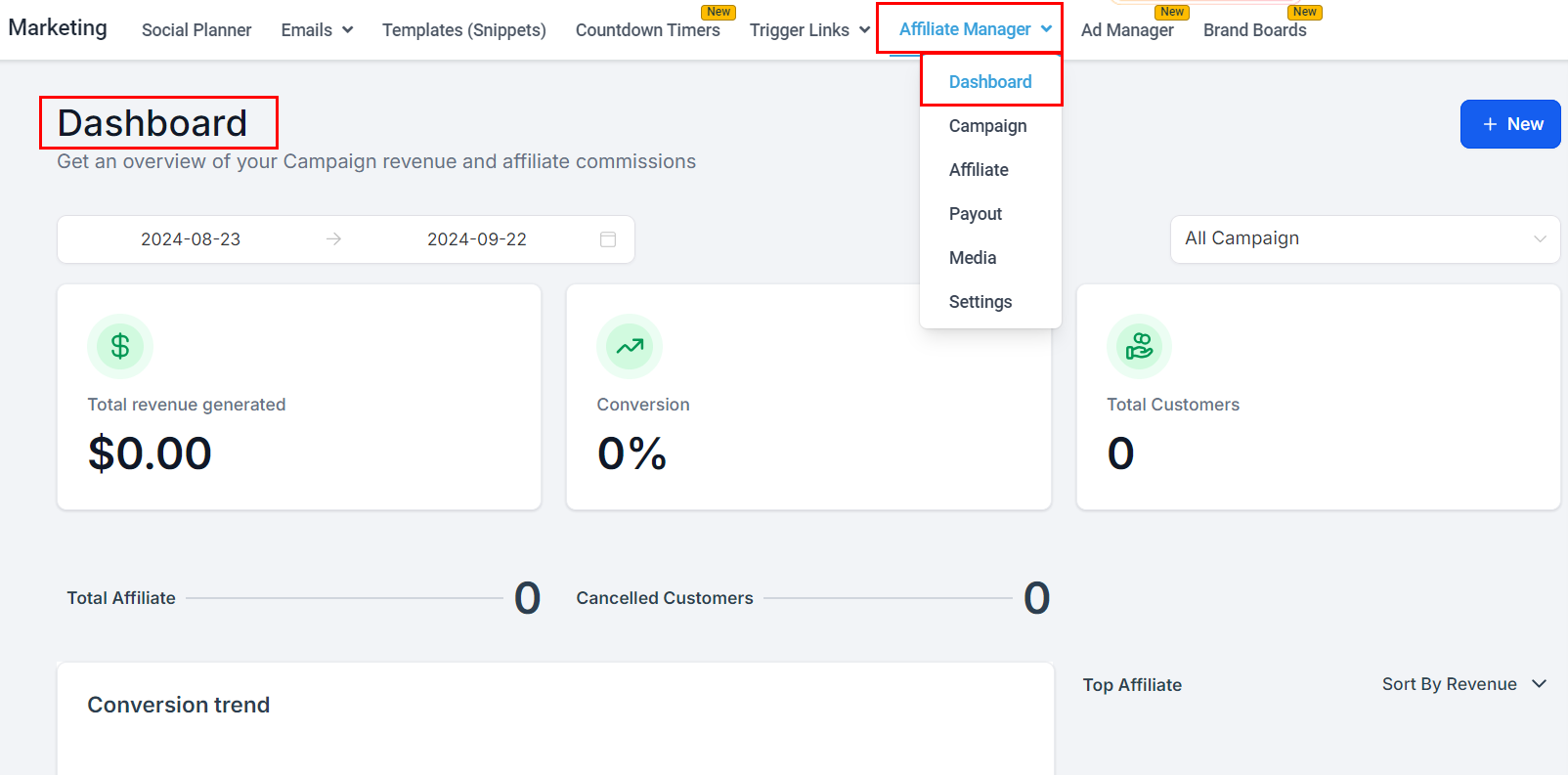
New
The New button creates campaigns or partners directly from the dashboard.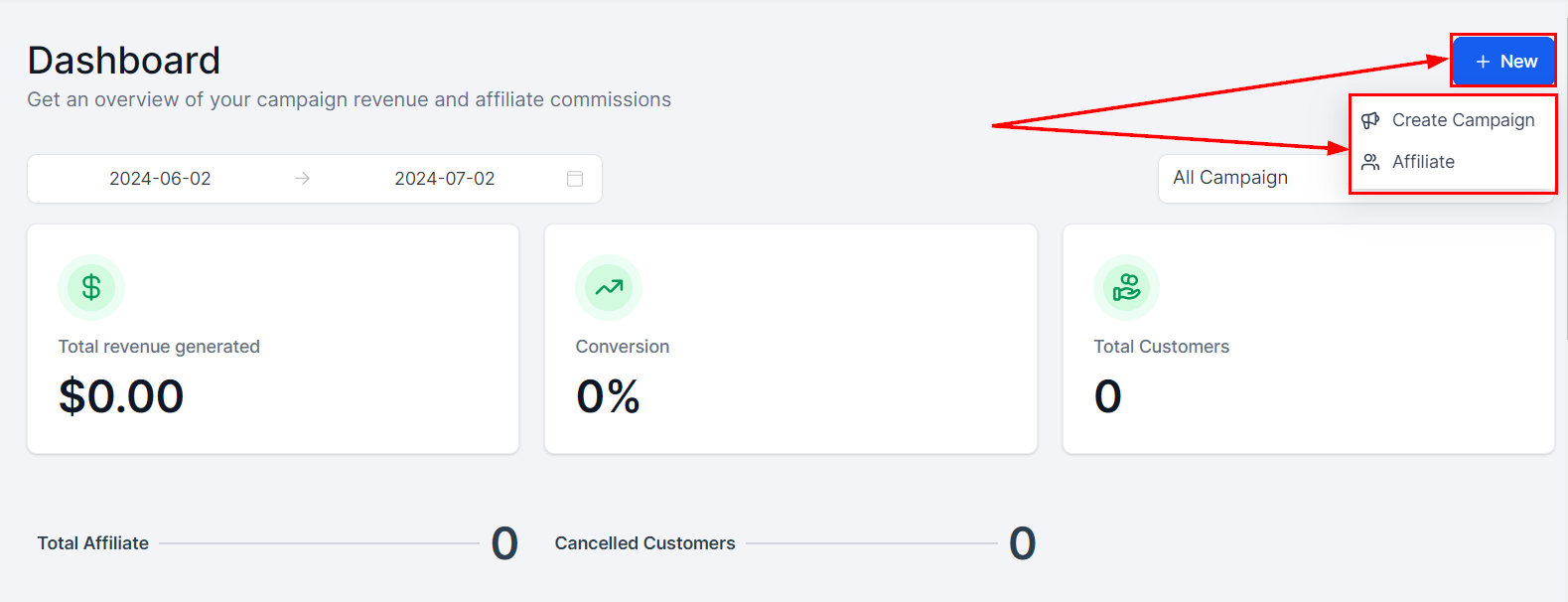
Date Range
Filter the dashboard’s data range from the calendar dropdown.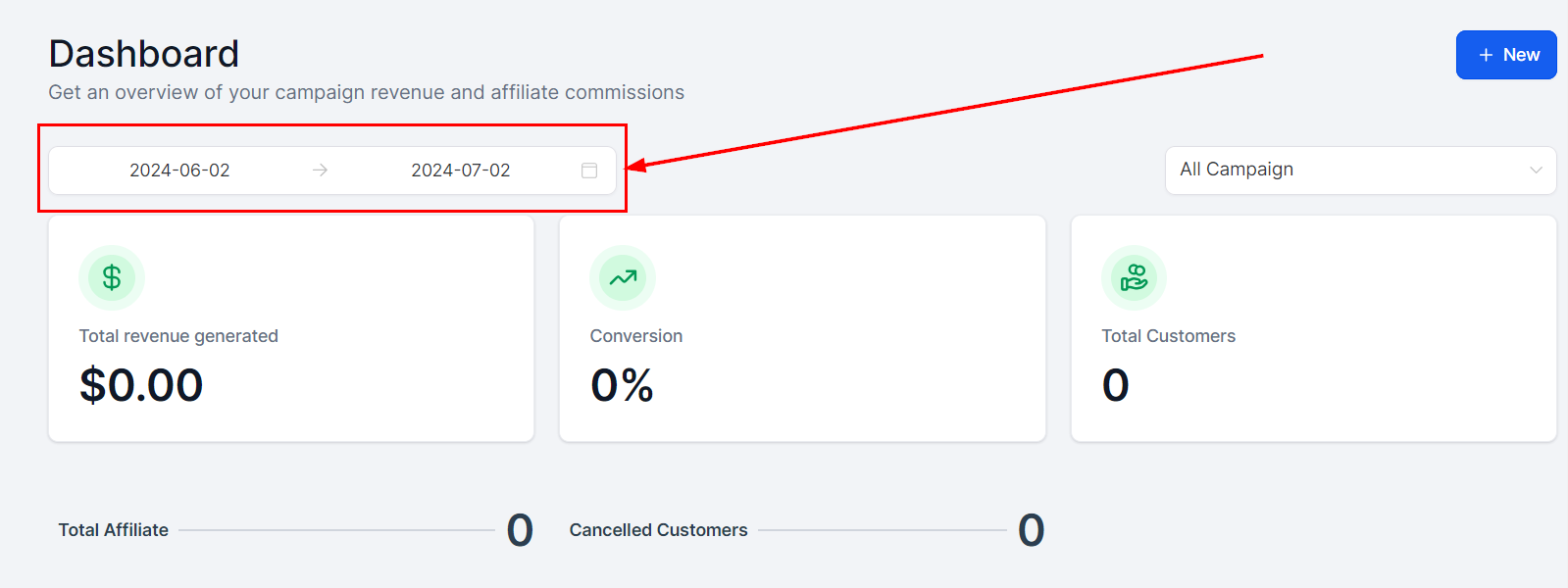
Campaign
Select “All Campaign” for the full picture, or a specific campaign.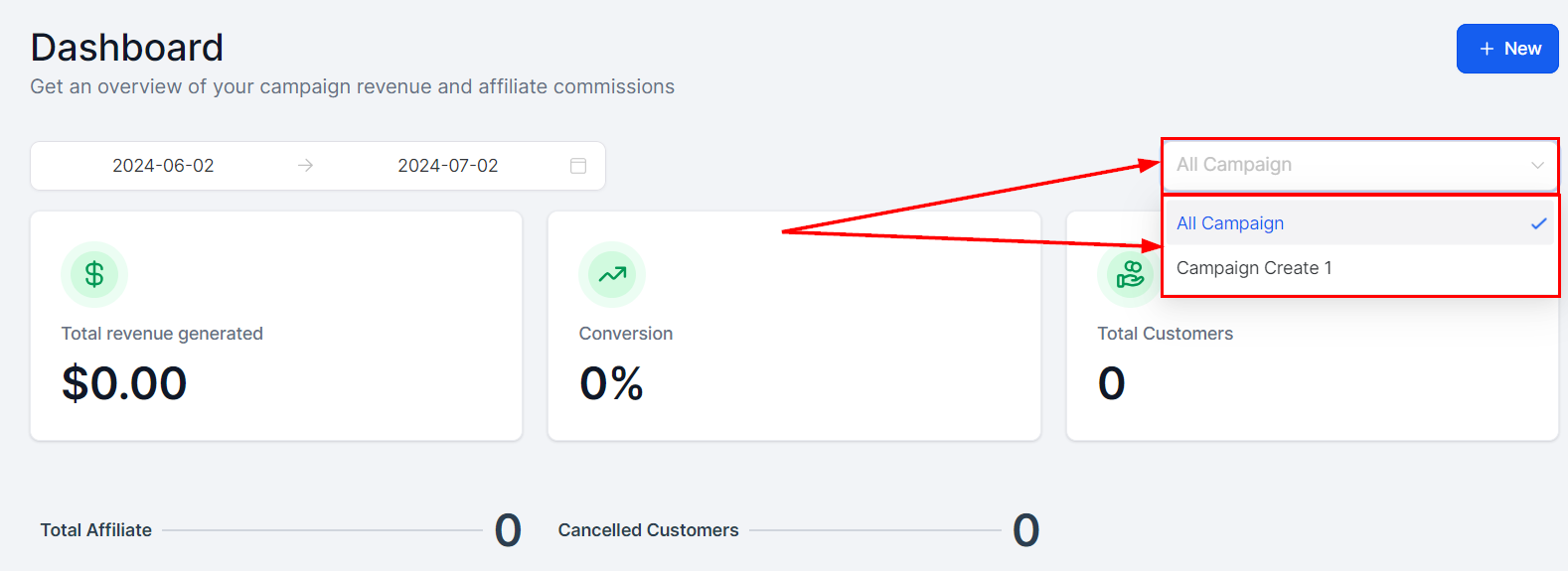
Core Metrics
Total revenue generated, conversion rate, and total customers.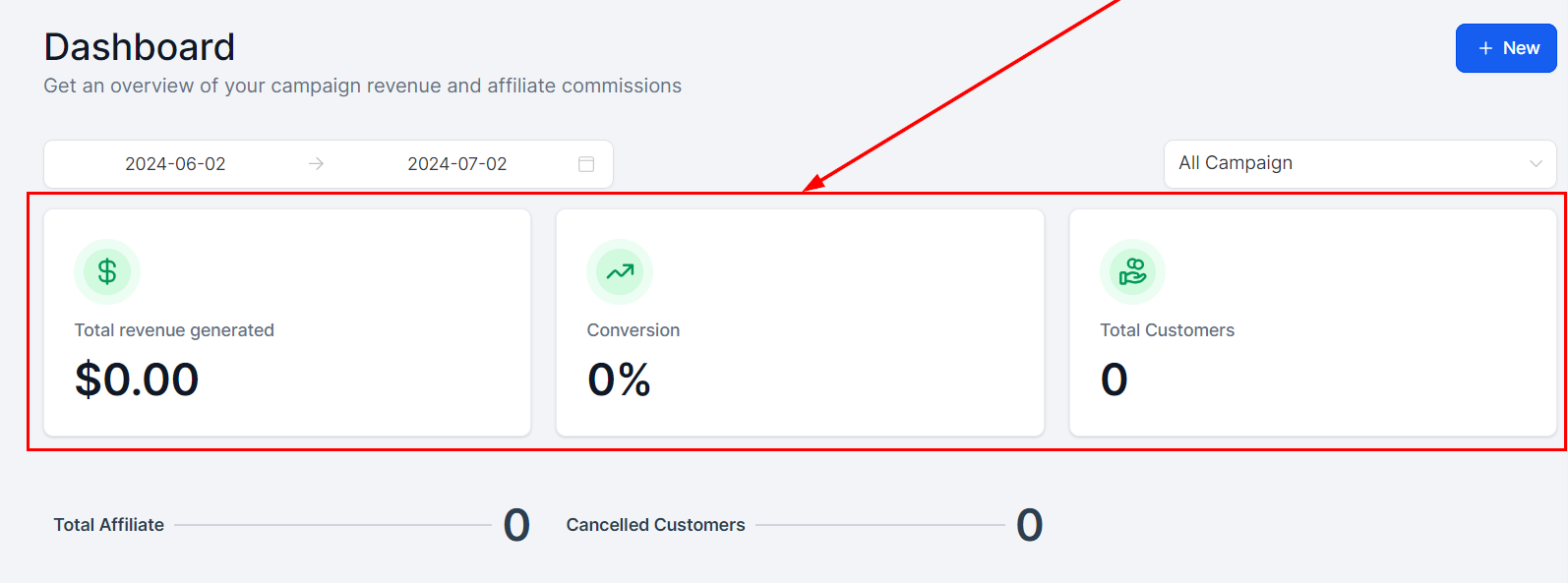
Conversion Trend
Lead and customer trends over the selected date range.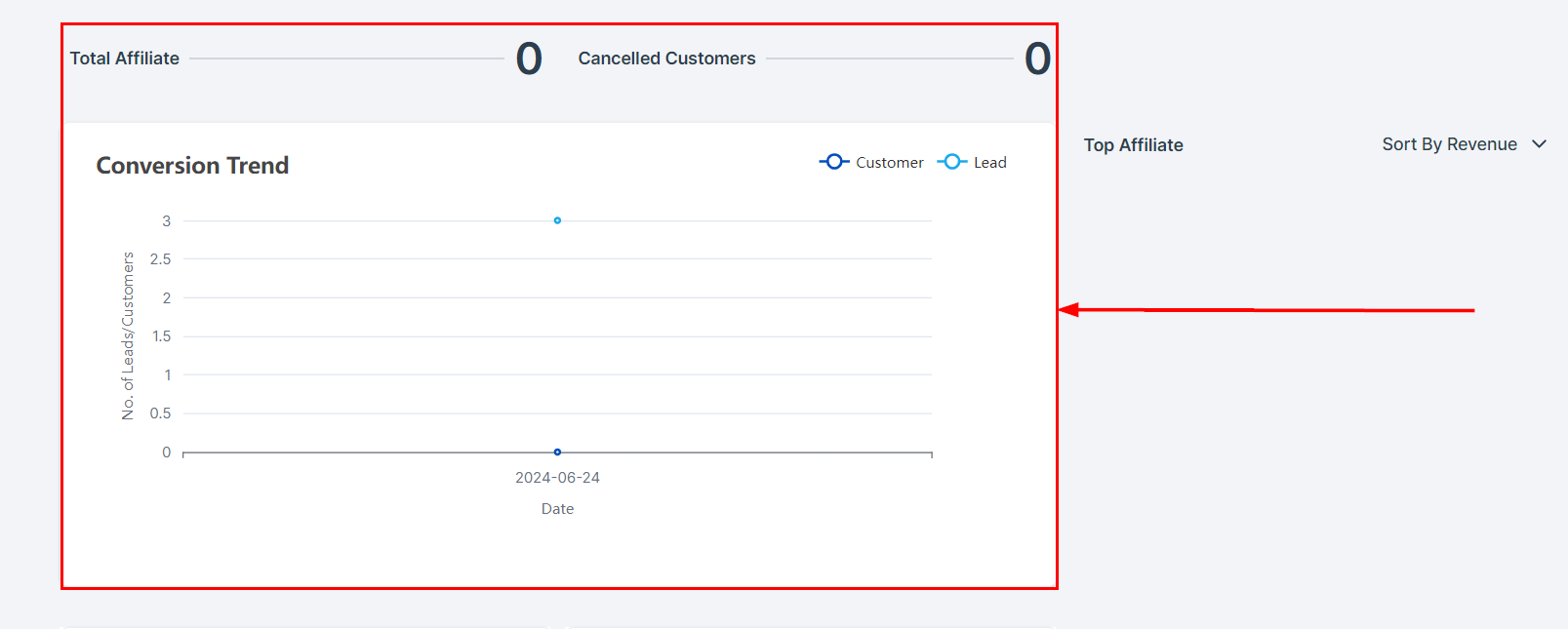
Affiliate Leaderboard
Your top 10 partners, filterable by revenue, commissions, leads, or customers.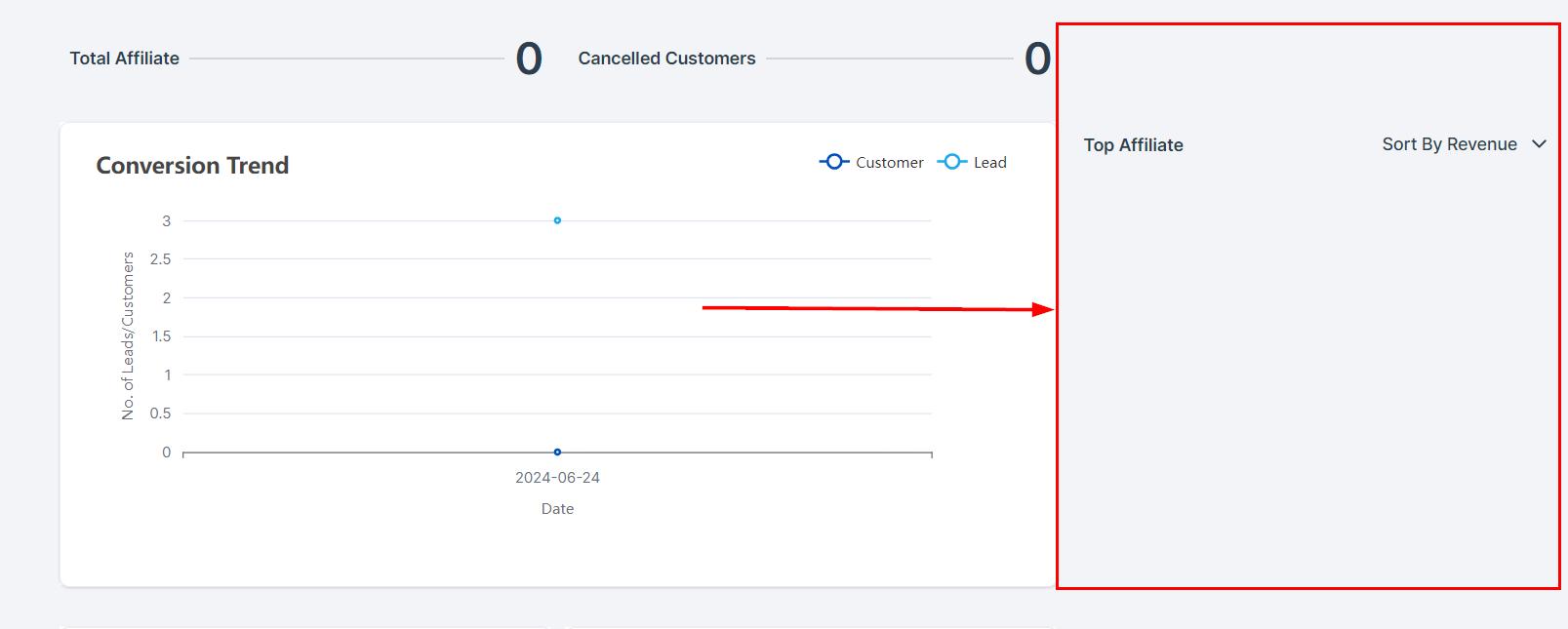
Pending Actions
Pending payouts and commissions. Click Pending Payouts to jump to the payouts page.
Latest Commissions and Affiliates
The newest partners and commissions, with approve/deny actions inline.
