Affiliate Manager Settings
Settings holds the global defaults for your partner program — campaign defaults, portal requirements, and tab-label customizations. Open it from the Affiliate Manager dropdown.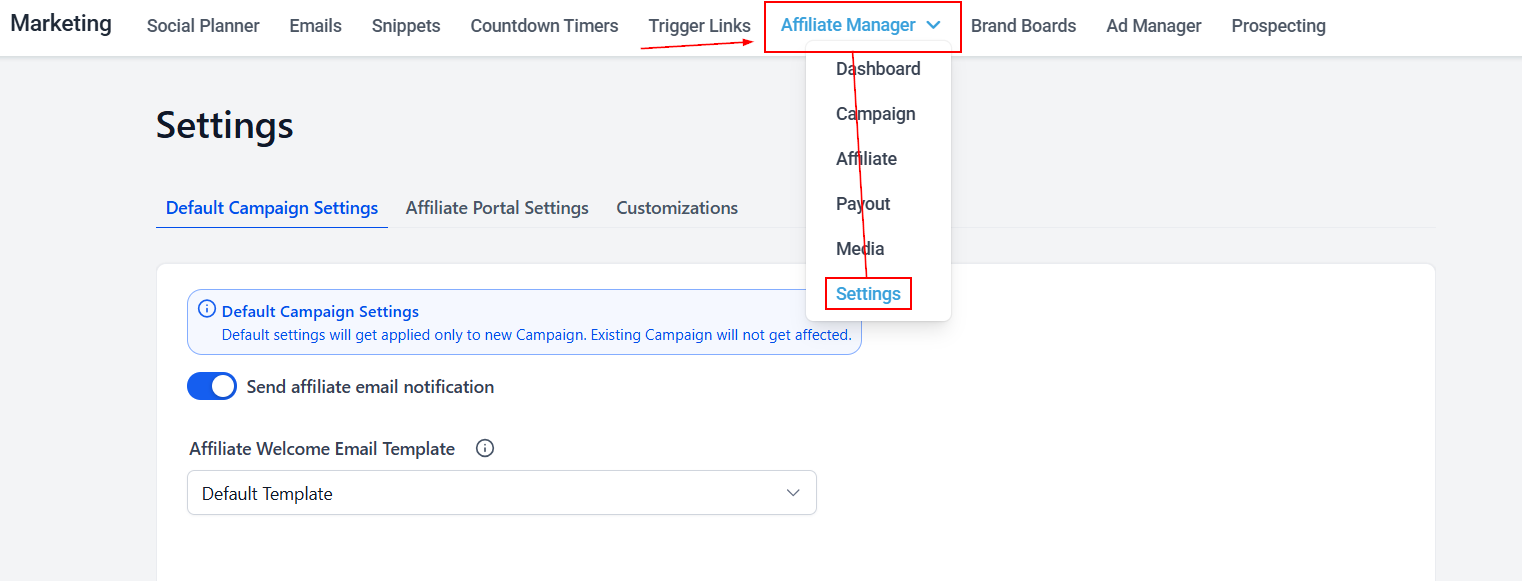
Default Campaign Settings
These defaults apply automatically to new campaigns only — existing campaigns are not affected.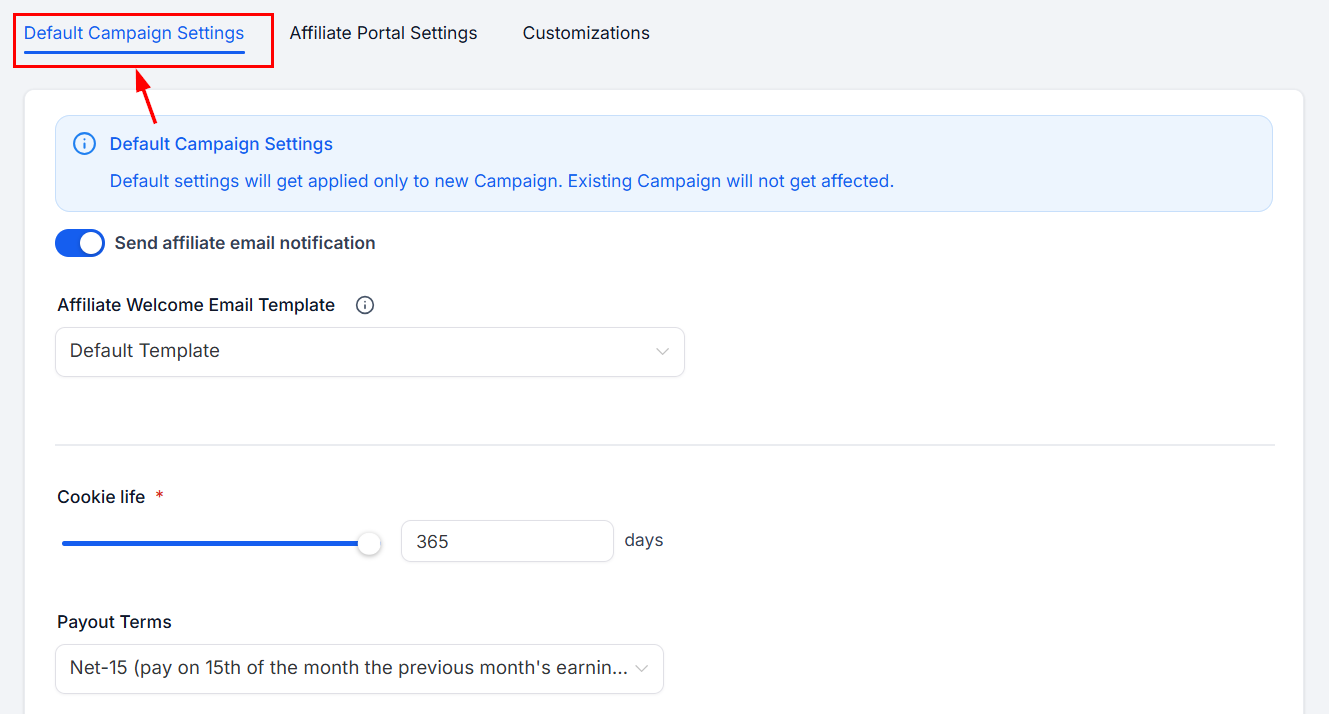
Affiliate Email Notification
Automatically emails new partners. Once enabled, pick a template from the dropdown or use the default.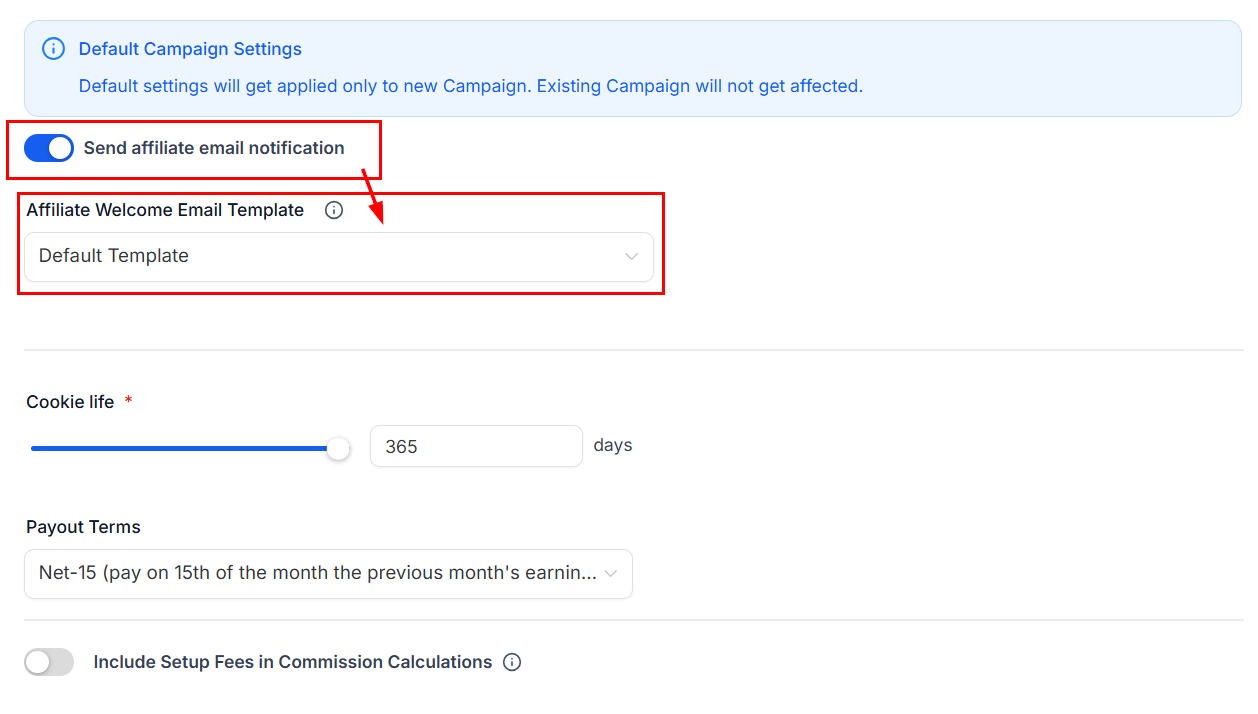
Cookie Life
How long the tracking cookie stays active after someone clicks a referral link (2 to 365 days). The cookie attributes any resulting sign-ups or purchases to the correct partner.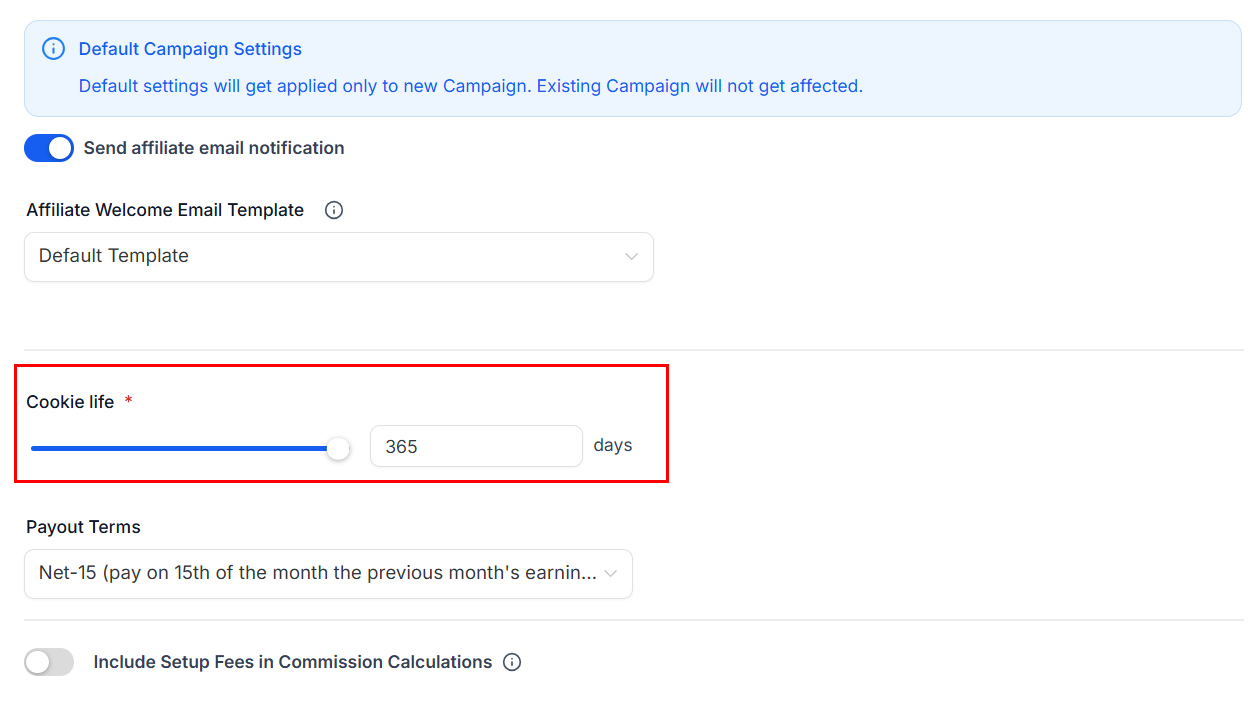
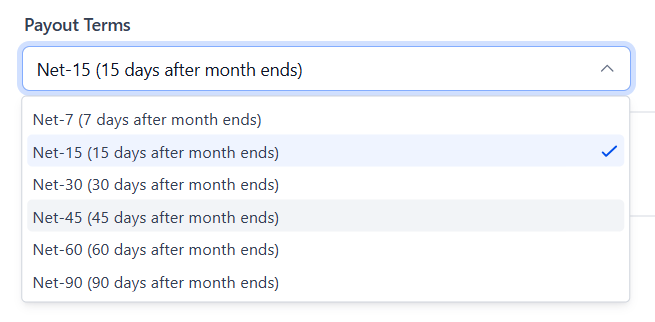
Payout Terms
When payouts are issued: 7 to 90 days after each month ends. A longer term reduces the risk of paying commission on refunded transactions.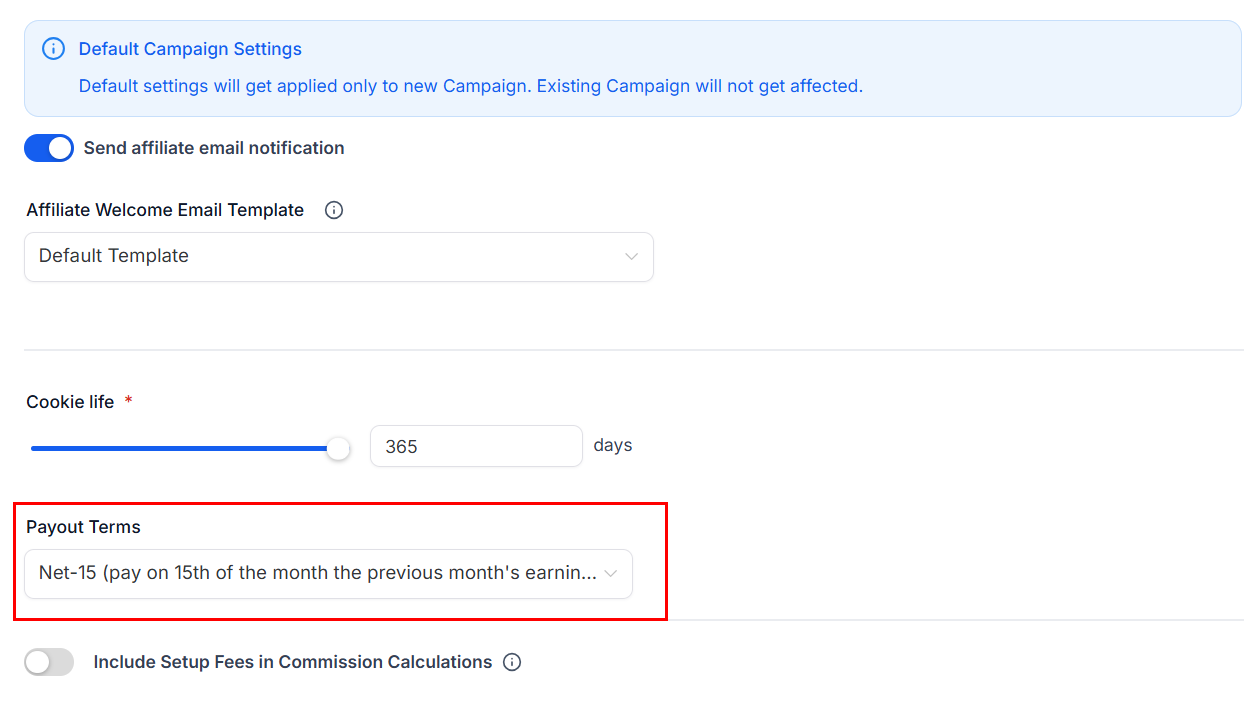
Setup Fees
Include setup fees in the total sales amount so they count toward commission calculations.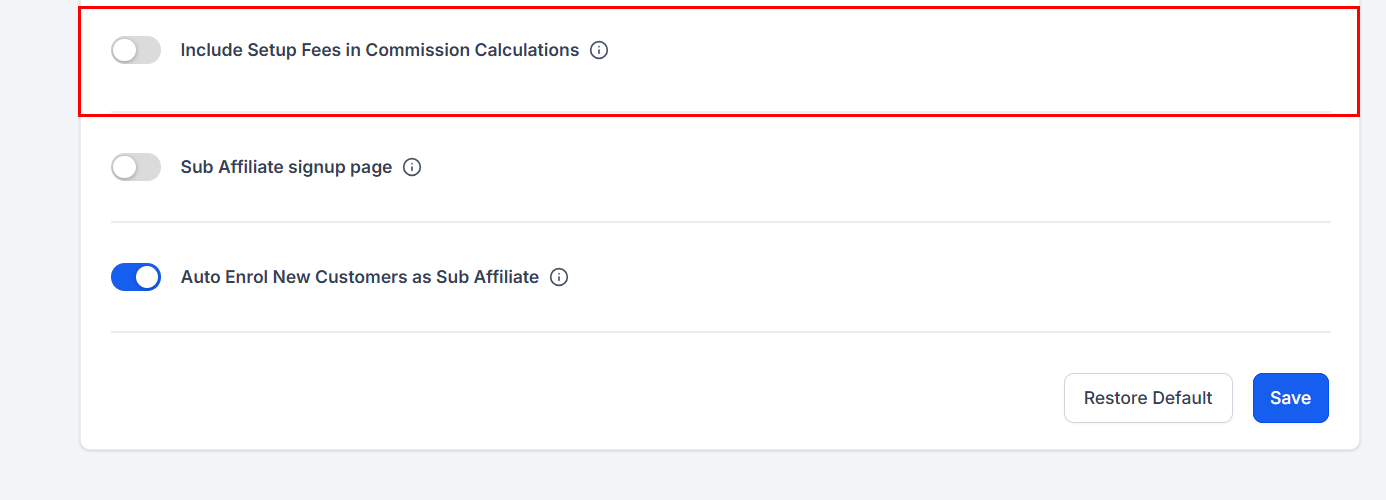
Sub Affiliate Signup Page
Lets partners share sign-up forms and recruit sub-affiliates on their own.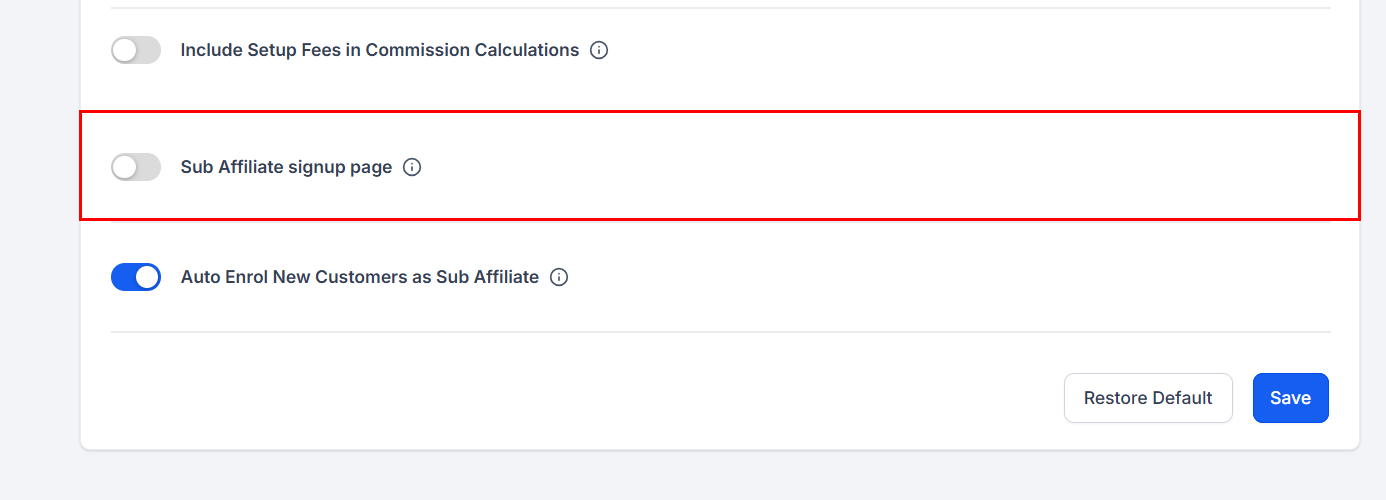
Auto Enrolling New Customers as Sub Affiliates
Automatically enrolls new customers as sub-affiliates under the partner who referred them.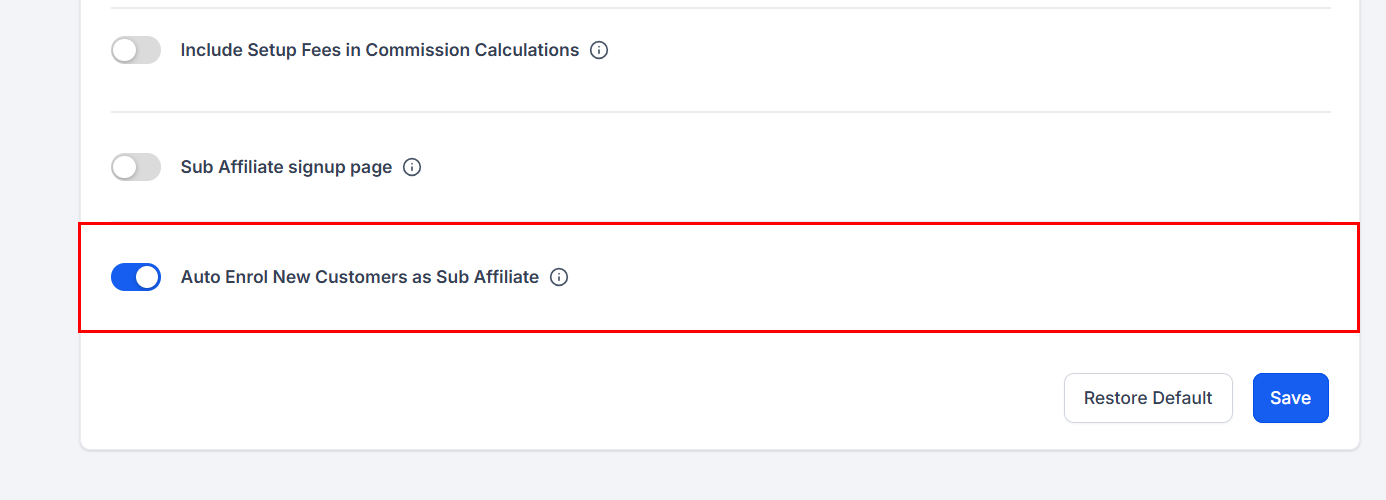
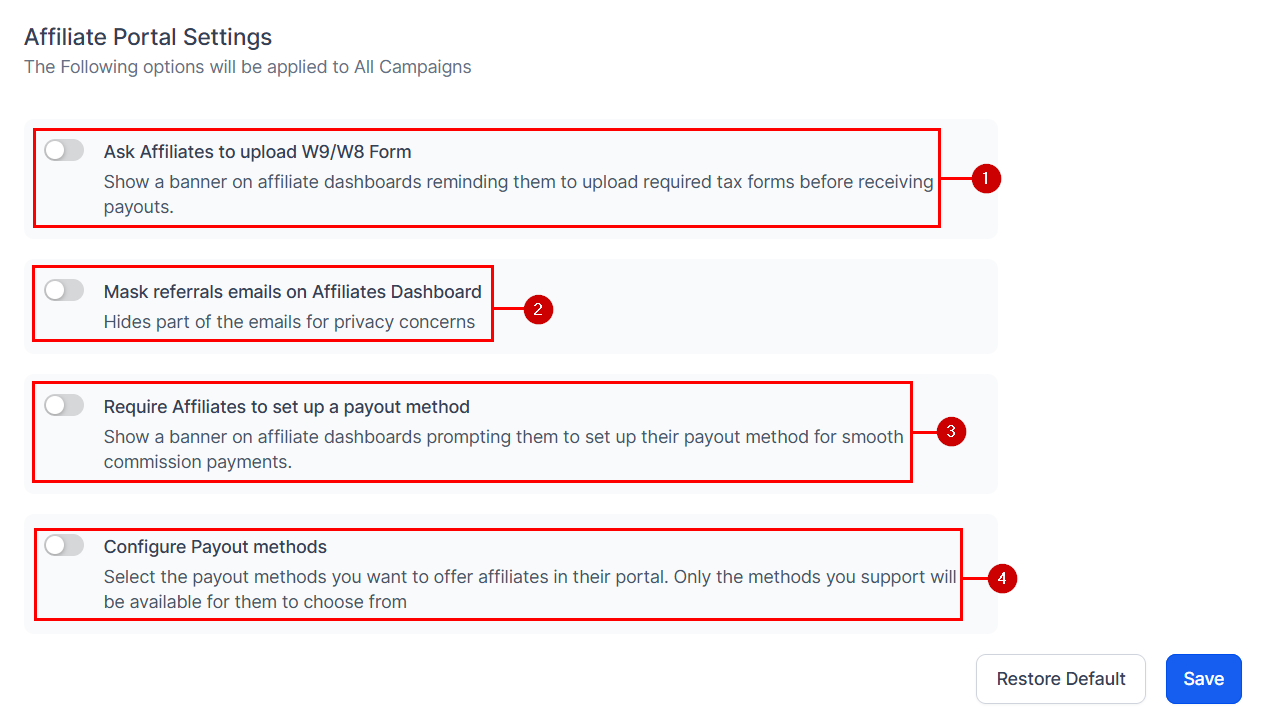
Affiliate Portal Settings
Controls what the portal requires from partners and how they get paid. See How to use the Affiliate Portal for the partner-side view.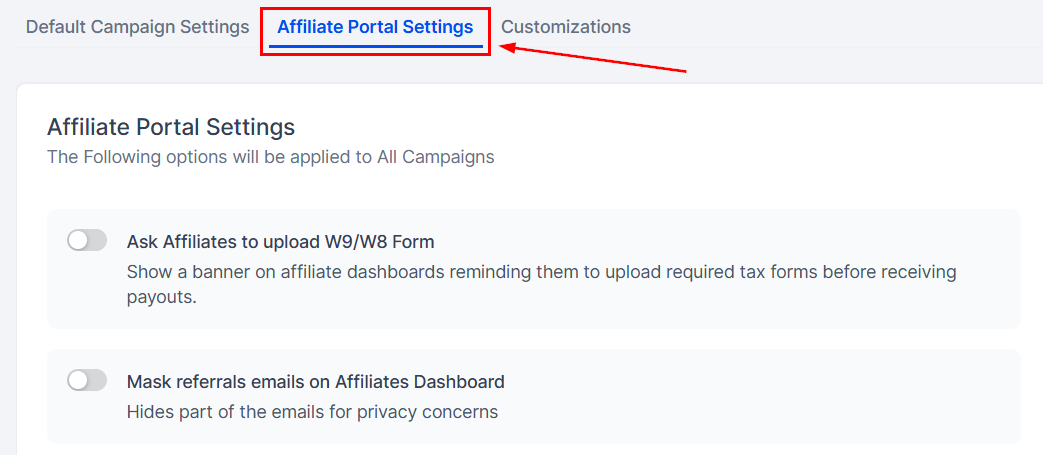
- Require tax forms from partners prior to payout.
- Mask customer information in referral emails for added privacy.
- Require partners to set up a payout method.
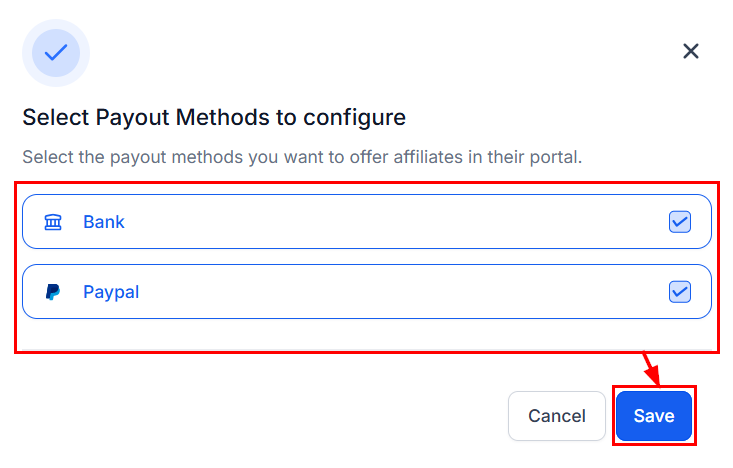
- Control which payout methods are available to partners.
Customizations
Rename the Affiliate Manager tab headers; the changes appear in the Affiliate Manager dropdown. See Customizing labels.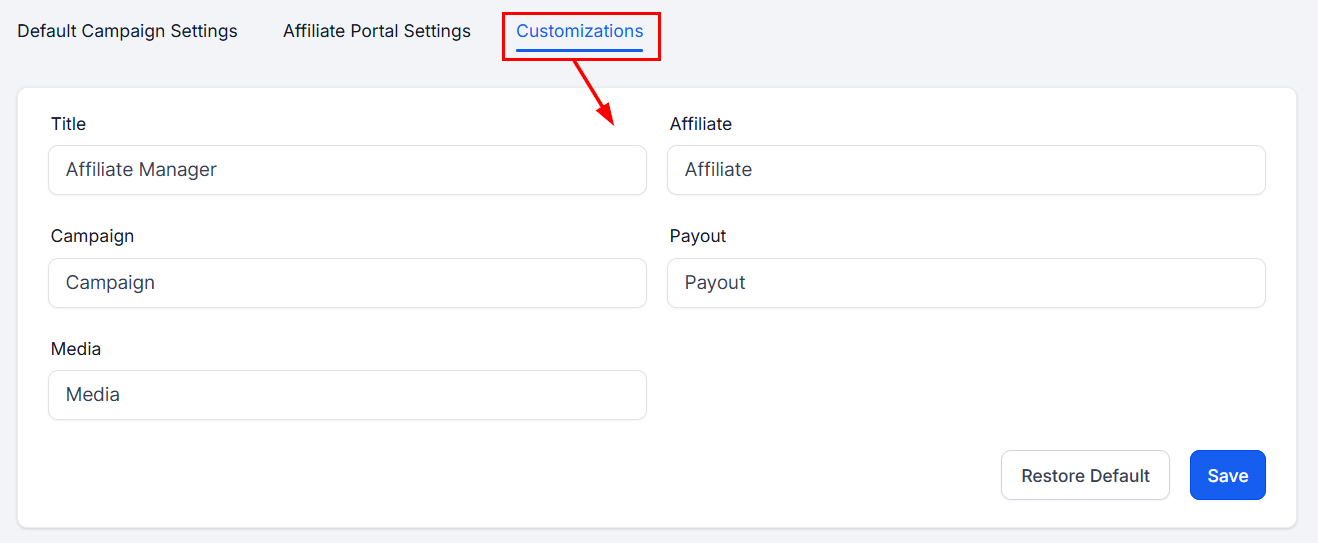
Save and Restore Default
Click Save to keep your changes.