How to Customize Affiliate Manager Labels
Rename the Affiliate Manager tab labels to match your brand or industry terminology — for example, calling affiliates “partners” throughout the UI.Steps
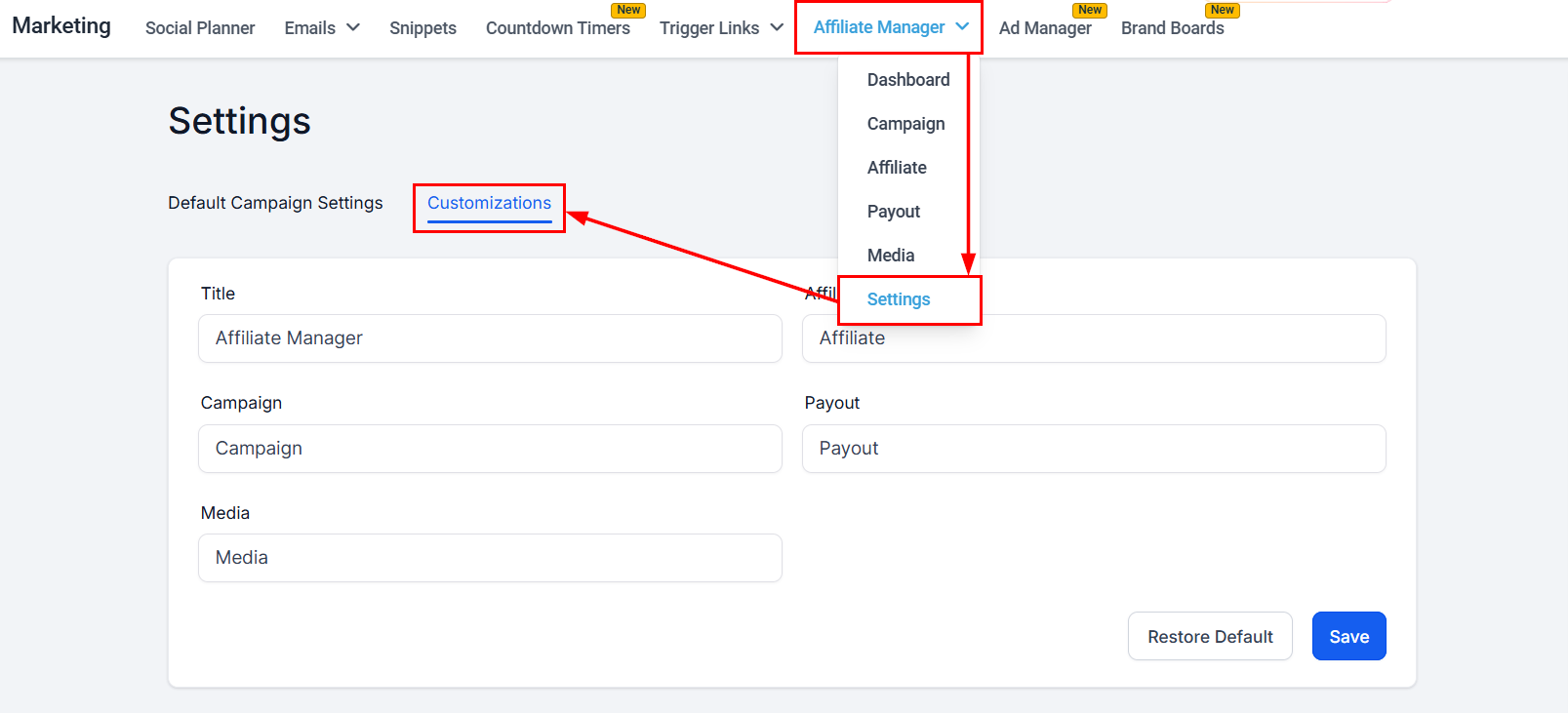
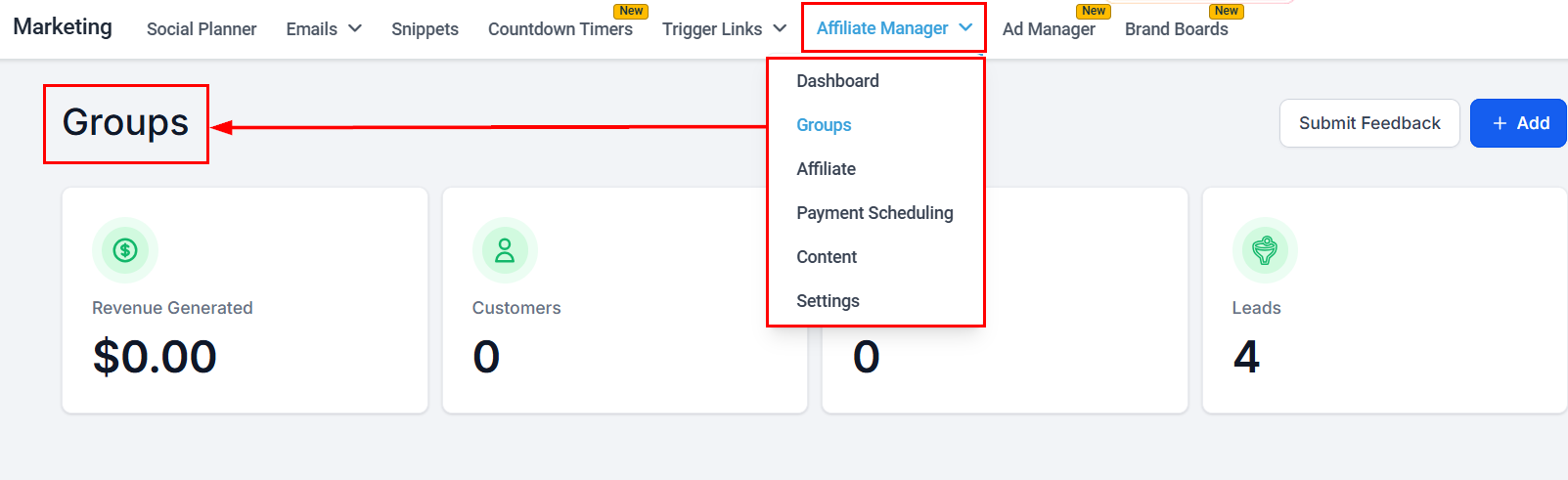
- In the Marketing tab, click Settings in the Affiliate Manager dropdown and find the Customizations menu.
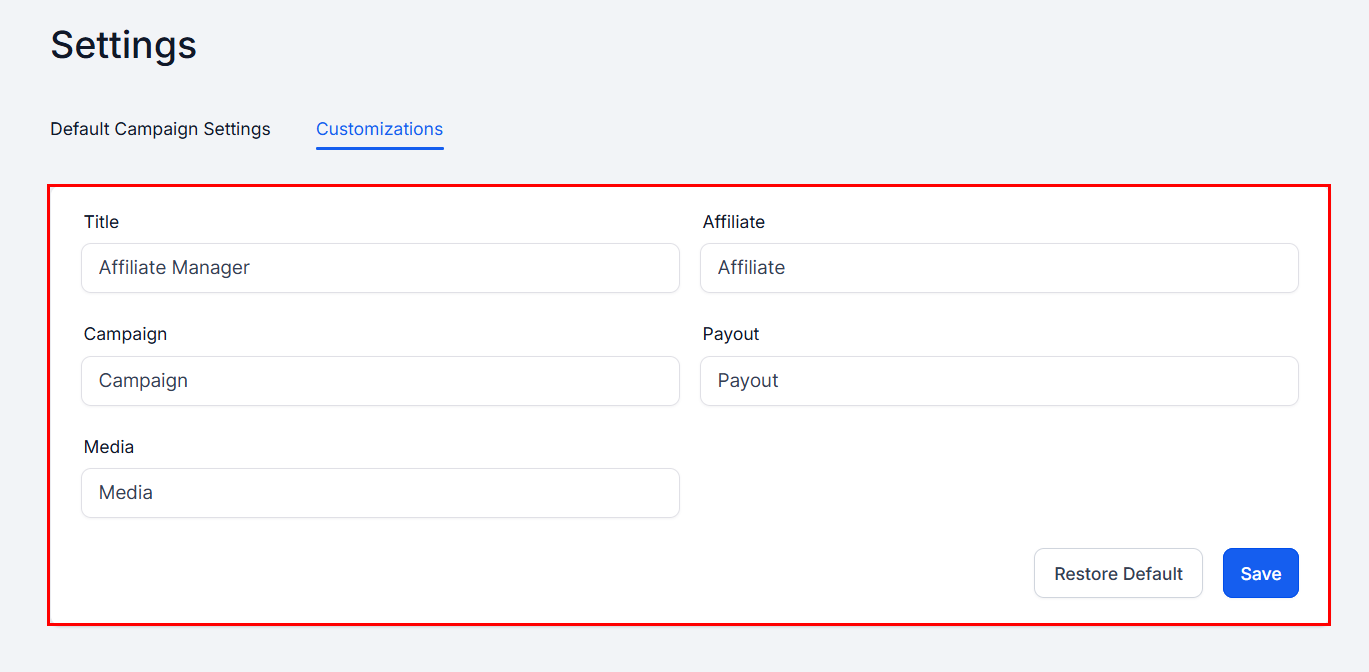
- Rename each tab as needed. The default label is shown above each field so you know what you’re changing.
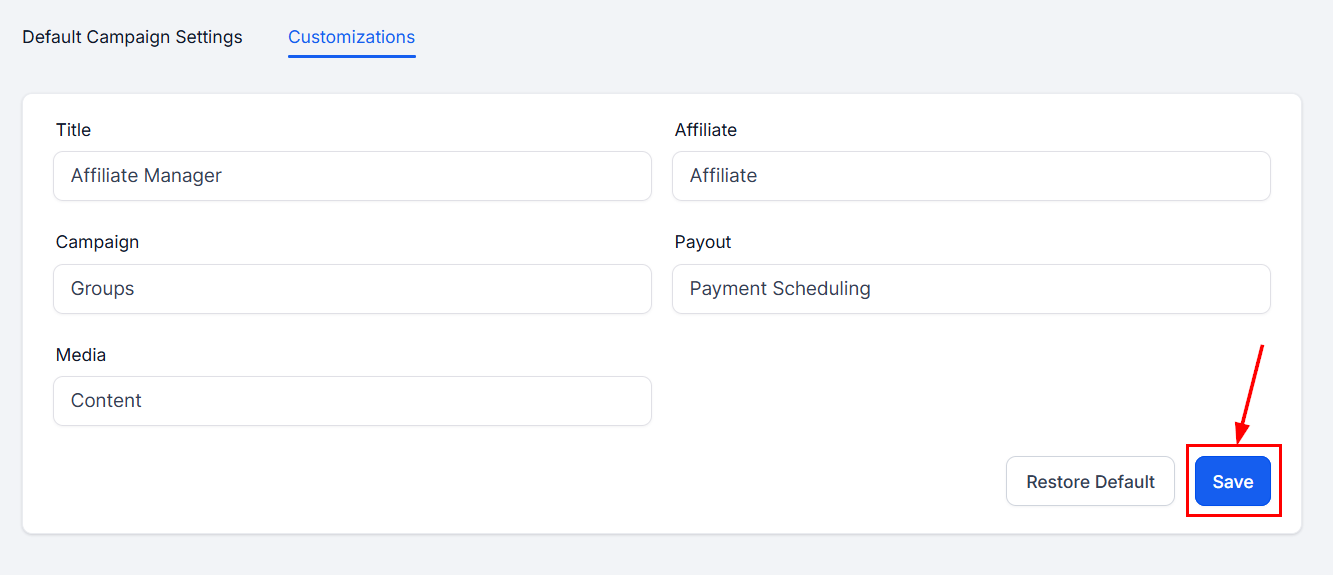
- Save your changes.
Revert changes
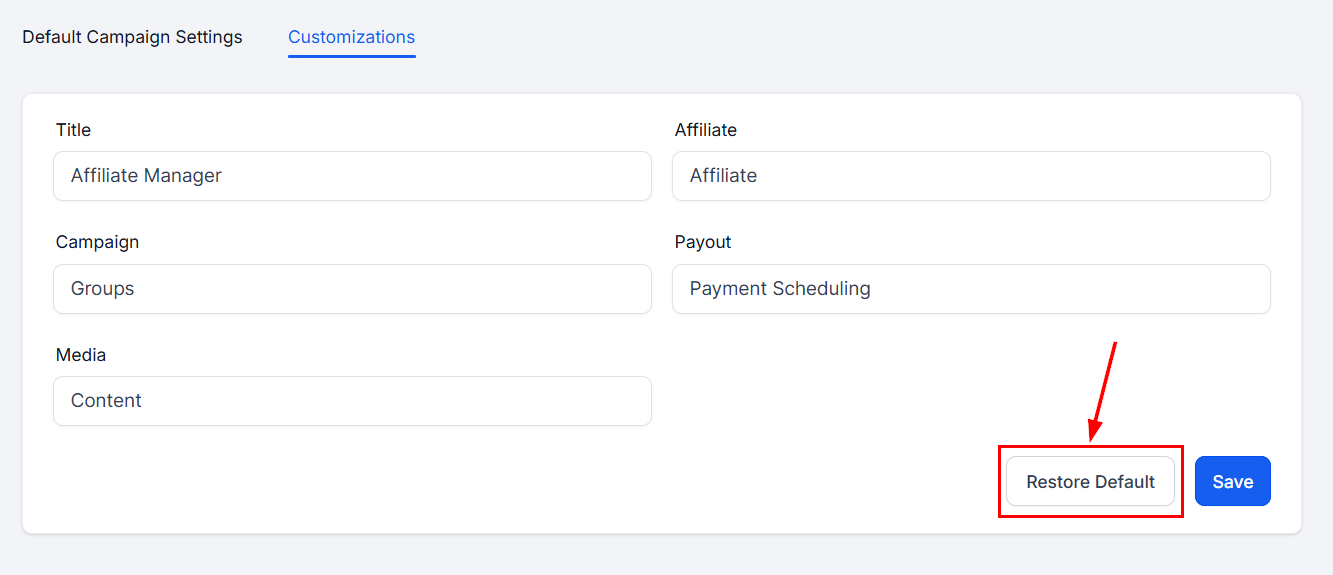
Click Restore Default in the Customizations section to bring back the default labels.