

How to Clone an Affiliate Campaign
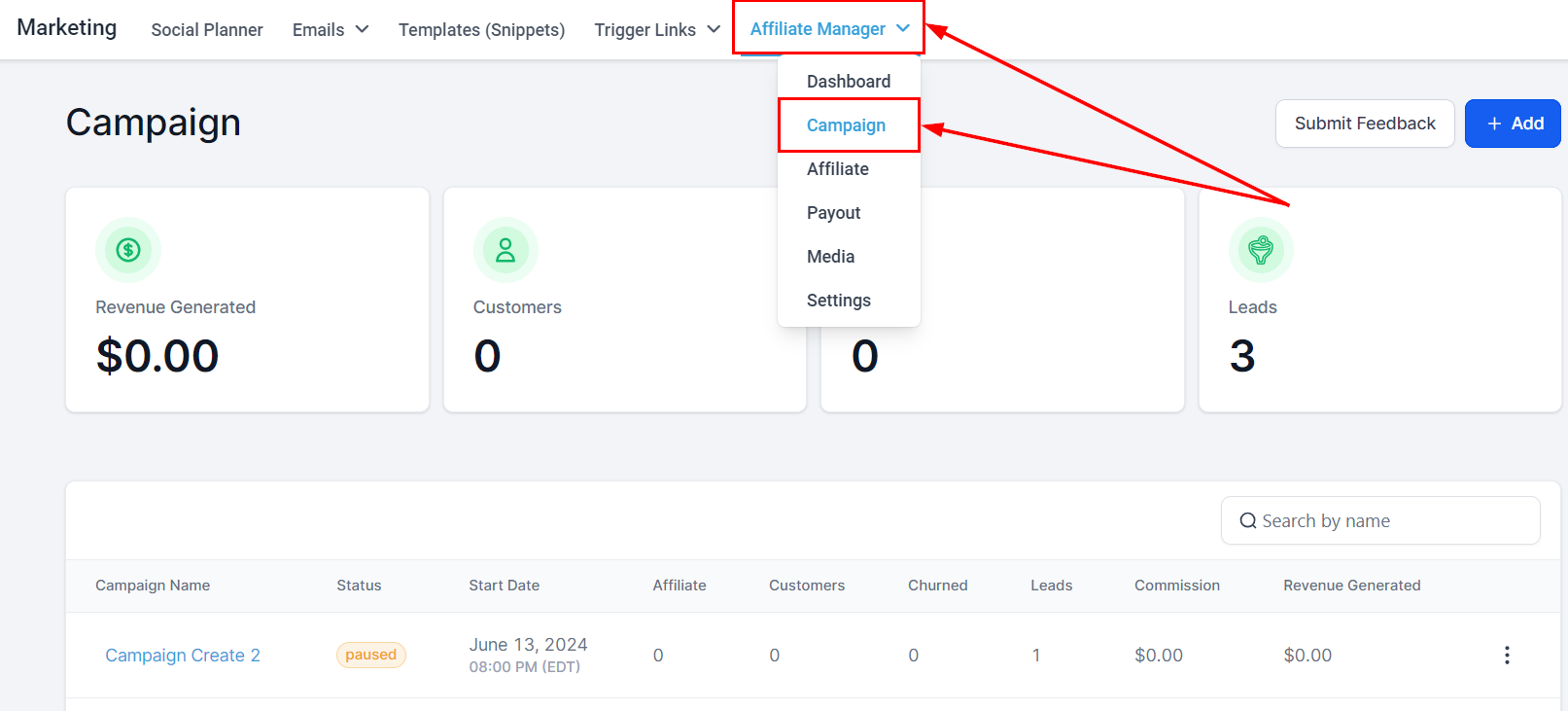
Cloning reuses an existing campaign’s configuration so you can launch a new one without rebuilding it.- In Marketing → Affiliate Manager, open the Campaign tab.
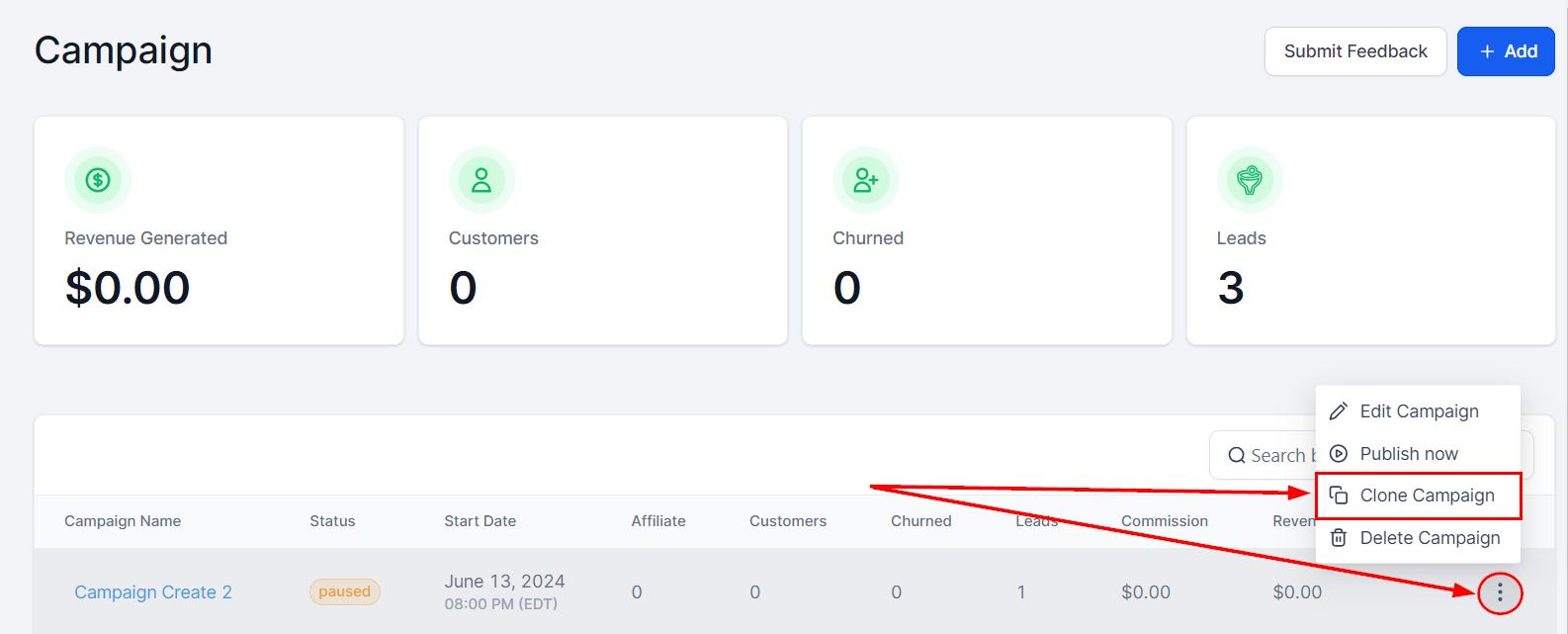
- Click the three dots on the campaign you want to clone and select Clone Campaign.
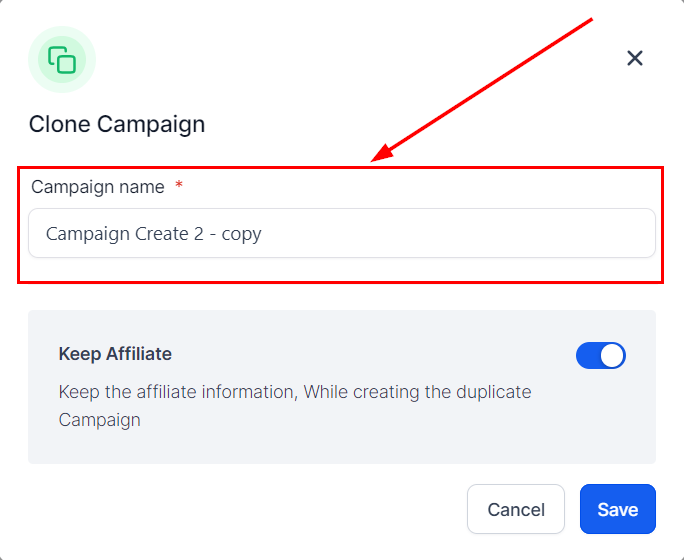
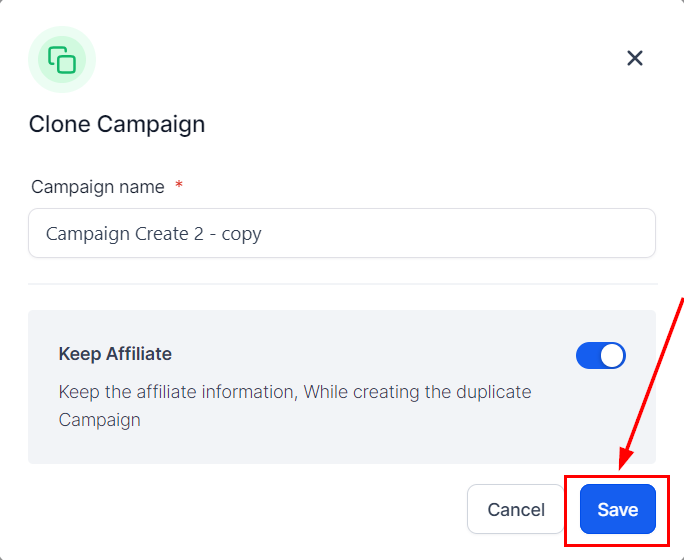
- Name the cloned campaign.
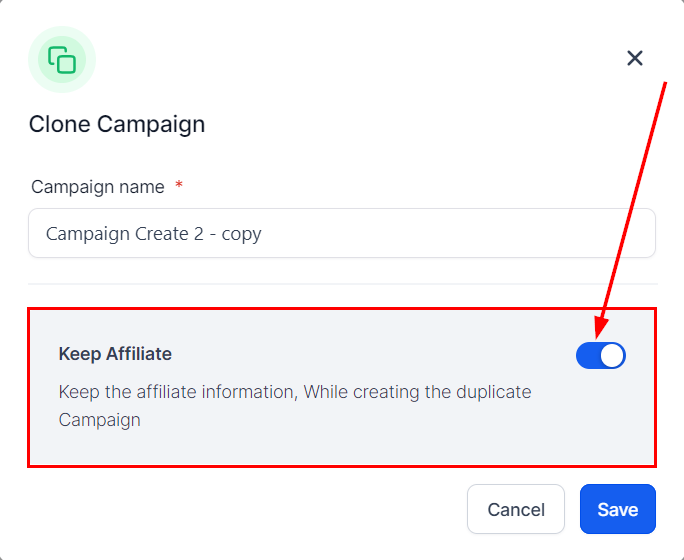
- Choose whether to keep the original campaign’s partners or start fresh.
- Click Save.
The clone is inactive by default, so you can adjust settings before publishing it.