

Lead Tracking in the Affiliate Manager
Use Forms, Surveys, or Calendars as a campaign source to track the leads partners bring in — useful when sales close outside the system, since leads stay linked to the right partner for manual sale assignment.- Create a new affiliate campaign.
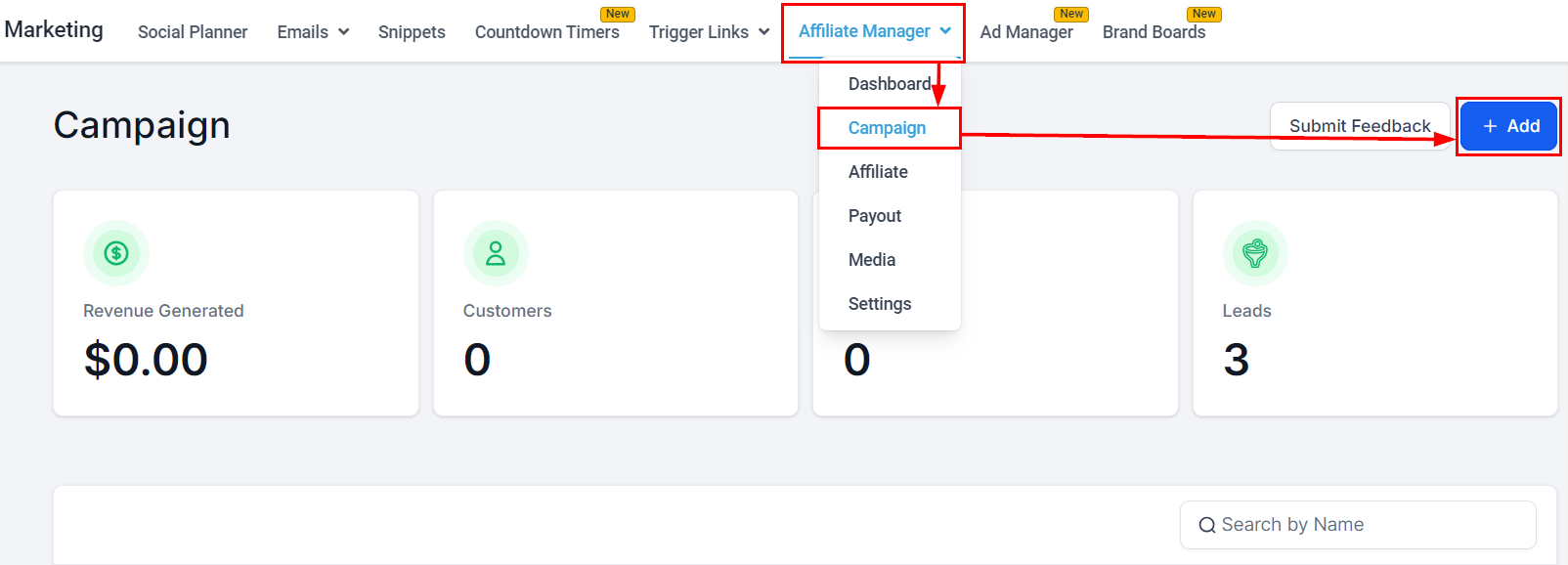
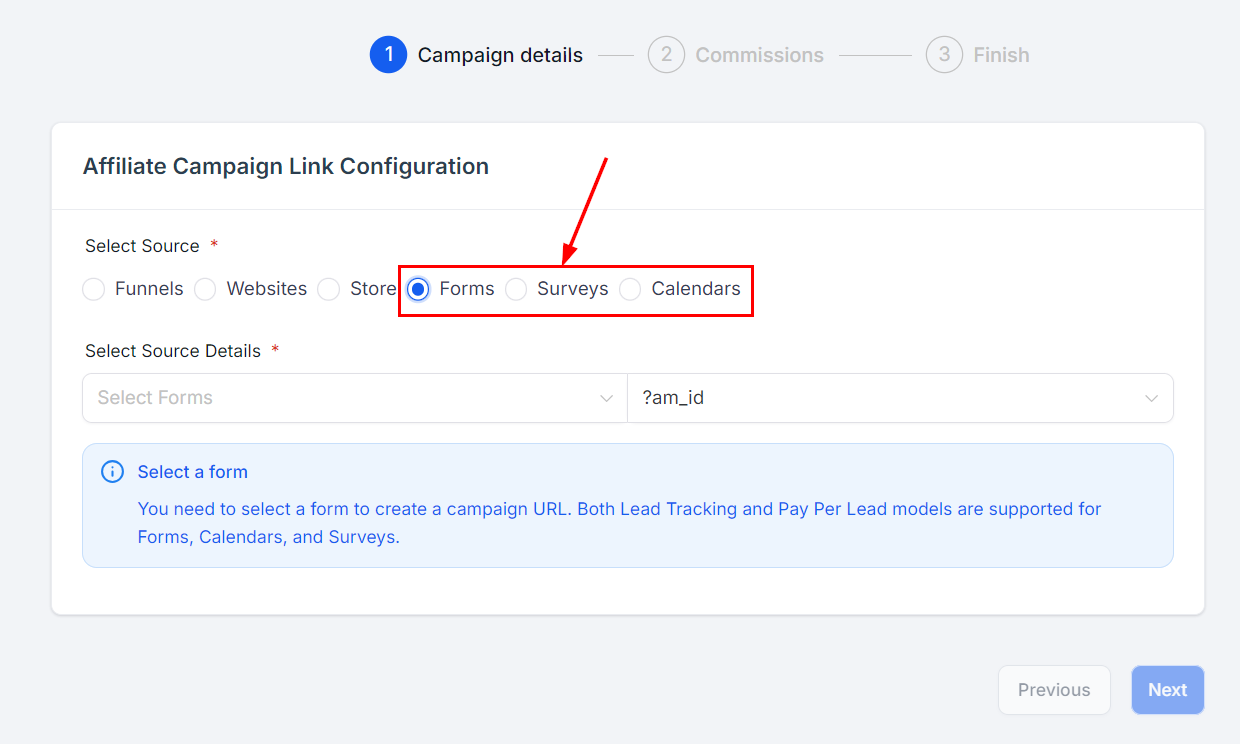
- Select a source from the Forms, Surveys, or Calendars category.
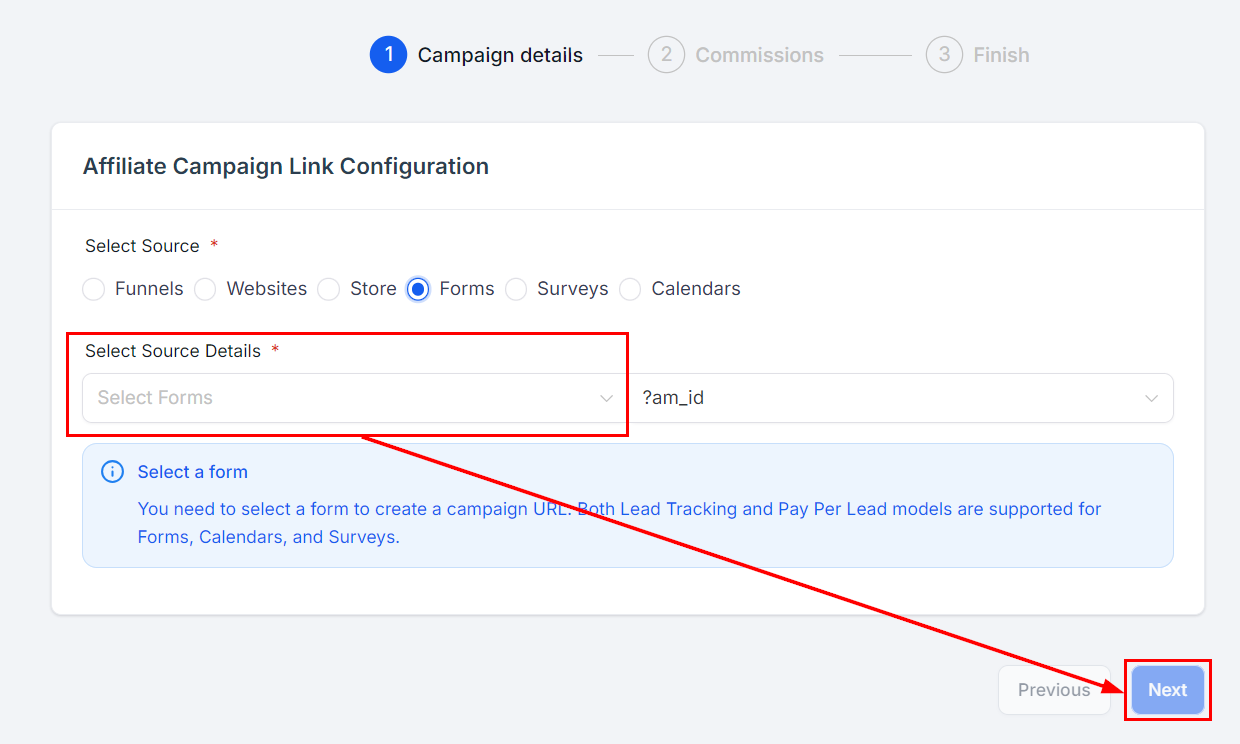
- Pick the specific asset in the Select source details dropdown and click next.
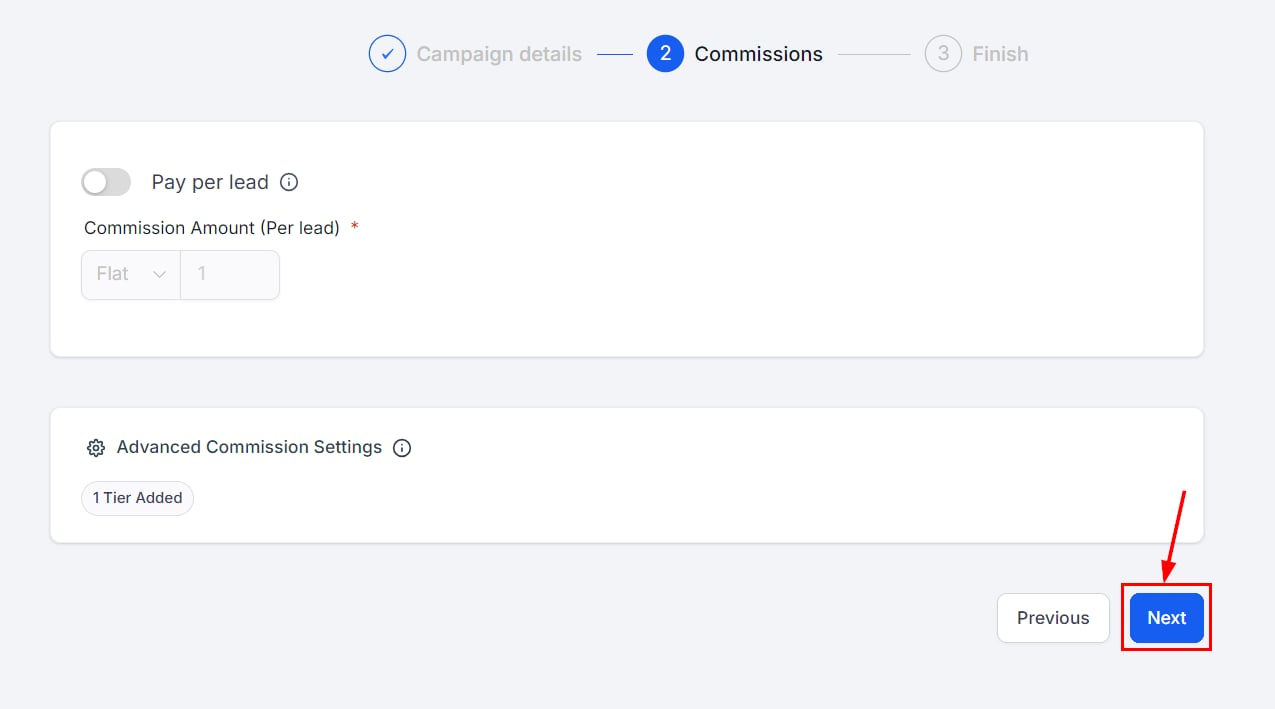
- In Commissions you can set amounts, tiers, and pay-per-lead structures — none of it is required for pure lead tracking. Click Next.
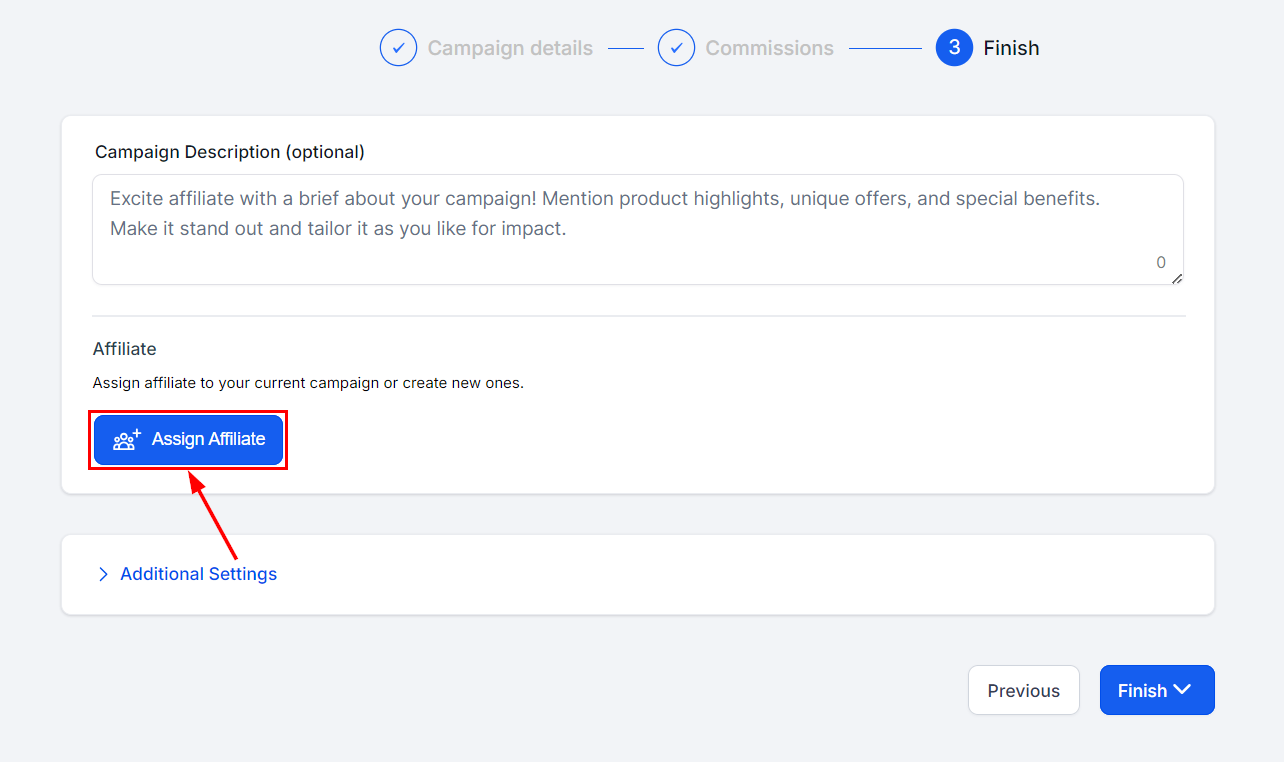
- Add partners (required), plus an optional description and settings, then finish the campaign.
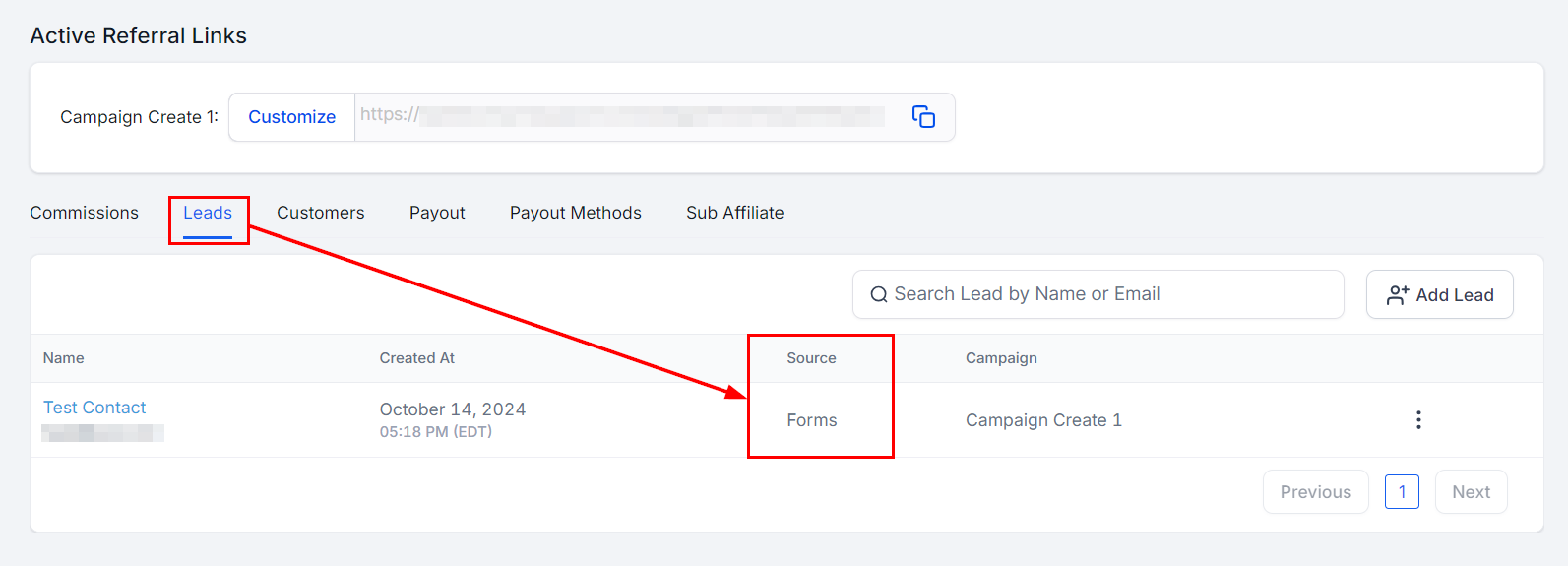
- To see a partner’s leads, open Affiliates, click the partner’s name, and scroll to the Leads section of their highlights.
Custom Embeds are not supported for lead tracking. Forms, surveys, and calendars must be added as components inside a funnel or webpage.