Affiliates Overview
The Affiliates tab lists your partners — labeled affiliates in the CRM — the people who promote your campaigns through referral links and earn commission on the results. Open it from Marketing → Affiliate Manager → Affiliates.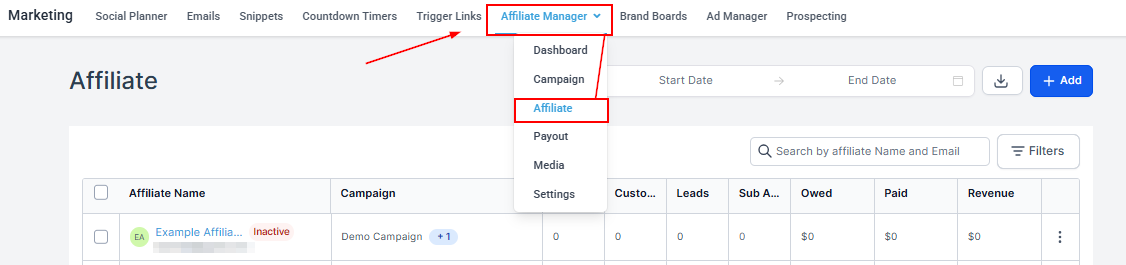
Date Range
Filter partners by join date to review recruitment over a specific period.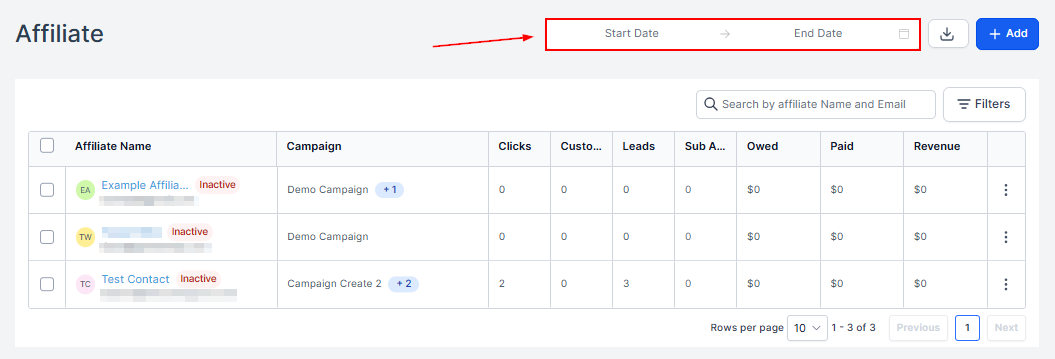
Export
Download your partner list.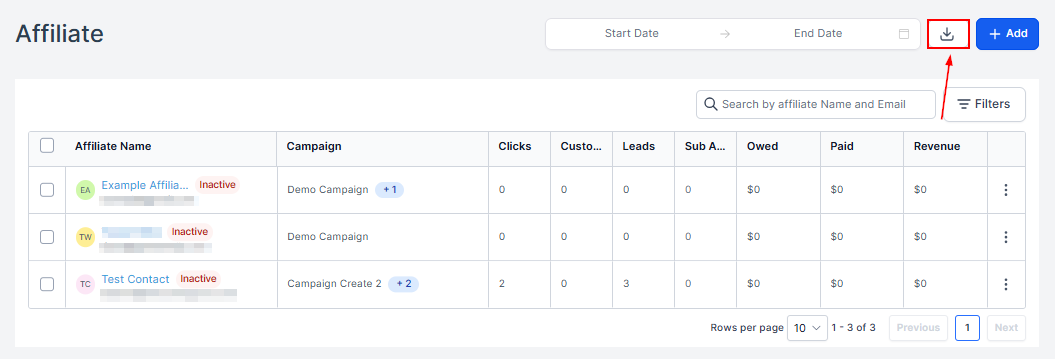
Add
Add new partners individually, in bulk, or from contacts — see Add a partner.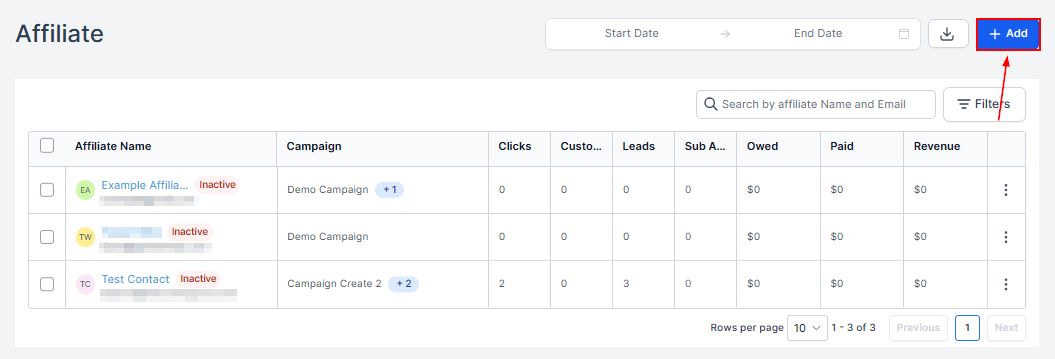
Search
Filter the list by name.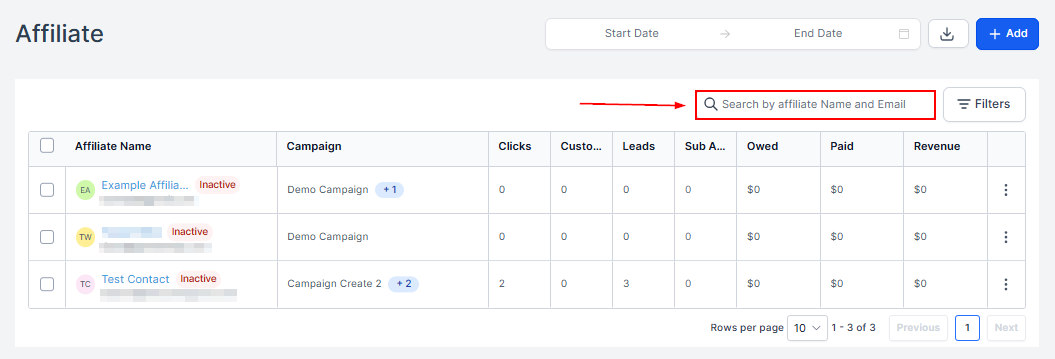
Filters
Show partners by campaign or status. Click Apply after selecting.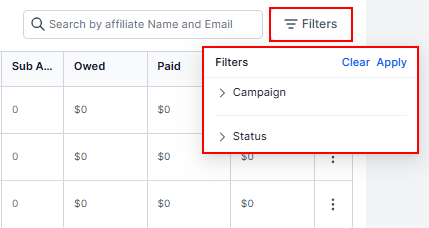
Partner Table
Every partner, manually created or automated, with their name, status, enrolled campaigns, and metrics: customers, leads, sub-affiliates, and revenue generated.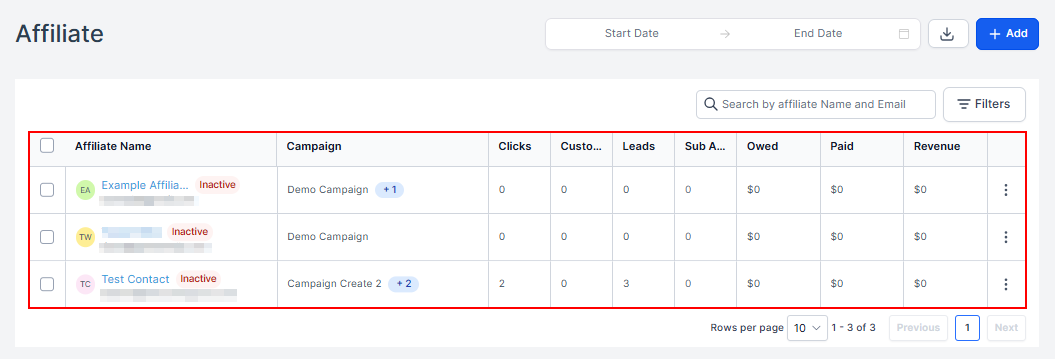
Partner Actions
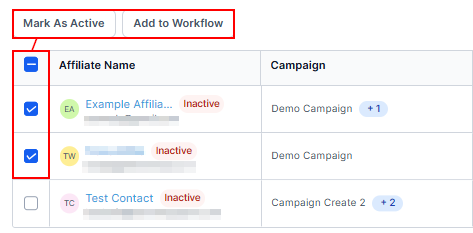
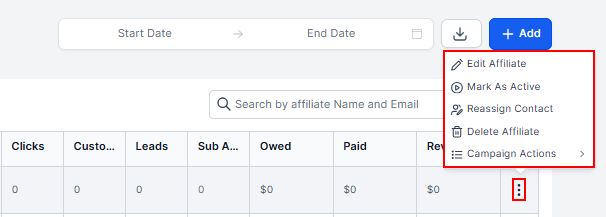
Select partners (or use the header checkbox for all) to mark them inactive or add them to a workflow in bulk.