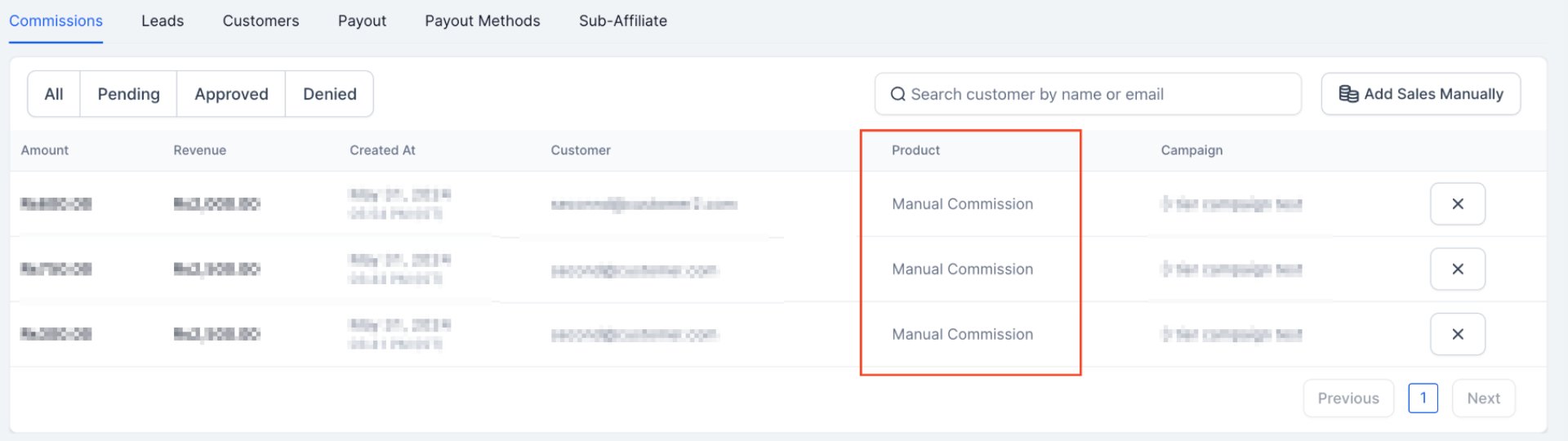
Manually Adding Sales to a Partner
Add a sale to a partner by hand when the referral link wasn’t used — an online sale without partner attribution, or an offline sale you need to record for commission tracking.How to add a manual sale
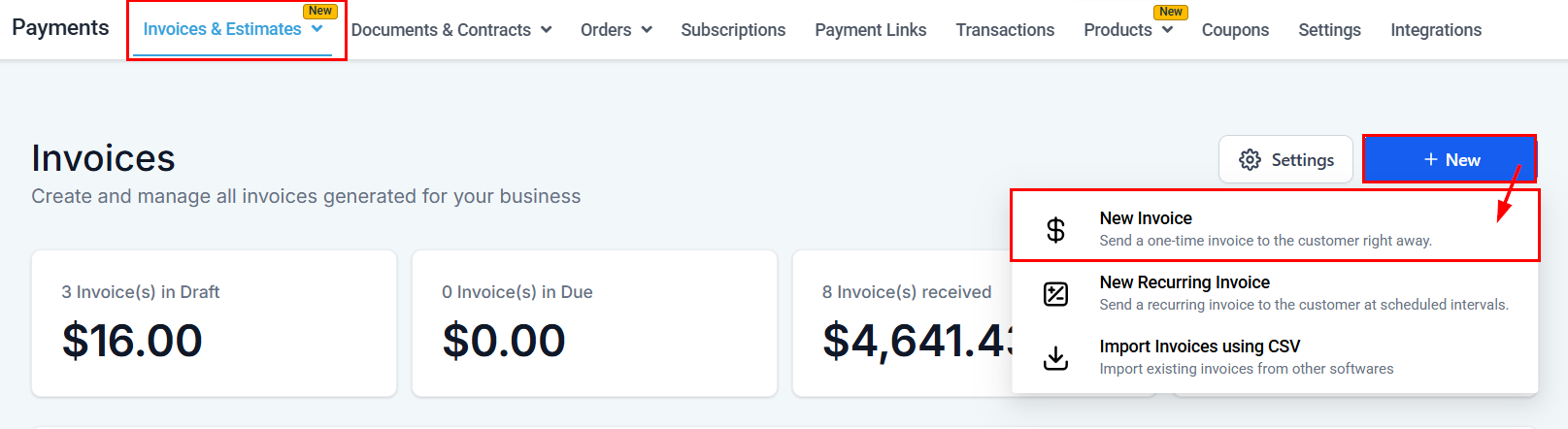
- Find the unattributed sale in the Transactions section. For an offline sale, first create a manual invoice in Invoices & Estimates (enter the client’s name, item description, and amount, and record the payment).
- In the Affiliate Manager, find the partner to credit.
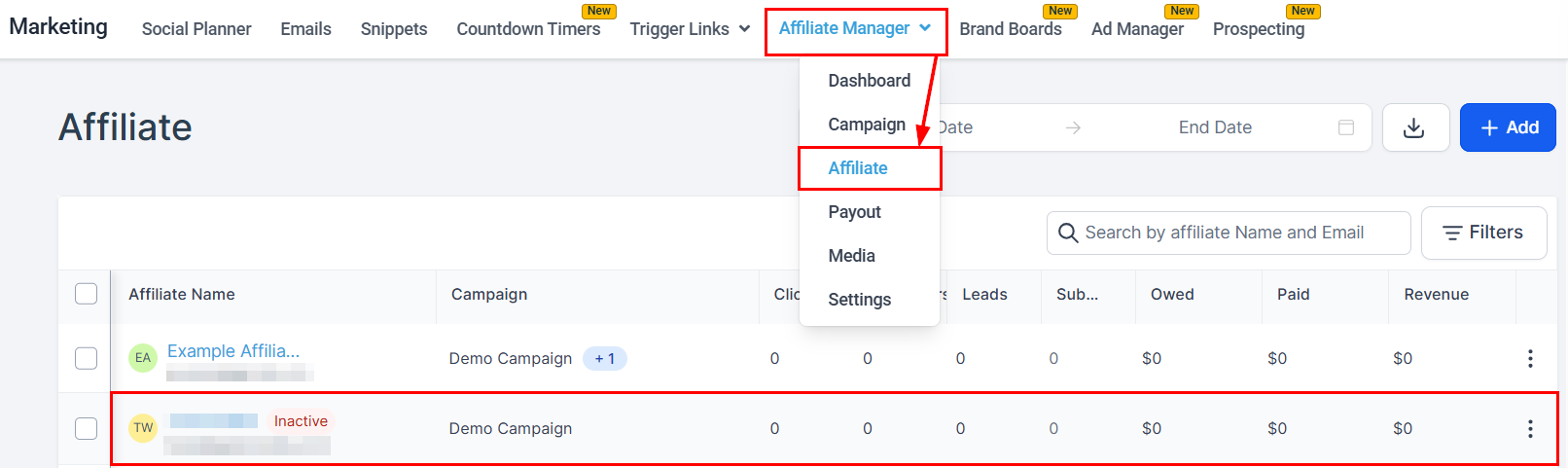
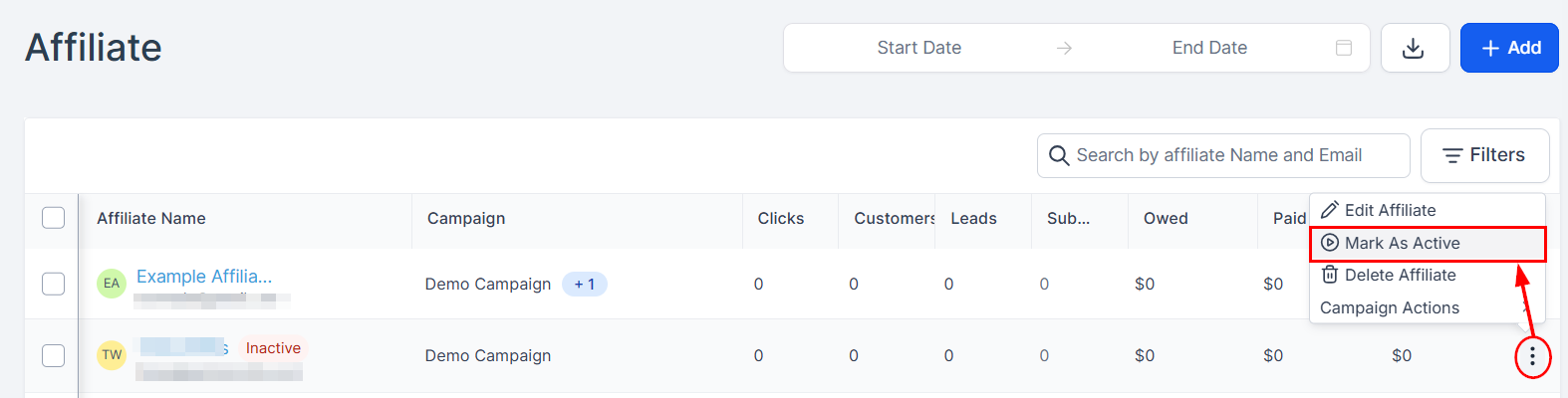
- If the partner is inactive, mark them active from their actions menu.
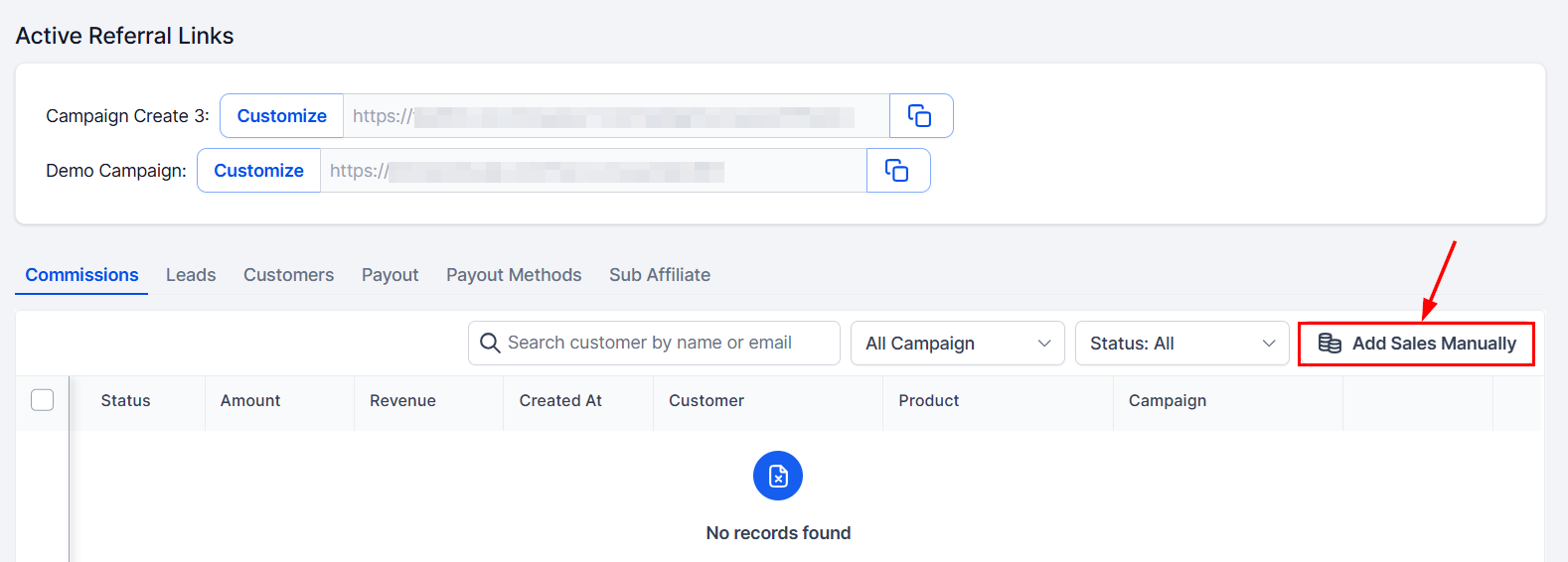
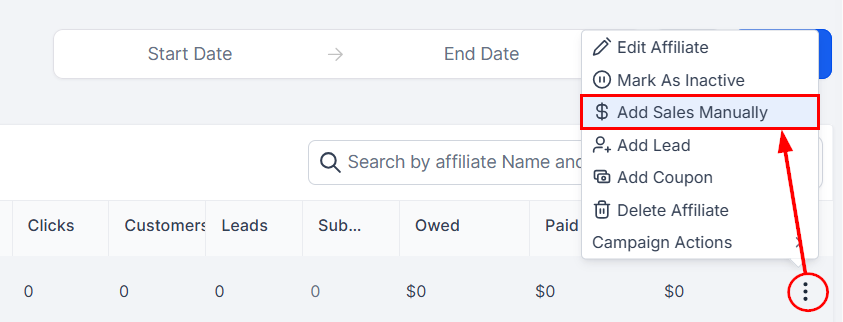
- Click the add manual sales option.
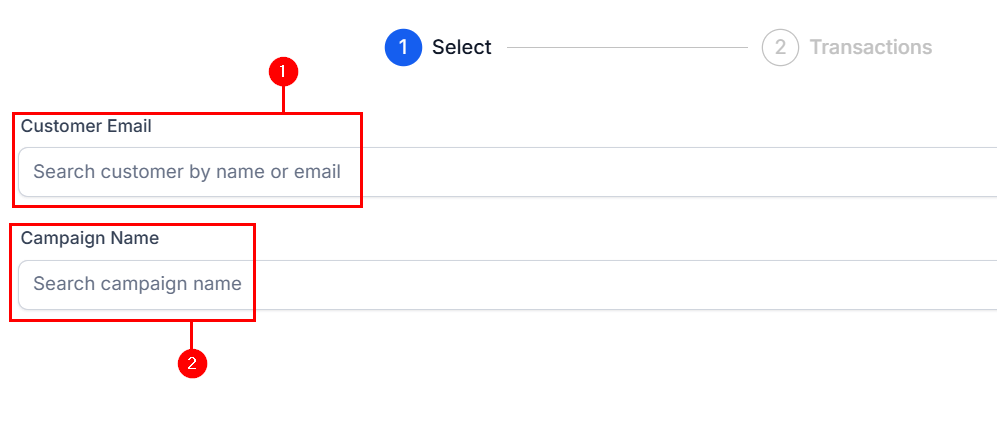
- In the pop-up, select the customer by name or email (1), set the campaign the sale belongs to (2), and click next.
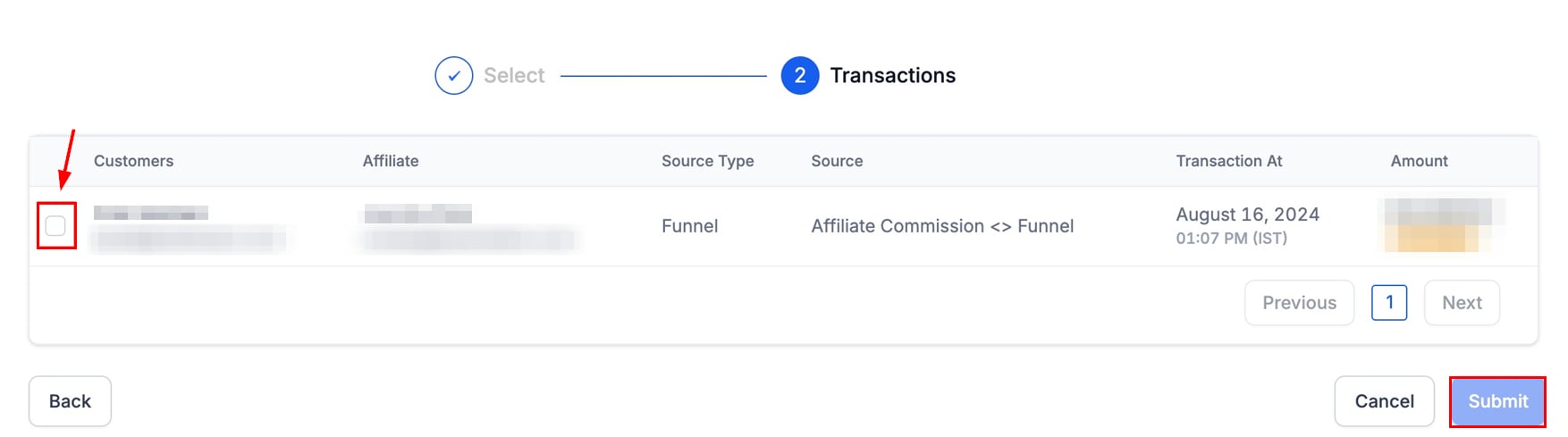
- Choose the transactions to record under the partner. The overview shows when each transaction was made and its source so you can confirm before completing.
Manual sales can also be added from Partner Highlights — click the partner’s name on the main page.